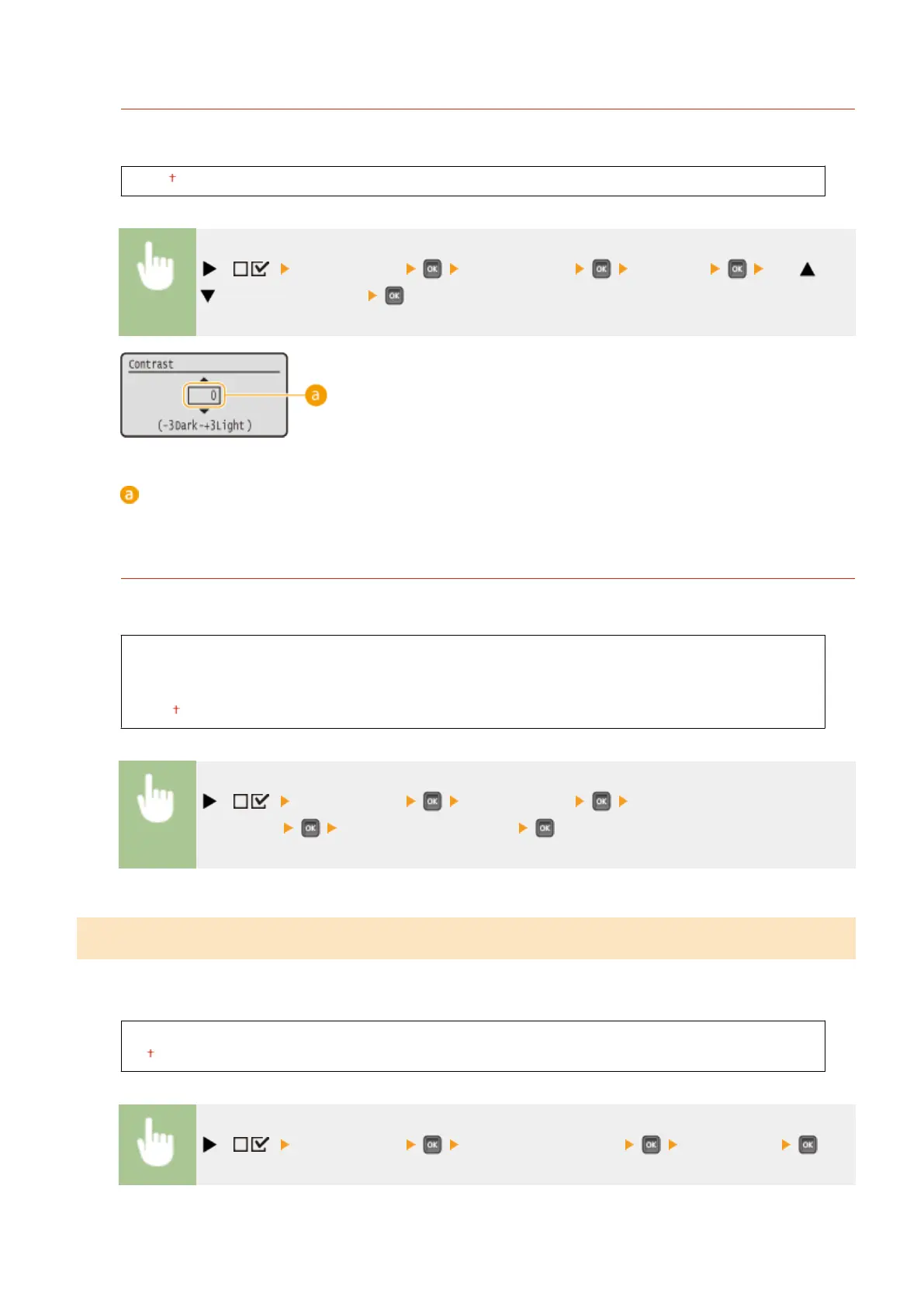
Contrast
Adjust the contrast (difference in brightness between light and dark areas) of the display to suit the installation
location of the machine.
-3 to 0 to +3
( ) <Control Menu> <Adjust Screen> <Contrast> Use /
to adjust the contrast
Adjusting the contrast
Set a "+" value to brighten the screen. Set a "-" value to darken the screen.
Backlight Brightness
Adjust the backlight brightness of the display by selecting from three levels. Select <Off> to disable the
backlight.
Off
Level 1
Level 2
Level 3
( ) <Control Menu> <Adjust Screen> <Backlight
Brightness> Select the brightness level
Animated Instruction
Select whether to show animated instructions on the display when a paper jam occurs or when you replace toner
cartridges or the like.
Off
On
( ) <Control Menu> <Animated Instruction> <Off> or <On>
Setting Menu List
375



 To Next Page