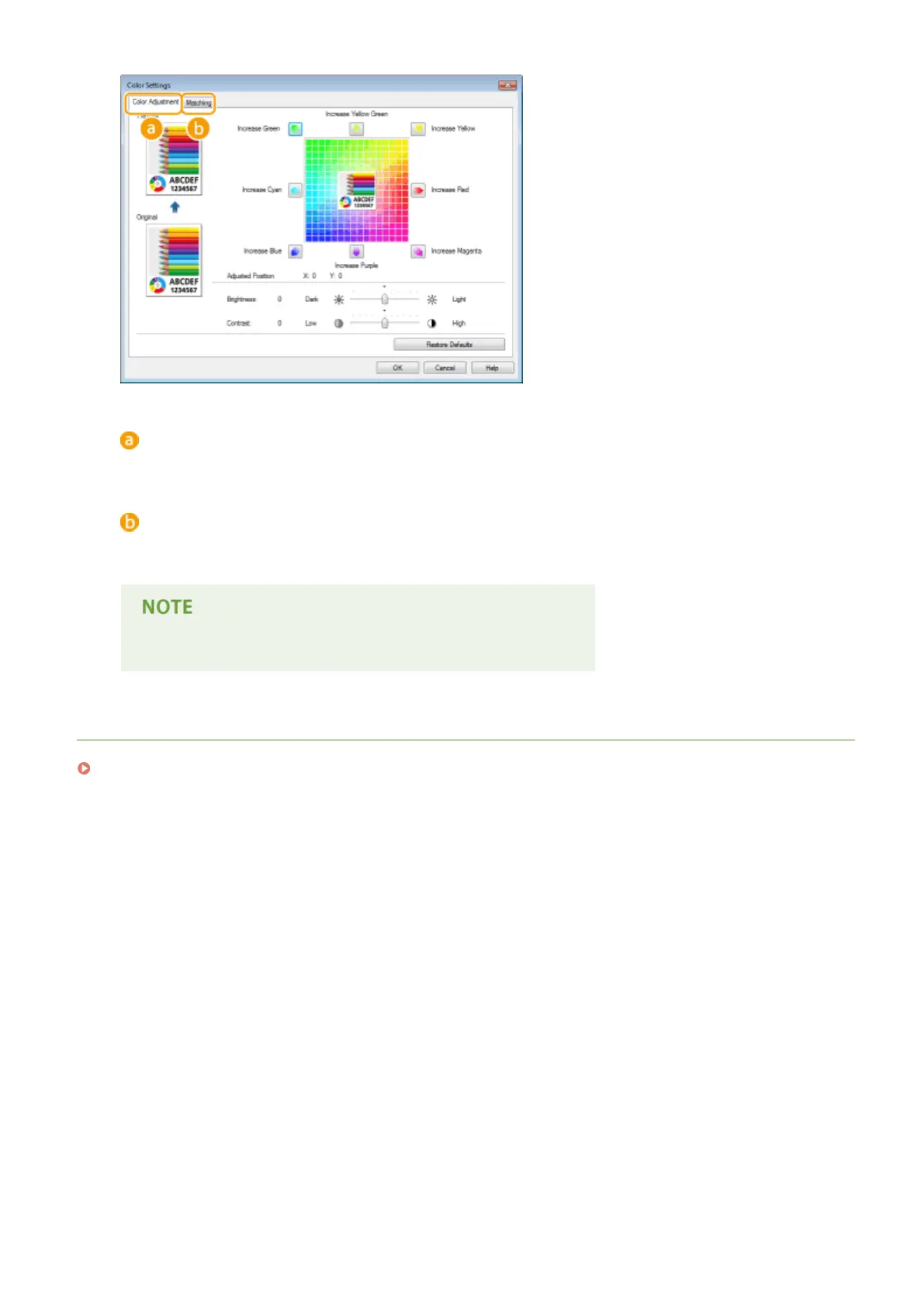
[Color Adjustment]
Adjust the tone, brightness, and contrast.
[Matching]
Specify the color matching settings (for example, you can adjust the settings so that the color tones on your
printouts will match the color tones displayed on your computer screen).
● For more information, click [Help] on the printer driver screen.
LINKS
Basic Printing Operations(P. 73)
Printing a Document
100



 To Next Page