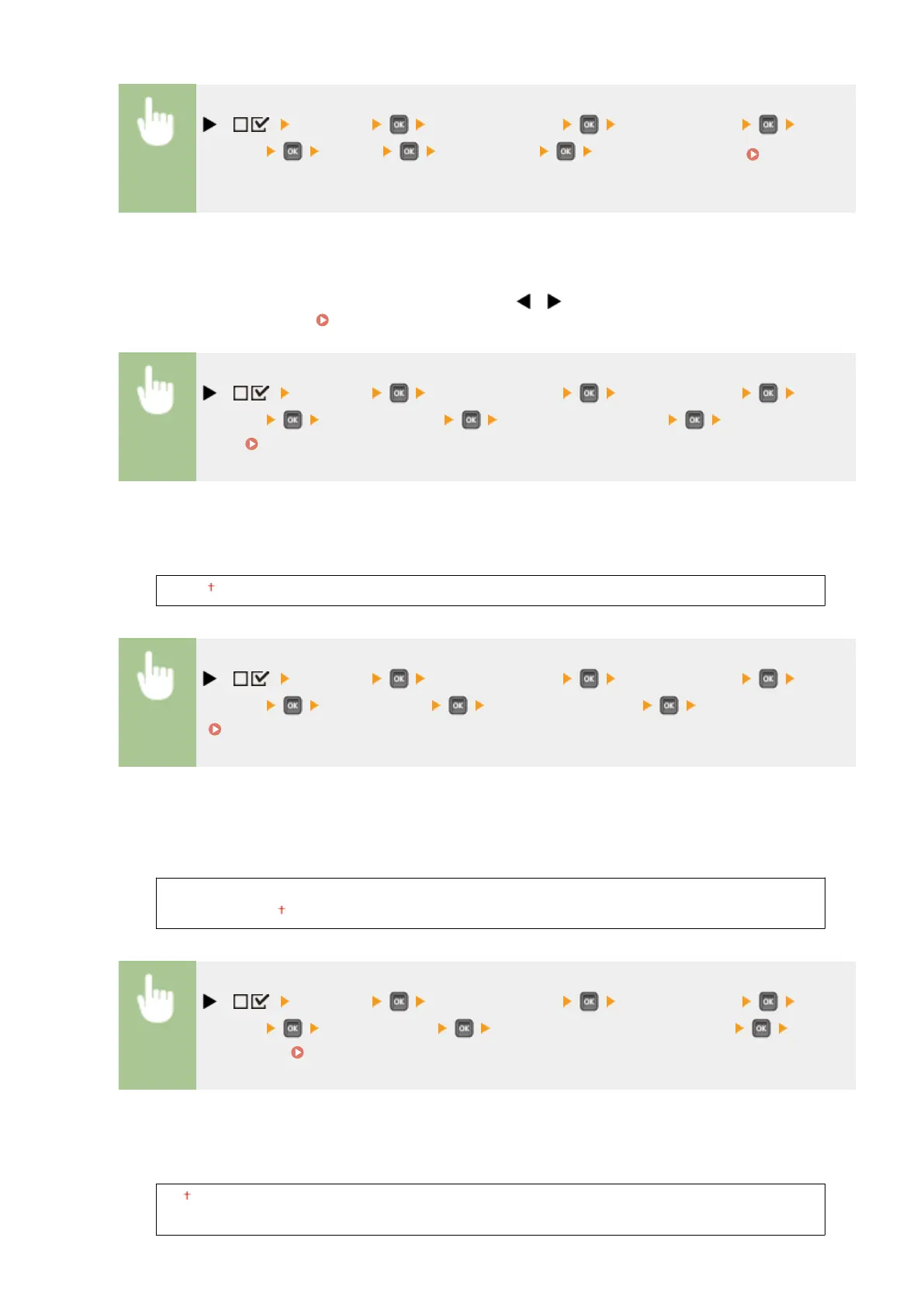
( ) <Network> Check the message <TCP/IP Settings> <Proxy
Settings> <Proxy> <Off> or <On> Perform a hard reset ( Performing a
Hard Reset(P. 498) )
Server Address
*
Set the address of the proxy server to use. Specify the IP address, domain name, and other necessary
information that suit your operational environment. Use / to move the cursor, and use the numeric
keys to enter the address ( Entering Text(P. 32) ).
( ) <Network> Check the message <TCP/IP Settings> <Proxy
Settings> <Server Address> Enter the server address Perform a hard
reset ( Performing a Hard Reset(P. 498) )
Port Number
*
Specify the port number of the proxy server to use.
1 to 80 to 65535
( ) <Network> Check the message <TCP/IP Settings> <Proxy
Settings> <Port Number> Enter the port number Perform a hard reset
( Performing a Hard Reset(P. 498) )
Same Domain
*
Enable or disable the proxy server even for performing HTTP communications with devices in the same
domain.
Use Proxy
Do Not Use Proxy
( ) <Network> Check the message <TCP/IP Settings> <Proxy
Settings> <Same Domain> <Use Proxy> or <Do Not Use Proxy> Perform
a hard reset ( Performing a Hard Reset(P. 498) )
Proxy Authentication
*
Enable or disable the authentication function of the proxy server.
Off
On
Setting Menu List
386



 To Next Page