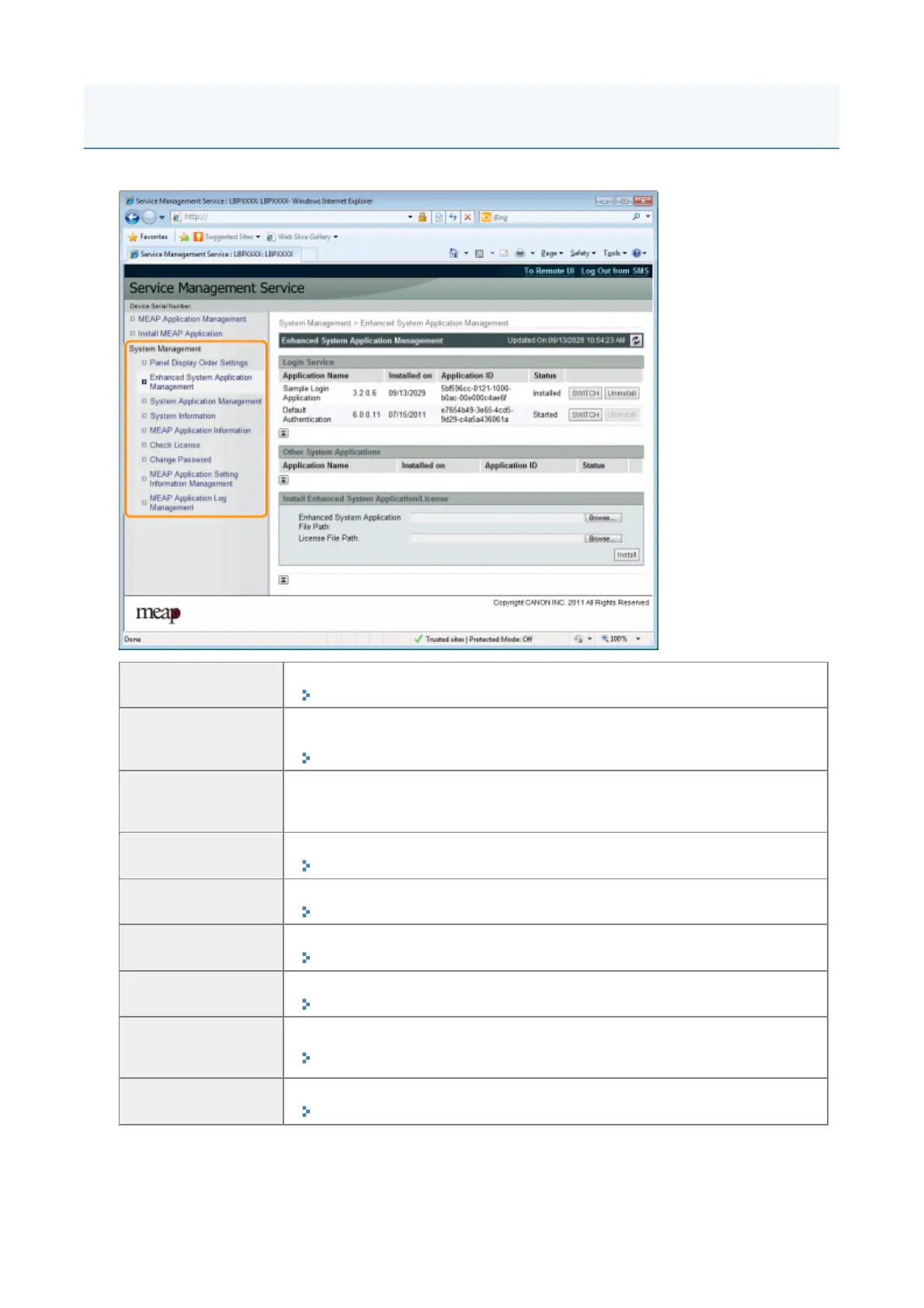
The [System Management] menu contains the following items.
[Panel Display
Order Settings]
It sets the order MEAP applets are displayed on the operation panel.
"Changing the MEAP Applet Display Order"
[Enhanced System
Application
Management]
It displays enhanced system application status and performs settings. You can
also set log in service settings.
"Setting Enhanced System Applications"
[System
Application
Management]
It displays system application status and performs start/stop operations.
[System
Information]
It displays versions and system application information, etc.
"Checking System Information"
[MEAP Application
Information]
It displays the details about MEAP applications.
"Checking Application Information"
[Check License]
It checks the content of the license file before it is installed.
"Checking License Files"
[Change Password]
It changes the SMS log in password.
"Changing the SMS Password"
[MEAP Application
Setting Information
Management]
It deletes the details about MEAP applications.
"Deleting the MEAP Application Setting Information"
[MEAP Application
Log Management]
It downloads and deletes log data obtained by MEAP applications.
"Managing MEAP Application Log Data"
System Settings
1



 To Next Page