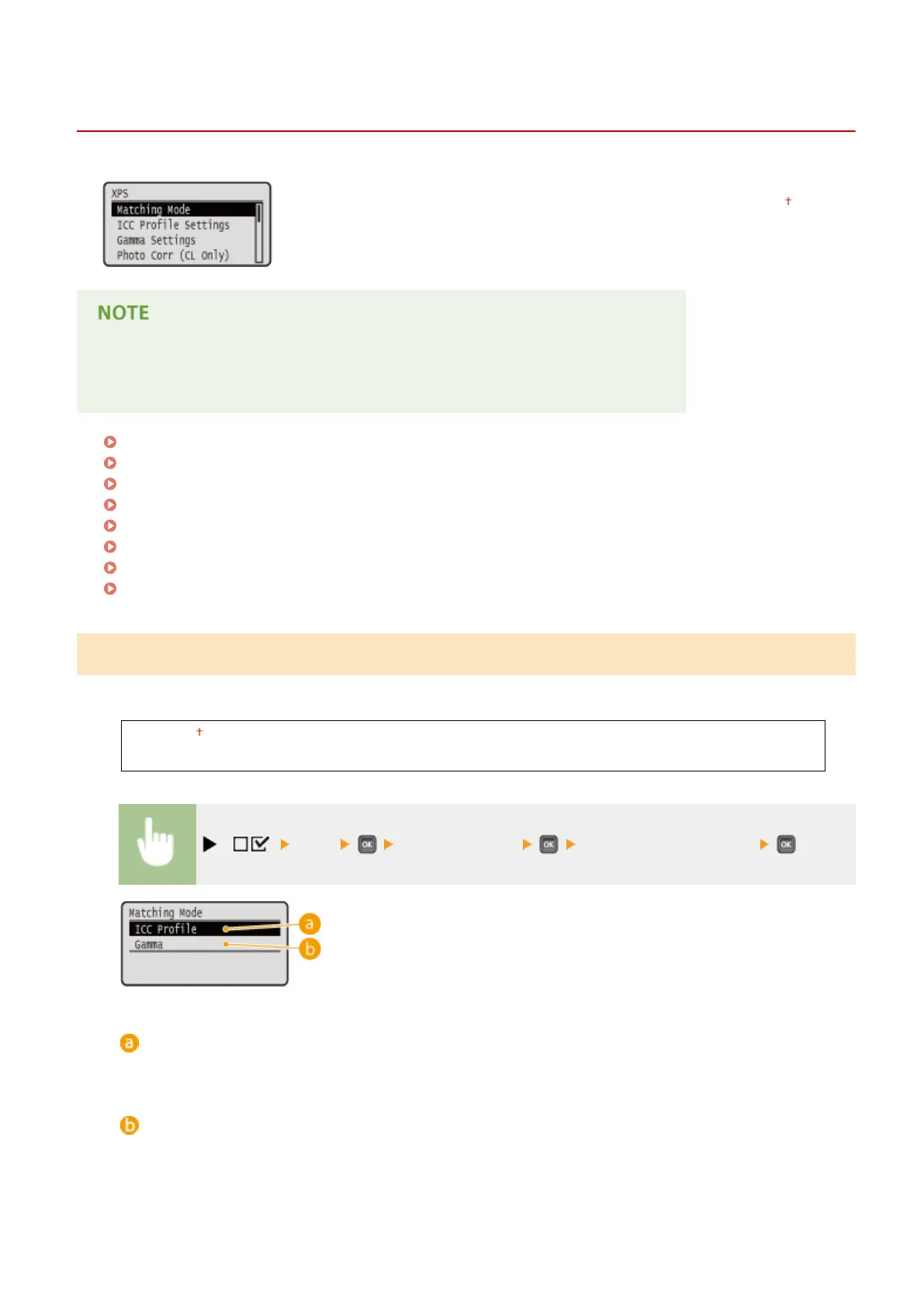
XPS
0YSF-05Y
All the settings about XPS les available for USB Direct Print and Direct Print are
listed with short descriptions. Default settings are marked with a dagger (
).
Asterisks (
*
)
● Settings marked with an asterisk (
*
) are not displayed depending on other settings.
Matching Mode(P. 456)
ICC Prole Settings(P. 457)
Gamma Settings(P. 459)
Photo Corr (CL Only)(P. 460)
Halftones(P. 462)
Gray Compensation(P. 463)
Advanced Smoothing(P. 464)
Grayscale Conversion(P. 465)
Matching Mode
Select the processing mode for color printing.
ICC Prole
Gamma
( ) <XPS> <Matching Mode> <ICC Prole> or <Gamma>
<ICC Prole>
Use a prole for color matching.
<Gamma>
Perform color correction by setting a gamma value for brightness adjustment.
Setting Menu List
456



 To Next Page