Perceptual
Saturation
Colorimetric
Graphics
Perceptual
Saturation
Colorimetric
Image
Perceptual
Saturation
Colorimetric
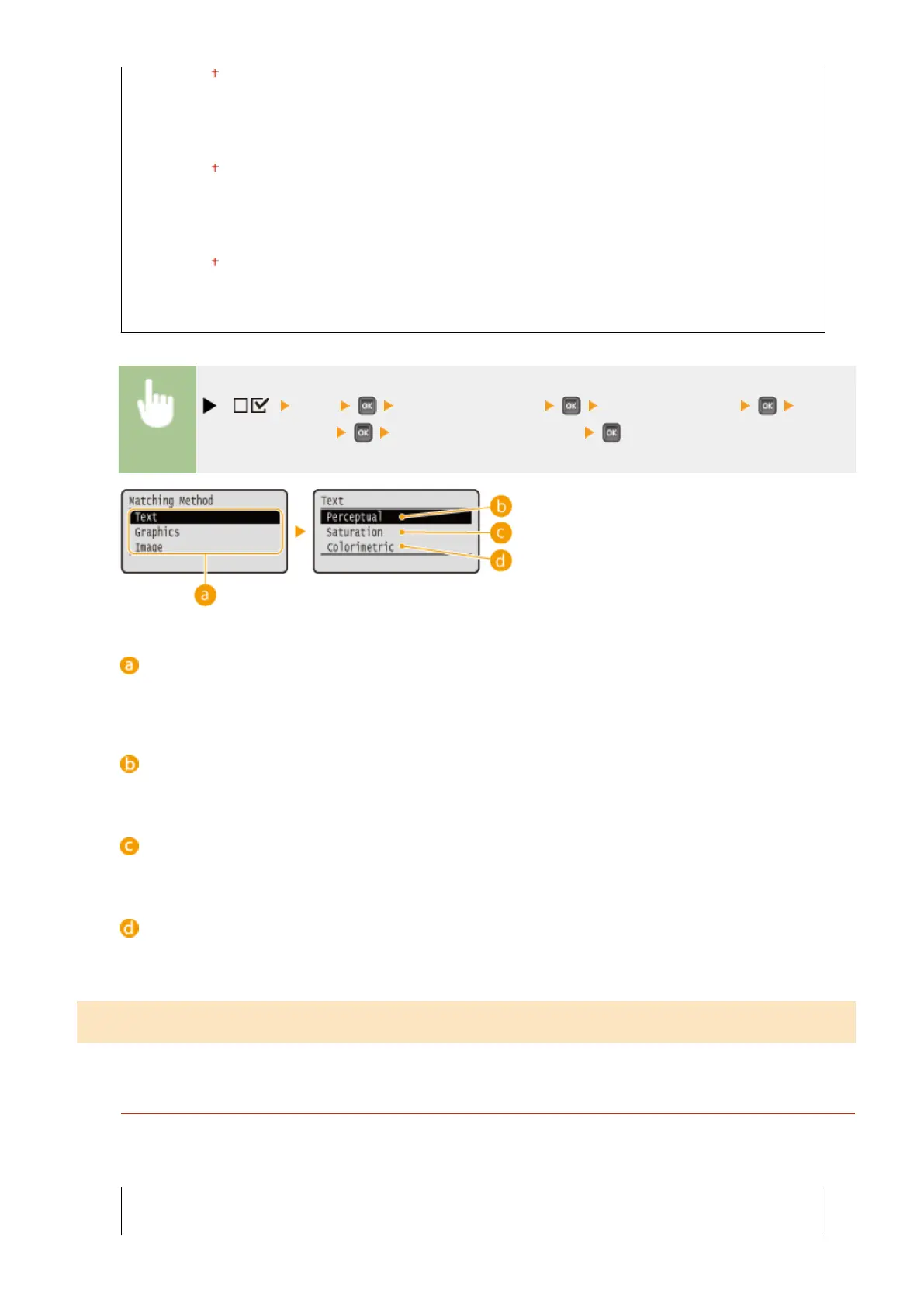
( ) <XPS> <ICC Prole Settings> <Matching Method> Select
the image data type Select the matching method
Image data type
Select the image data type for which the settings are changed. Select <Text> for characters, <Graphics> for
lines and gures, or <Image> for images such as photos.
<Perceptual>
Matching is performed with priority given to perceptual.
<Saturation>
Matching is performed with priority given to saturation.
<Colorimetric>
Matching is performed so that the RGB color values are reproduced as accurately as possible.
Gamma Settings
Set whether to perform color correction by setting a gamma value for brightness adjustment.
Gamma Correction
Brightness adjustment can be performed so that the brightness of the brightest and darkest parts of the
original is not effected in the print result. You can set this item for each of the types of image contained in one
document.
Text
1.0
Setting Menu List
459



 To Next Page