1.4
1.8
2.2
Graphics
1.0
1.4
1.8
2.2
Image
1.0
1.4
1.8
2.2
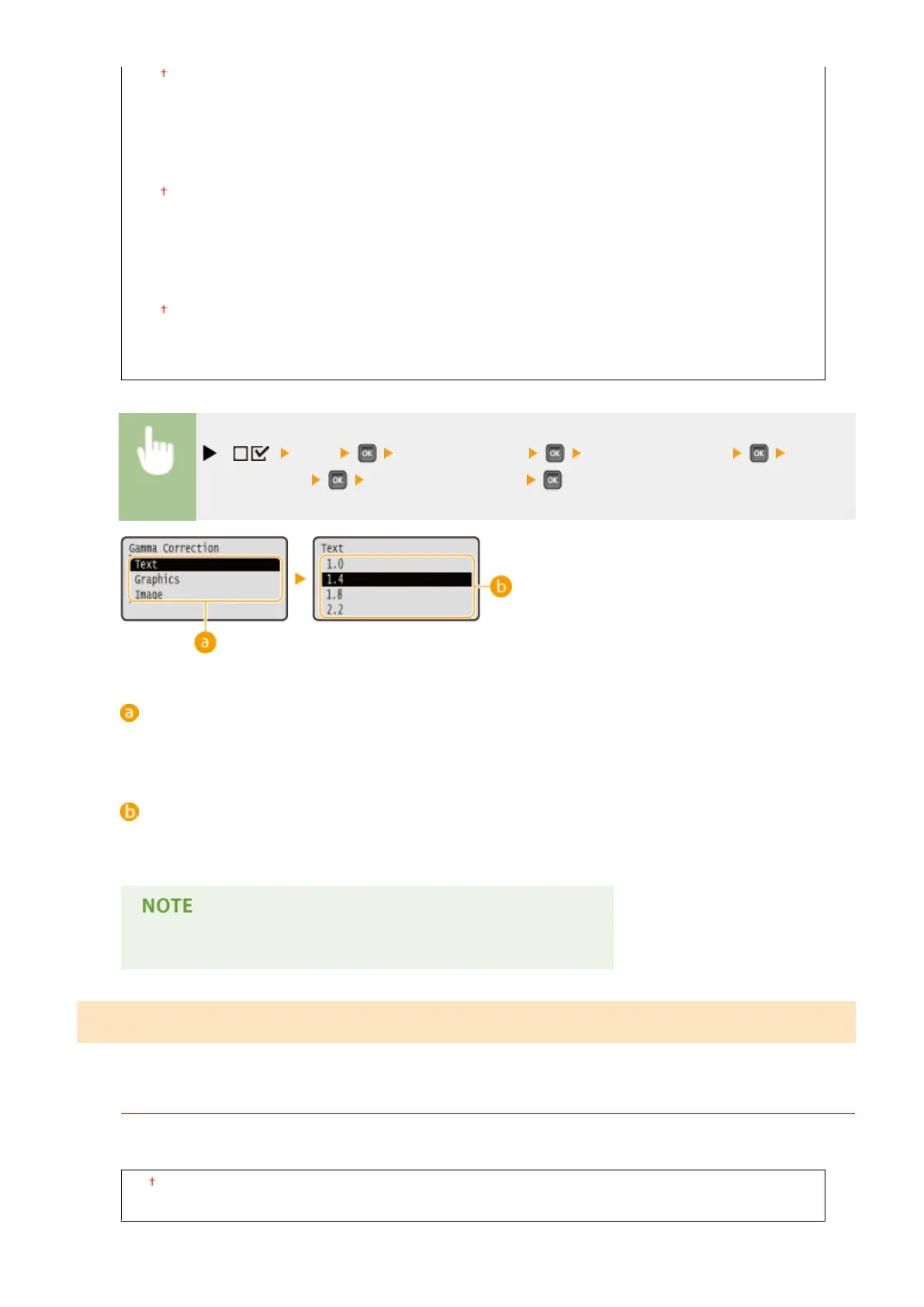
( ) <XPS> <Gamma Settings> <Gamma Correction> Select the
image data type Select the setting value
Image data type
Select the image data type for which the settings are changed. Select <Text> for characters, <Graphics> for
lines and gures, or <Image> for images such as photos.
<1.0> to <2.2>
Set this item when you want to adjust the brightness of printouts. <1.4> is the standard setting (no
correction), and the larger the setting value, the darker the print will be.
● This item is available when <Matching Mode> is set to <Gamma>.
Photo Corr (CL Only)
Make settings for correction functions for photos or other similar image data.
Photo Optimizer PRO
Set whether to perform printing by automatically correcting image contrast, color balance, saturation, and
gradation.
Off
On
Setting Menu List
460



 To Next Page