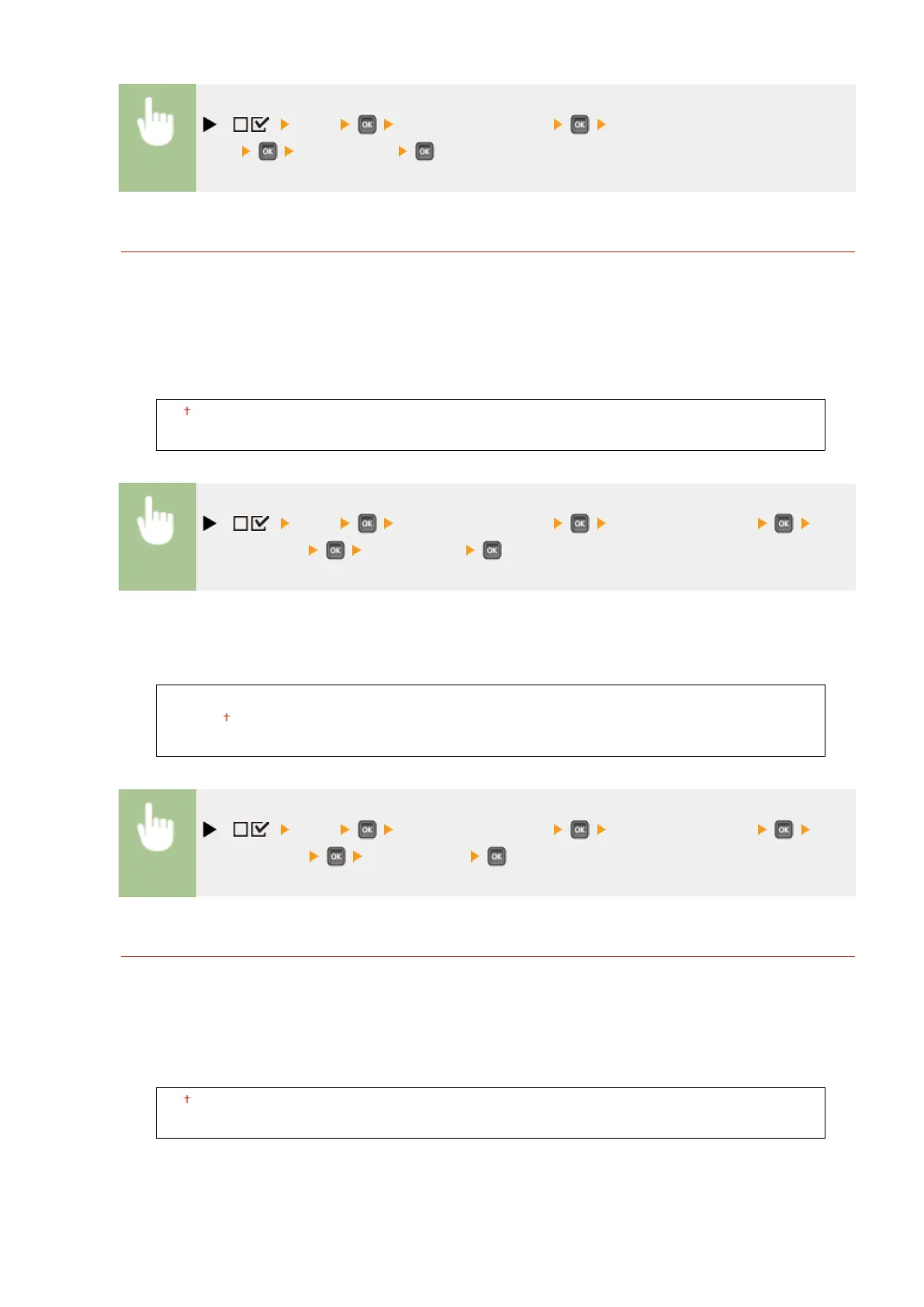
( ) <XPS> <Photo Corr (CL Only)> <Photo Optimizer
PRO> <Off> or <On>
Red-Eye Correction
"Red-eye" is a phenomenon that causes the eyes of human subjects of ash/strobe photography to appear
unnaturally reddish in color. Set whether to automatically detect red-eye in the image and correct the portions
in question so that they appear in natural color. You can select the level of correction strength from among
three.
Red-Eye Correction
Set whether to perform red-eye correction.
Off
On
( ) <XPS> <Photo Corr (CL Only)> <Red-Eye Correction> <Red-
Eye Correction> <Off> or <On>
Red-Eye Corr. Level
*
Specify the level of correction strength when <Red-Eye Correction> is set to <On>.
Weak
Standard
Strong
( ) <XPS> <Photo Corr (CL Only)> <Red-Eye Correction> <Red-
Eye Corr. Level> Select the level
Face Brightener
For a photograph image in which the faces of human subjects are unnaturally dark due to backlight or
underexposure, set whether to print the image by correcting its entire brightness so that the subjects' faces
become naturally bright. You can select the level of correction strength from among three.
Face Brightener
Set whether to make a correction to brighten the subjects' faces.
Off
On
Setting Menu List
461



 To Next Page