Improving Eciency
0YSF-07J
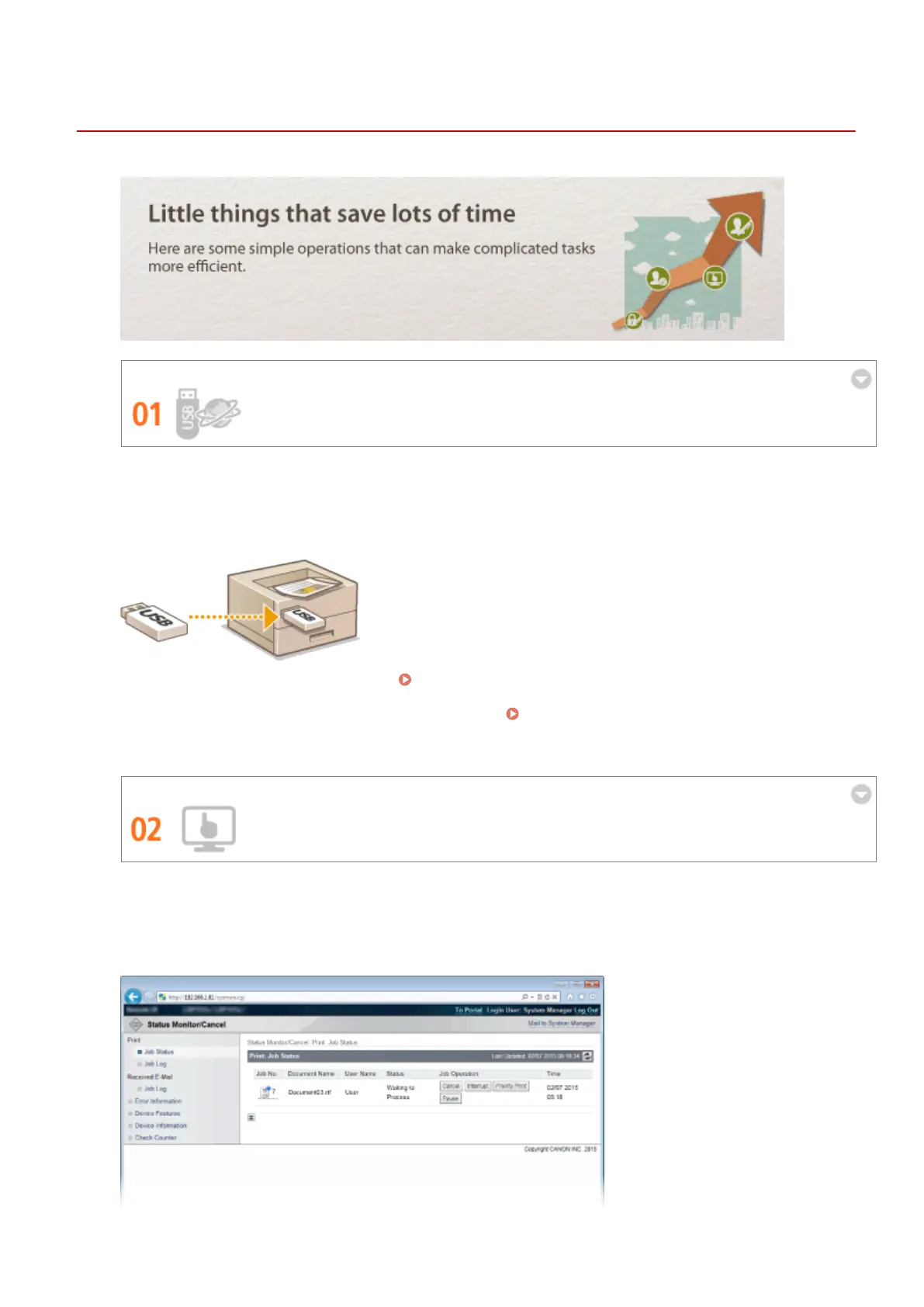
Print without Application Programs
You can send PDF/PS/EPS/JPEG/TIFF/XPS data from the Remote UI directly to the machine for printing. You can
also print without a computer by connecting a USB memory device to the machine. There is no need to open
les, so you do not need to start an application program. This is very convenient when you are in a hurry and do
not have access to a computer.
To print data directly from the Remote UI: Printing without Opening a File (Direct Print)(P. 145)
To print data directly from USB Memory (USB Direct Print):
Printing from USB Memory (USB Direct Print)
(P. 118)
Remote Management with Remote UI
The Remote UI allows you to manage the machine remotely from the computer at your desk. You can check the
remaining amounts of paper and toner cartridge, and check the current status of print jobs to decide if you
should temporarily interrupt print jobs to print urgent documents or move documents up among the jobs
waiting to be printed. Save time and trouble by eliminating trips between your desk and the printer.
Appendix
609



 To Next Page