For more information about this function, see Using Remote UI(P. 335) .
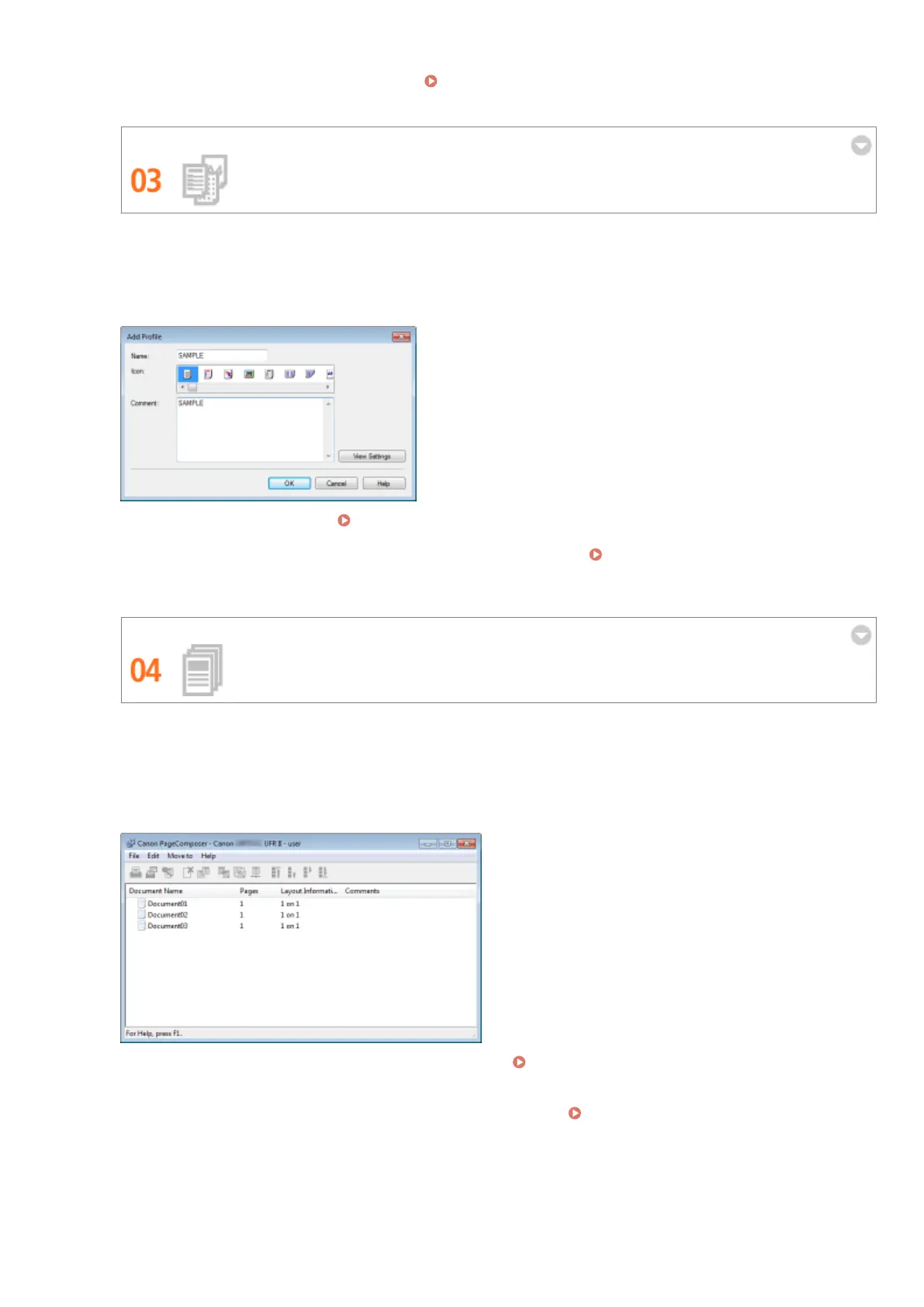
Register Favorite Settings and Call Them Up at Any Time
Everyone in the oce uses the printer. If you register the most popular settings as the default settings, you can
use them right away. You can also register frequently used combinations of print settings as "proles." Then
you can call up your favorite settings in a single operation, by selecting a prole instead of selecting each
setting every time you print.
To change default print settings: Changing Default Settings(P. 114)
To register combinations of frequently used print settings as "proles": Registering Combinations of
Frequently Used Print Settings(P. 112)
Save Time with Shortcuts
When you have a number of documents to print, it would be convenient to print them all with one operation.
Canon PageComposer allows you to combine multiple documents and print them all at once. You can also save
frequently printed documents like fax cover sheets in the machine's SD card, and then print them directly from
the operation panel. You don't need to return to your computer and start the printer driver. These shortcuts
save time and allow you to work more eciently.
To combine multiple documents and print them all at once: Combining and Printing Multiple
Documents(P. 107)
To print a document saved on the SD card installed on the machine: Printing a Document Stored in the
Machine (Stored Job Print)(P. 136)
Appendix
610



 To Next Page