Loading Preprinted Paper
0YSF-011
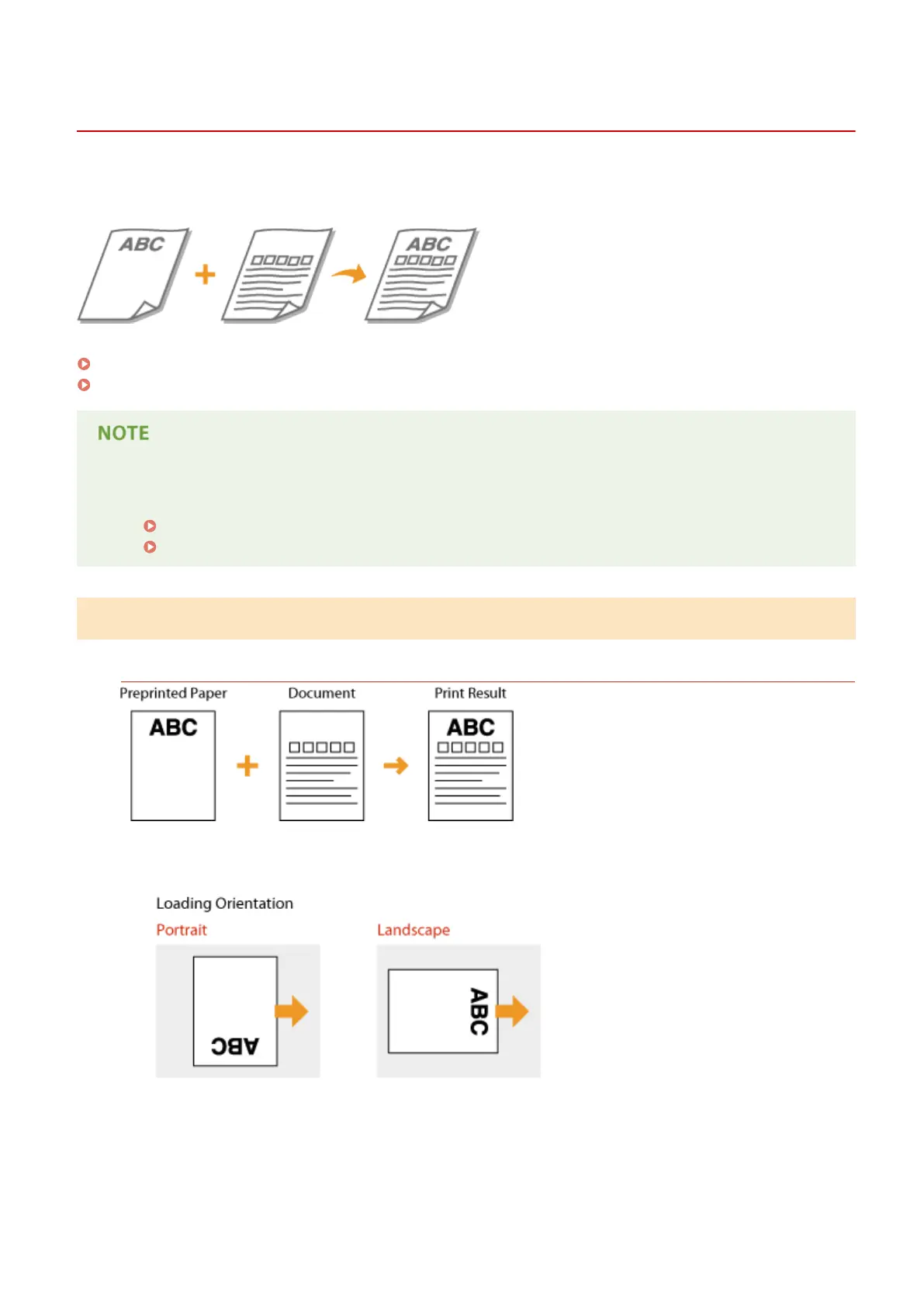
When you use paper that has been preprinted with a logo, pay attention to the orientation of the paper when loading.
Load the paper properly so that printing is performed on the correct side of the paper with a logo.
Making 1-Sided Printouts on Paper with Logos(P. 53)
Making 2-Sided Printouts on Paper with Logos(P. 54)
● This section mainly describes how to load preprinted paper with the proper facing and orientation. For the
general procedure for loading paper in the paper drawer or multi-purpose tray, see the following.
Loading Paper in the Paper Drawer(P. 40)
Loading Paper in the Multi-Purpose Tray(P. 46)
Making 1-Sided Printouts on Paper with Logos
Printing on Paper with Logos in Portrait Orientation
When loading paper in the paper drawer
Load the paper with the logo side (the side to print the document) face up.
When loading paper in the multi-purpose tray
Load the paper with the logo side (the side to print the document) face down.
Basic Operations
53



 To Next Page