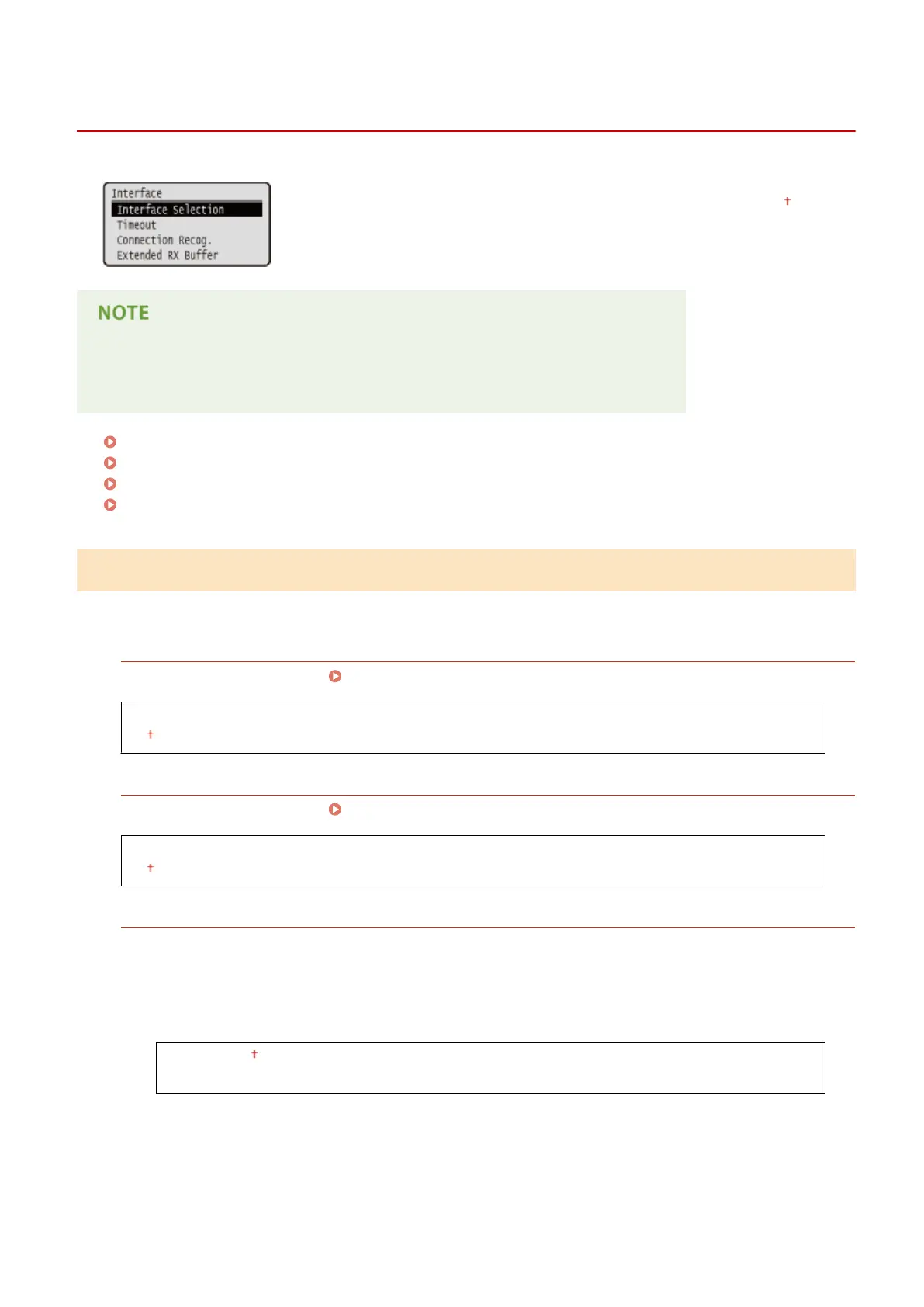
Interface
0YSF-05K
All the settings about interfaces for communications with a computer and USB are
listed with short descriptions. Default settings are marked with a dagger (
).
Asterisks (
*
)
● Settings marked with an asterisk (
*
) are not displayed depending on other settings.
Interface Selection(P. 417)
Timeout(P. 418)
Connection Recog.(P. 419)
Extended RX Buffer(P. 419)
Interface Selection
Select the interface used for the machine.
USB
Enable or disable the USB port. Restricting the USB Connection with a Computer(P. 285)
Off
On
Network
Enable or disable the LAN port. Disabling the LAN Port(P. 293)
Off
On
USB Adv. Functions
Specify settings for selecting a function to use a USB device or selecting a device driver to use.
Adv. Func. Settings
Select which of MEAP applications and USB over NW to be given priority when a USB device is connected to
the machine.
Meap Priority
USB Over NW Priority
Setting Menu List
417



 To Next Page