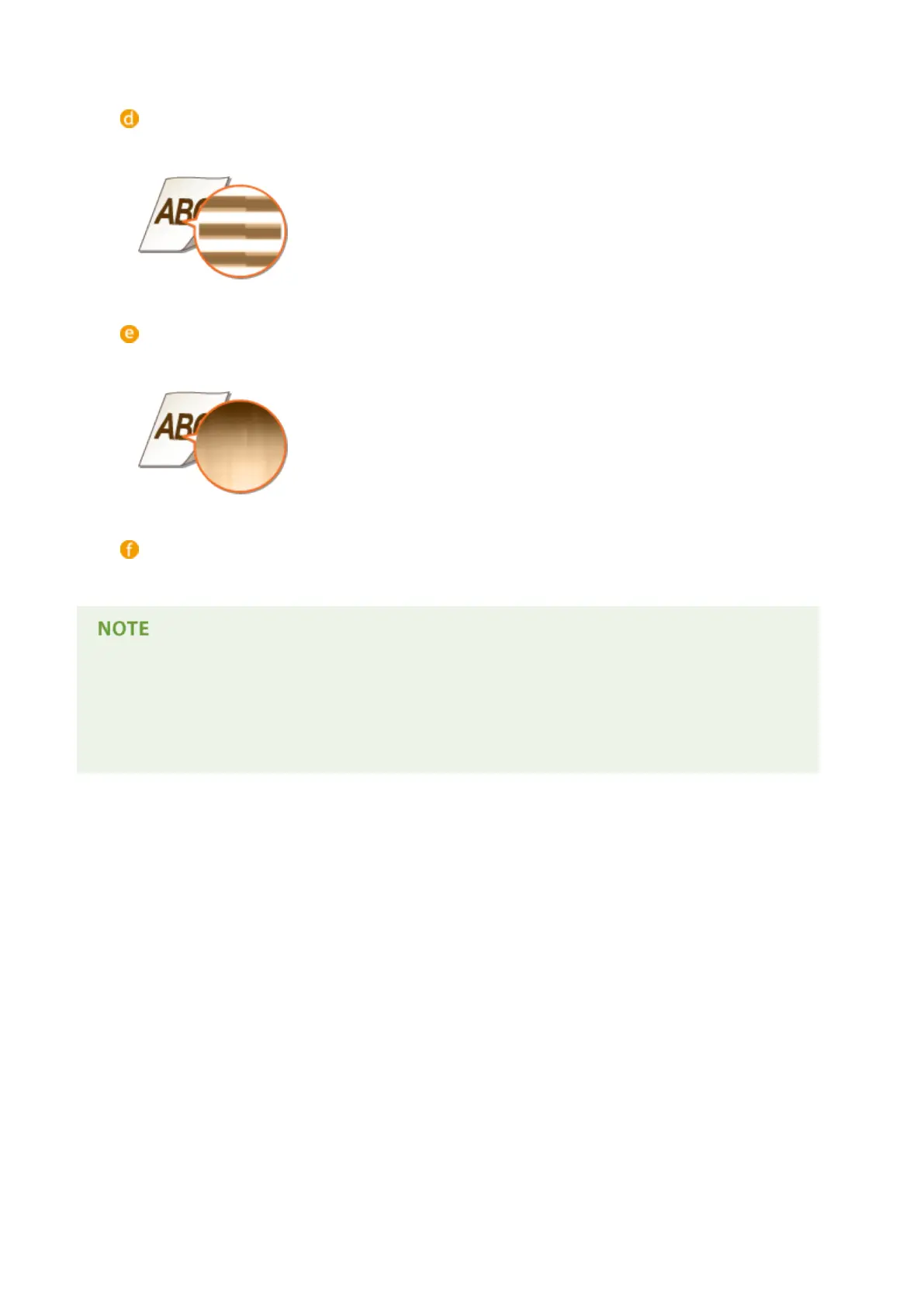
<Mode 4>
Specify this setting when the perimeter of low density gures, characters, or lines cannot be printed with a
smooth nish.
<Mode 5>
Specify this setting when stripes appear on images such as photos, gures, gradations, or shaded patterns,
resulting in uneven printouts.
<Mode 6>
Specify this setting if printing is not smooth as a whole.
● When <Mode 2> or <Mode 4> is specied, areas of low density may be unevenly colored.
● When <Mode 3> is specied, areas of thin density or shaded patterns may be unevenly colored.
● When <Mode 5> is specied, the perimeter of characters, lines, or gures may not be printed smoothly.
● When <Mode 6> is specied, color unevenness may appear.
Setting Menu List
416



 To Next Page