( ) <Print Quality> <Sp. Smoothing Mode> Select the mode
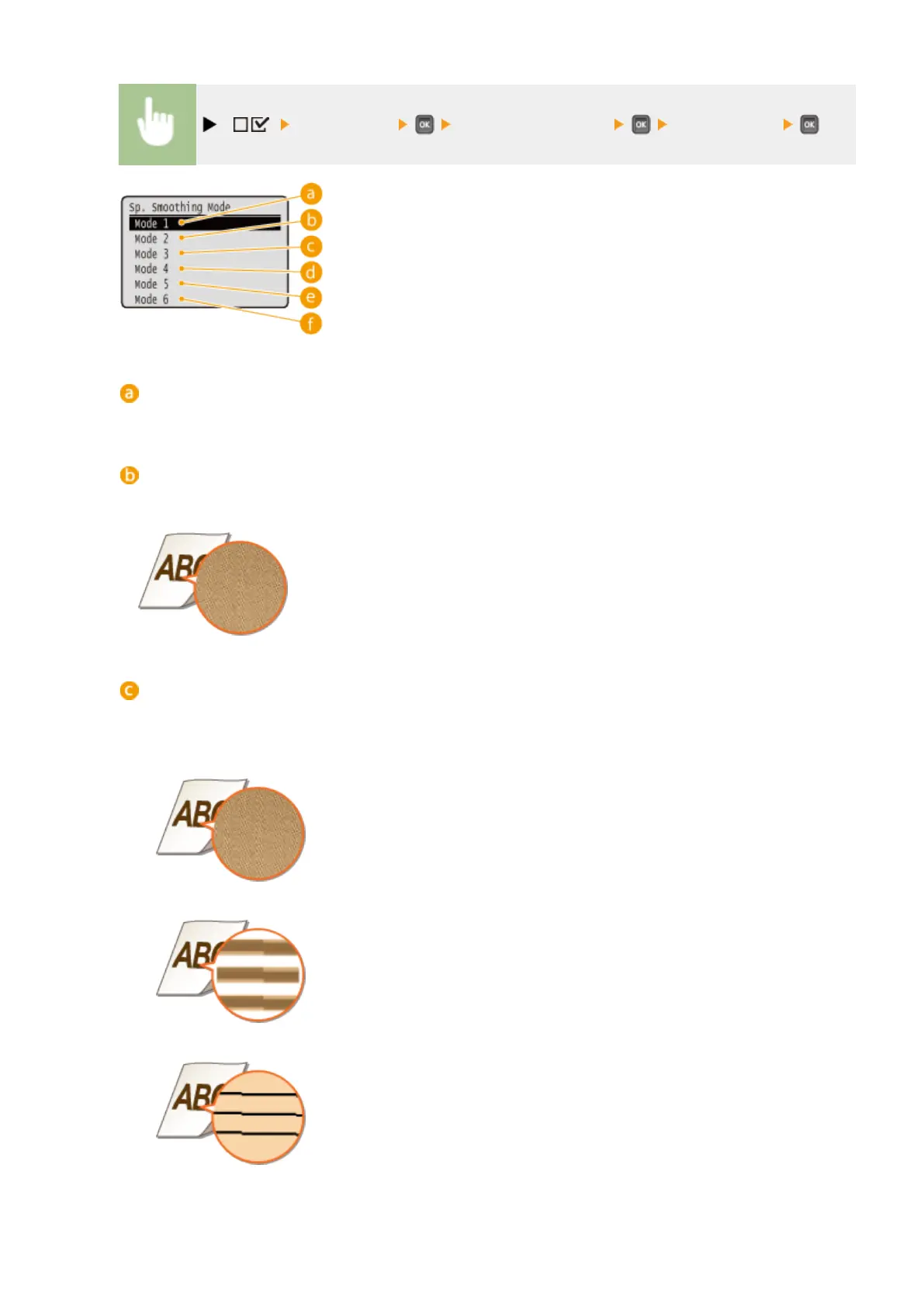
<Mode 1>
Use this setting for most environments.
<Mode 2>
Specify this setting if the internal area of high density gures, large characters, or thick lines cannot be
printed with a smooth nish.
<Mode 3>
Specify this setting when the following symptoms are observed at a time.
● The internal area of high density gures, large characters, or thick lines cannot be printed with a smooth
nish.
● The perimeter of low density gures, characters, or lines cannot be printed with a smooth nish.
● Characters and lines on a solid background cannot be printed with a smooth nish.
Setting Menu List
415



 To Next Page