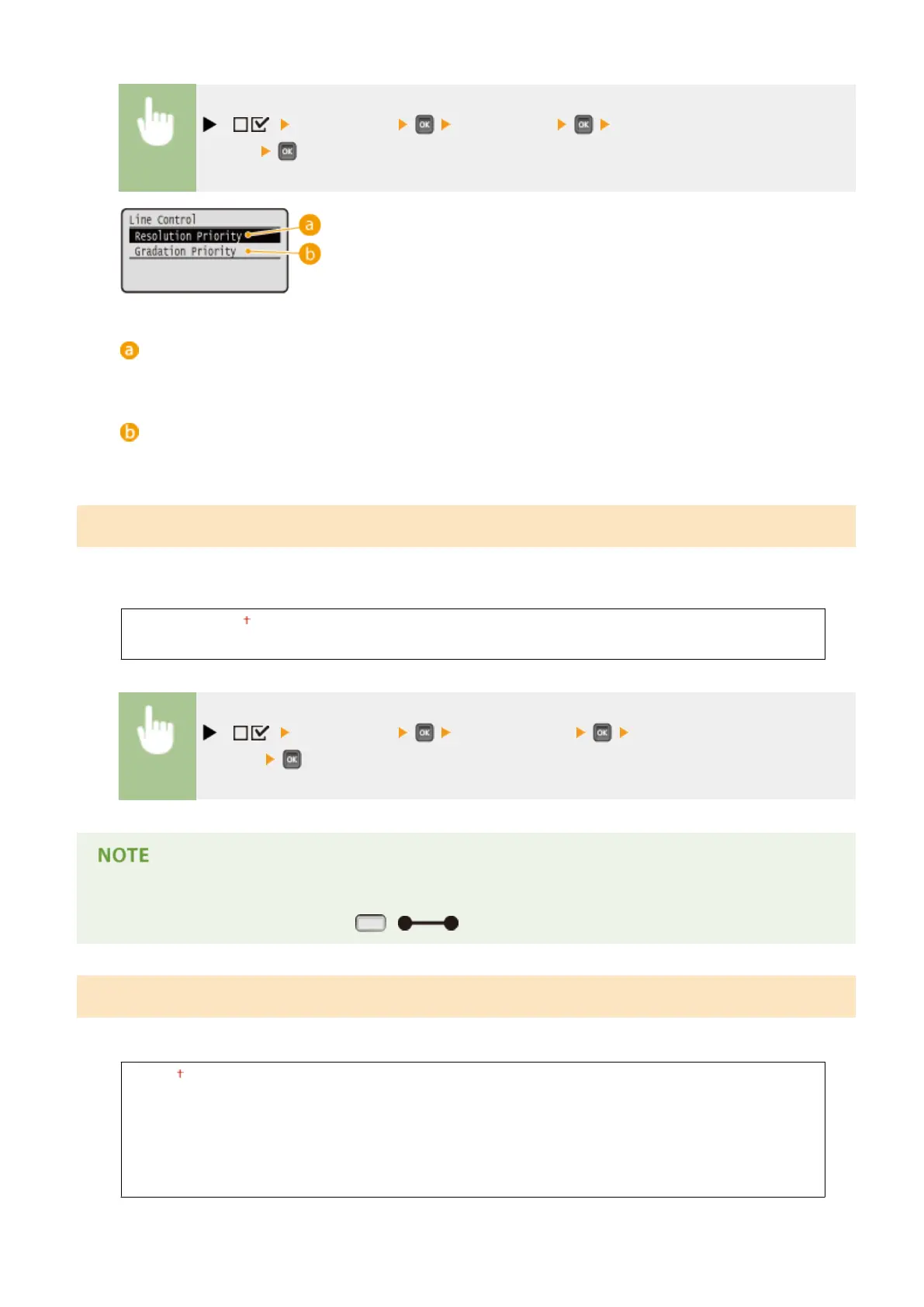
( ) <Print Quality> <Line Control> <Resolution Priority> or <Gradation
Priority>
<Resolution Priority>
Processes lines so that resolution is preserved to a similar extent to the processing of text.
<Gradation Priority>
Processes lines so that hue and gradation are preserved to a similar extent to the processing of gures.
Reduce Quality
Select whether to continue printing by automatically reducing the quality when insucient memory is available for the
processing.
Continue Printing
Stop Printing
( ) <Print Quality> <Reduce Quality> <Continue Printing> or <Stop
Printing>
● If you select <Stop Printing>, an error message is displayed and the printing is stopped when the machine
runs out of memory. You can press ( ) to resume the printing by reducing the quality.
Sp. Smoothing Mode
Change the setting if output print density is uneven or print nish is not smooth.
Mode 1
Mode 2
Mode 3
Mode 4
Mode 5
Mode 6
Setting Menu List
414



 To Next Page