Screen Layout of User's Guide
0YSF-085
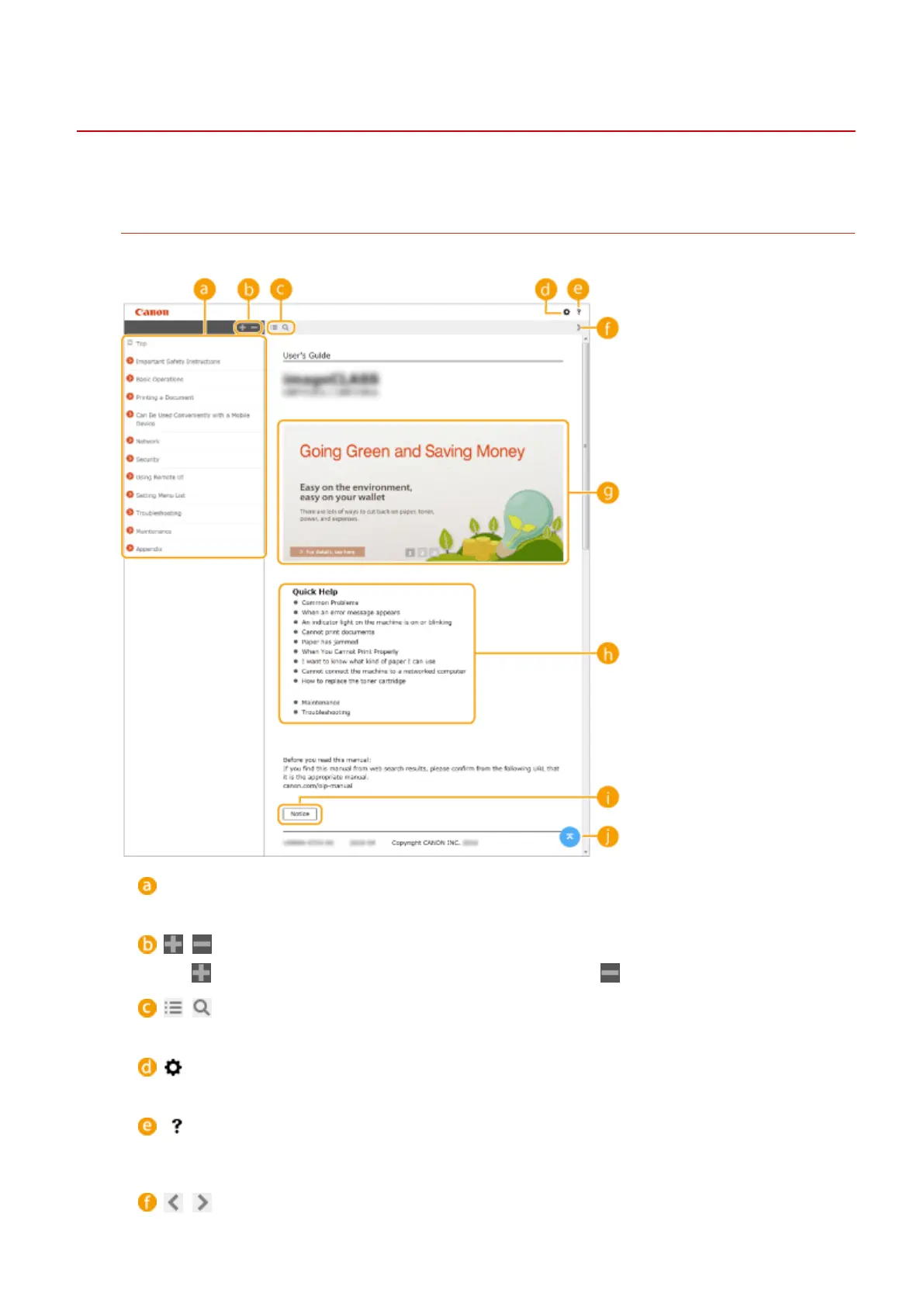
The User's Guide is divided into different screens, and the content of each screen varies.
Top Page
Appears when User's Guide is started.
Contents
The titles of chapters are displayed.
/
Click to also display all of the sections under the chapters. Click to return to the previous display.
/
Click to toggle the display between the contents and search.
Click to set parameters to determine how the User's Guide is displayed, such as character size or layout.
Click to display information on how to view the User's Guide, how to perform a search, and other
information.
/
Appendix
639



 To Next Page