Imaging
0YSF-05X
All the settings about image les (JPEG and TIFF les) available for USB Direct Print,
Direct Print, and E-Mail Print are listed with short descriptions. Default settings are
marked with a dagger (
).
Asterisks (
*
)
● Settings marked with an asterisk (
*
) are not displayed depending on other settings or whether an optional
SD card is installed on the machine.
Image Orientation(P. 446)
Zoom(P. 447)
Print Position(P. 447)
TIFF Spooler(P. 448)
Show Warnings(P. 449)
Print E-Mail Text(P. 449)
Limit E-Mail Print(P. 449)
Enlarge Print Area(P. 450)
RGB Source Prole(P. 450)
CMYK Sim. Prole(P. 451)
Output Prole(P. 451)
Matching Method(P. 452)
Halftones(P. 452)
Photo Corr (CL Only)(P. 453)
Grayscale Conversion(P. 455)
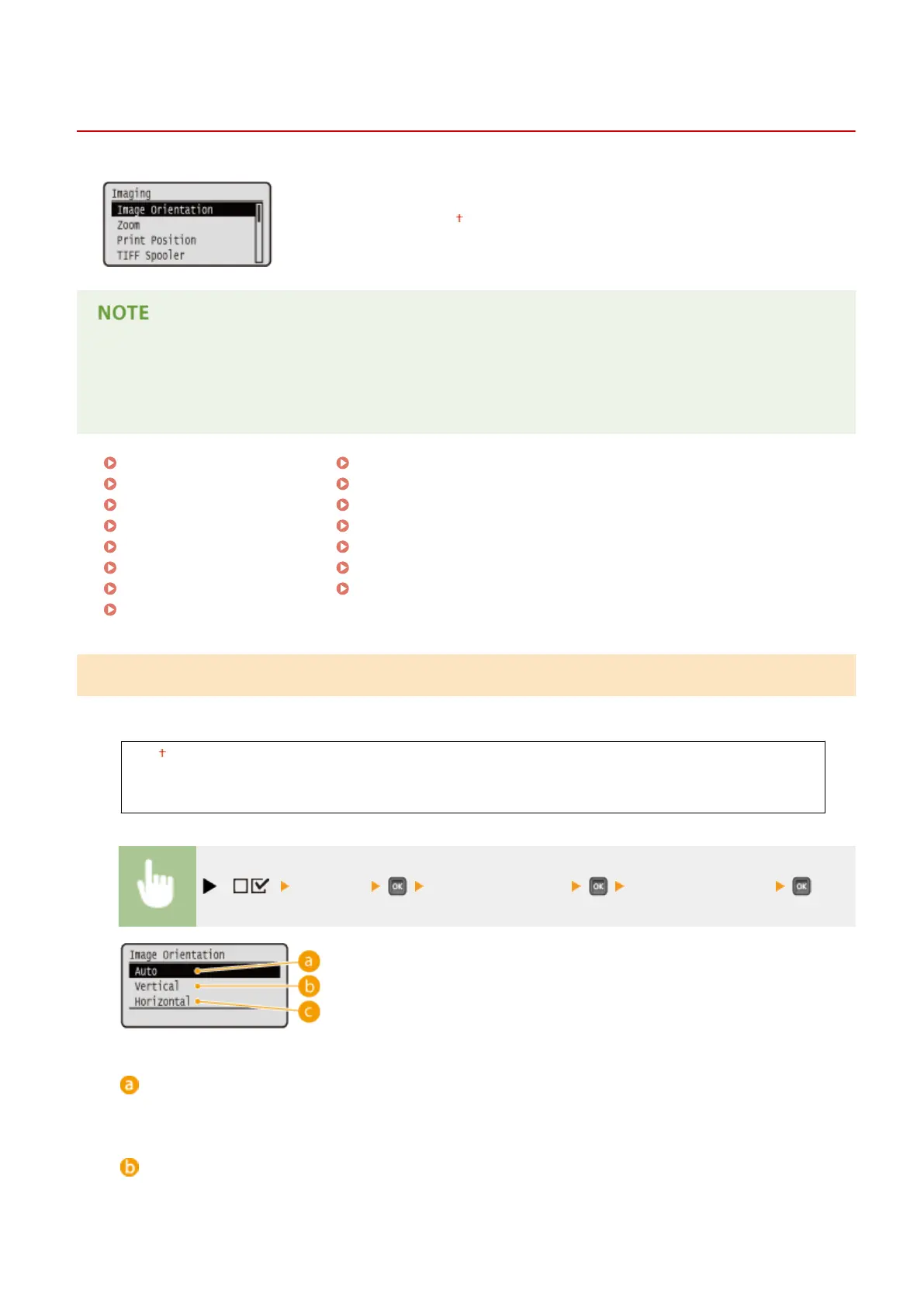
Image Orientation
Specify the print orientation of an image.
Auto
Vertical
Horizontal
( ) <Imaging> <Image Orientation> Select the orientation
<Auto>
Automatically determines the print orientation based on the width and height of the image.
<Vertical>
Select when printing a vertically-long image.
Setting Menu List
446



 To Next Page