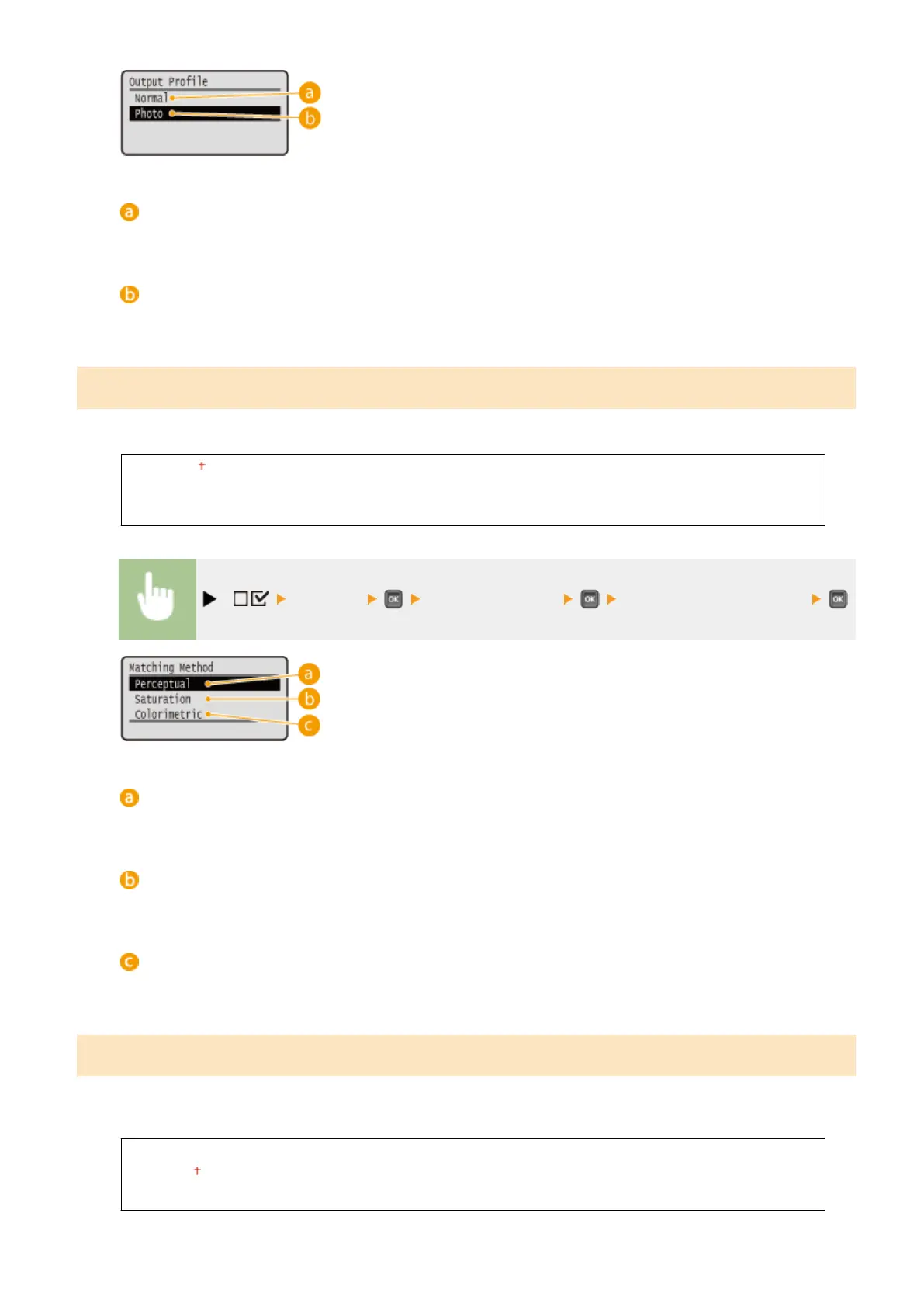
<Normal>
Color matching is performed so that data is printed in colors close to the colors displayed on the monitor.
<Photo>
Color matching is performed so that the print result is similar to photography.
Matching Method
Specify which element to be given priority over others in color matching by <RGB Source Prole>.
Perceptual
Saturation
Colorimetric
( ) <Imaging> <Matching Method> Select the matching method
<Perceptual>
Matching is performed with priority given to perceptual.
<Saturation>
Matching is performed with priority given to saturation.
<Colorimetric>
Matching is performed so that the RGB color values are reproduced as accurately as possible.
Halftones
You can select the printing method to reproduce halftones (the intermediate range between the lighter and darker
areas of an image).
Resolution
Gradation
Error Diffusion
Setting Menu List
452



 To Next Page