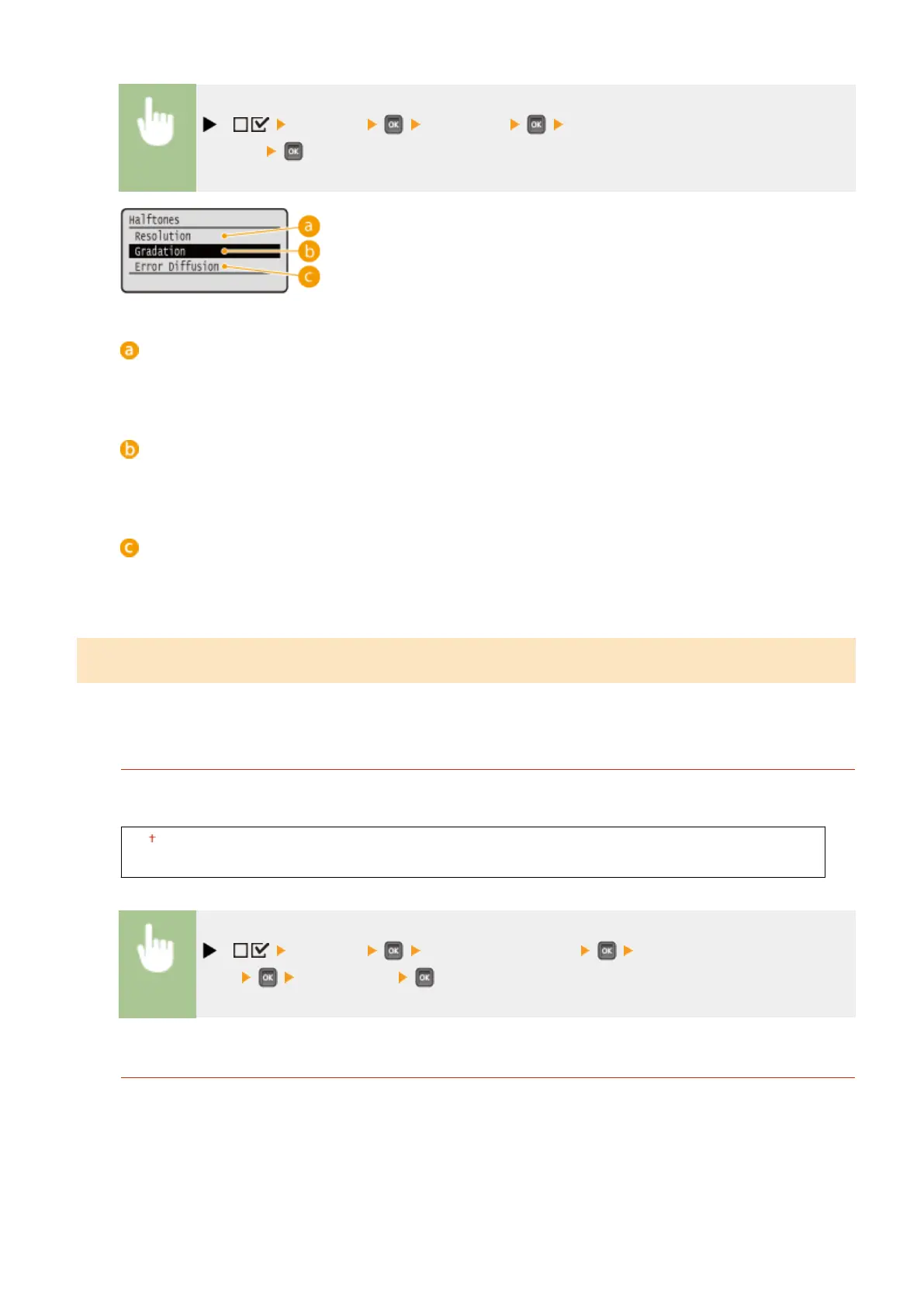
( ) <Imaging> <Halftones> Select the method to reproduce
halftones
<Resolution>
Performs ne printing by sharply reproducing the edges of characters. This print mode is suitable for
printing data of characters and thin lines with a clear nish.
<Gradation>
Prints gradation and lines with a smooth nish. This print mode is suitable for printing gures and charts
with gradation.
<Error Diffusion>
You can perform ner printing than with <Resolution>. This print mode is suitable for sharply printing edges
of ne granularity data such as characters or thin lines.
Photo Corr (CL Only)
*
Make settings for correction functions for photos or other similar image data. This item is displayed when an SD card
is installed.
Photo Optimizer PRO
Set whether to perform printing by automatically correcting image contrast, color balance, saturation, and
gradation.
Off
On
( ) <Imaging> <Photo Corr (CL Only)> <Photo Optimizer
PRO> <Off> or <On>
Red-Eye Correction
"Red-eye" is a phenomenon that causes the eyes of human subjects of ash/strobe photography to appear
unnaturally reddish in color. Set whether to automatically detect red-eye in the image and correct the portions
in question so that they appear in natural color. You can select the level of correction strength from among
three.
Red-Eye Correction
Set whether to perform red-eye correction.
Setting Menu List
453



 To Next Page