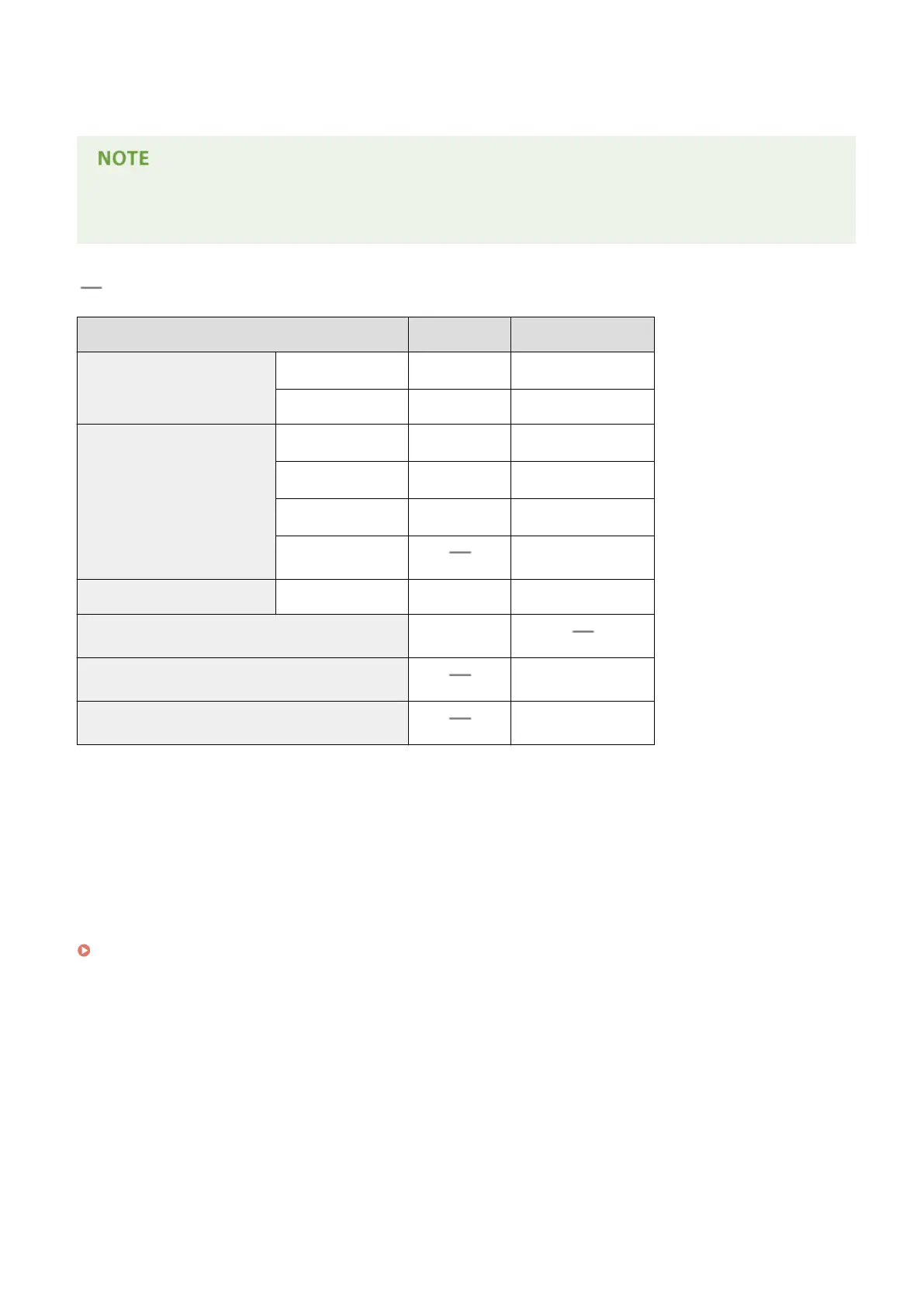
◼ Paper Type and Paper Source Capacity
Chlorine-free paper can be used with this machine.
● Print quality may deteriorate depending on the paper type used. Each source capacity indicated in the
following table is merely a guide, so it may be different from the actual capacity.
: Unavailable
Paper Type
Drawer Multi-Purpose Tray
Plain paper
*1*2
60 to 80 g/m²
550 sheets
*3
100 sheets
81 to 90 g/m² 400 sheets 80 sheets
Heavy paper
91 to 105 g/m²
*2
400 sheets 80 sheets
106 to 128 g/m²
*2
400 sheets 80 sheets
129 to 163 g/m²
*2
250 sheets 50 sheets
164 to 216 g/m² 30 sheets
Rough paper 60 to 105 g/m² 400 sheets 80 sheets
Labels 100 sheets
Postcard/Reply Postcard/4on1 Postcard
*4
50 sheets
Envelope 10 sheets
*1
Recycled paper is also available.
*2
Automatic 2-sided printing is available without replacing paper.
*3
The source capacity when paper of 80 g/m² is used. For paper of 64 g/m², up to 640 sheets can be loaded.
*4
The inkjet printable postcard or reply postcard can not be used.
◼ Paper Type and Setting for the Machine
Loading Paper(P. 38)
◼ Printable Area
The shaded areas in the image below indicate the printable area of the document. For envelope, the top, bottom, left,
and right margins are all 10 mm.
Appendix
623



 To Next Page