Off
On
( ) <Imaging> <Limit E-Mail Print> <Off> or <On>
Enlarge Print Area
Specify whether or not to print the image by extending the Printable Area(P. 623) fully to the paper size.
Off
On
( ) <Imaging> <Enlarge Print Area> <Off> or <On>
● If you select <On>, some portions of the image may be missing near the edge of the paper or the paper may
be partly tainted depending on the original.
RGB Source Prole
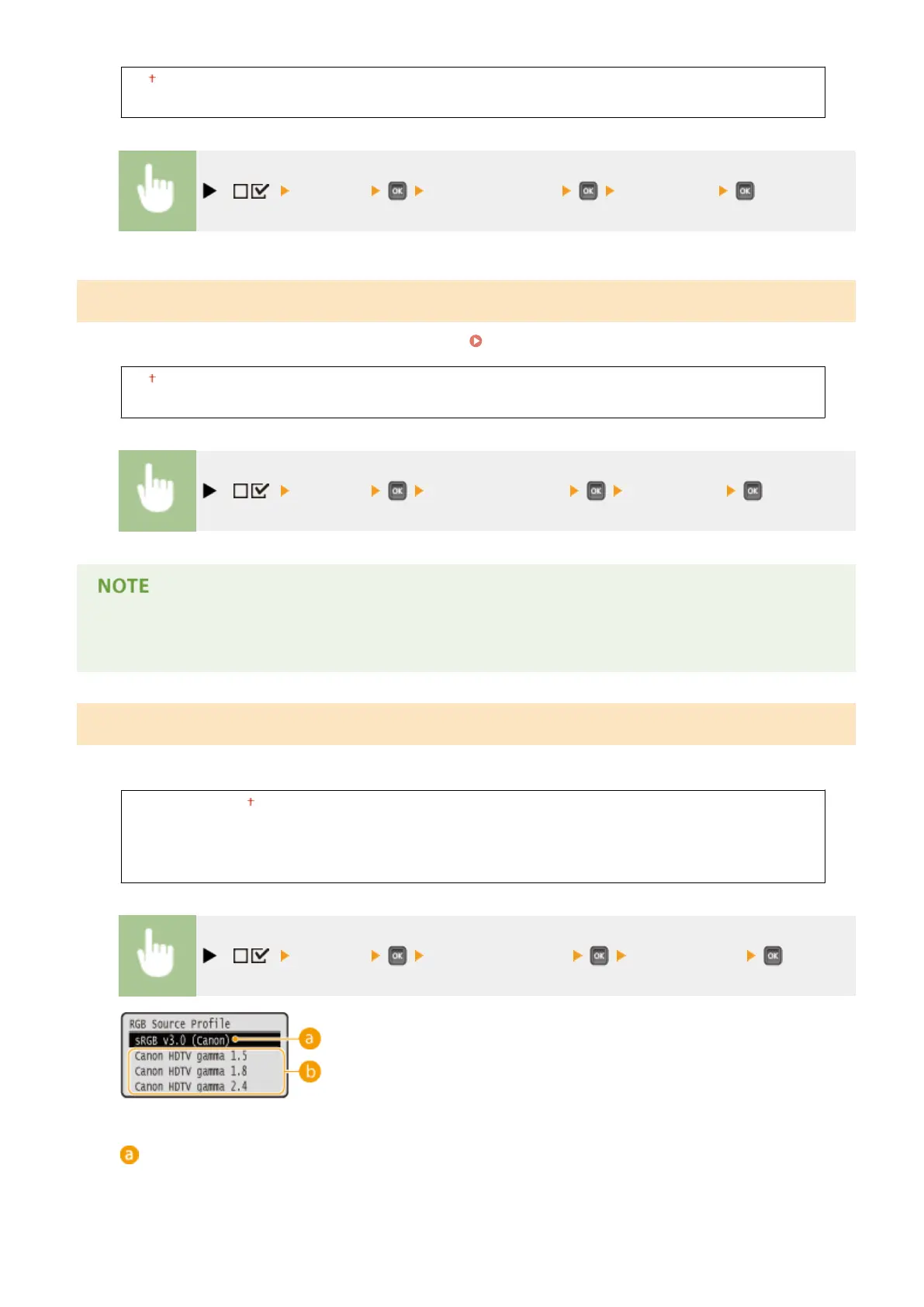
Select a suitable prole for RGB data that matches the monitor that you are using.
sRGB v3.0 (Canon)
Canon HDTV gamma 1.5
Canon HDTV gamma 1.8
Canon HDTV gamma 2.4
( ) <Imaging> <RGB Source Prole> Select the prole
<sRGB v3.0 (Canon)>
An RGB prole is used that is similar to an average prole of most Windows PC monitors. When using a
monitor that supports sRGB, you can print colors close to the colors displayed on the monitor.
Setting Menu List
450



 To Next Page