Interrupt Printing for Rush Jobs
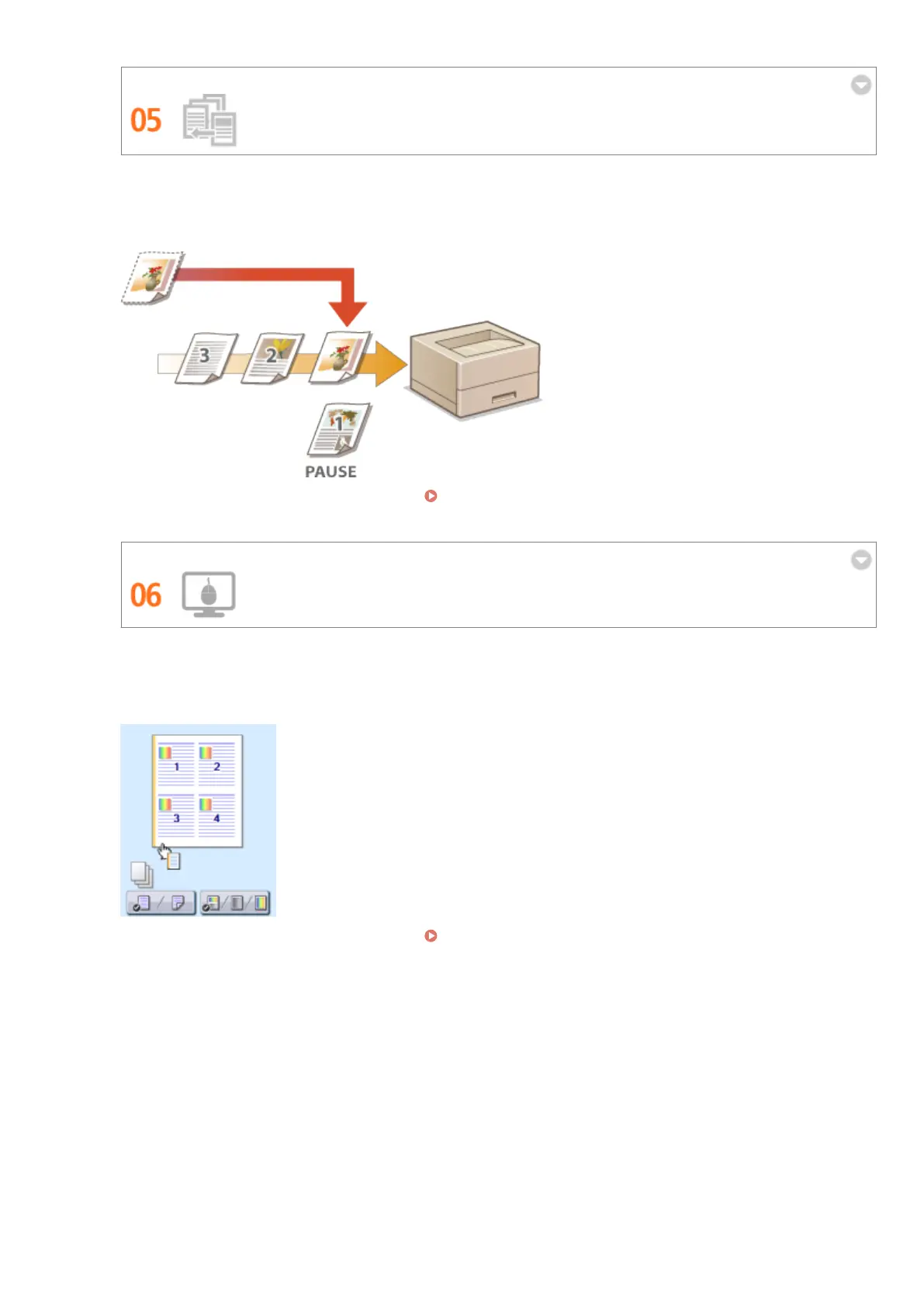
You need to print 1 page right away, but a 200-page document is printing and 5 other print jobs are waiting! At
times like this, you can use the Interrupt Print function to have your page printed now without canceling the
other jobs. When your page is nished, printing of the other print jobs resumes smoothly and automatically.
For more information about this function, see Checking Current Status of Print Documents(P. 345) .
Make Print Settings Quickly with Intuitive Operation
You can easily specify the page layout as well as binding position, switching between 1-sided and 2-sided
printing, etc. intuitively on the preview image in the printer driver. The simple click-operation allows you to
conveniently make settings while viewing how settings are applied.
For more information about this function, see Basic Printing Operations(P. 73) .
Appendix
611



 To Next Page