● This item is available when <Matching Mode> is set to <ICC Prole>.
Output Prole
You can select suitable proles for data that you are going to print.
Text
Normal
Photo
Graphics
Normal
Photo
Image
Normal
Photo
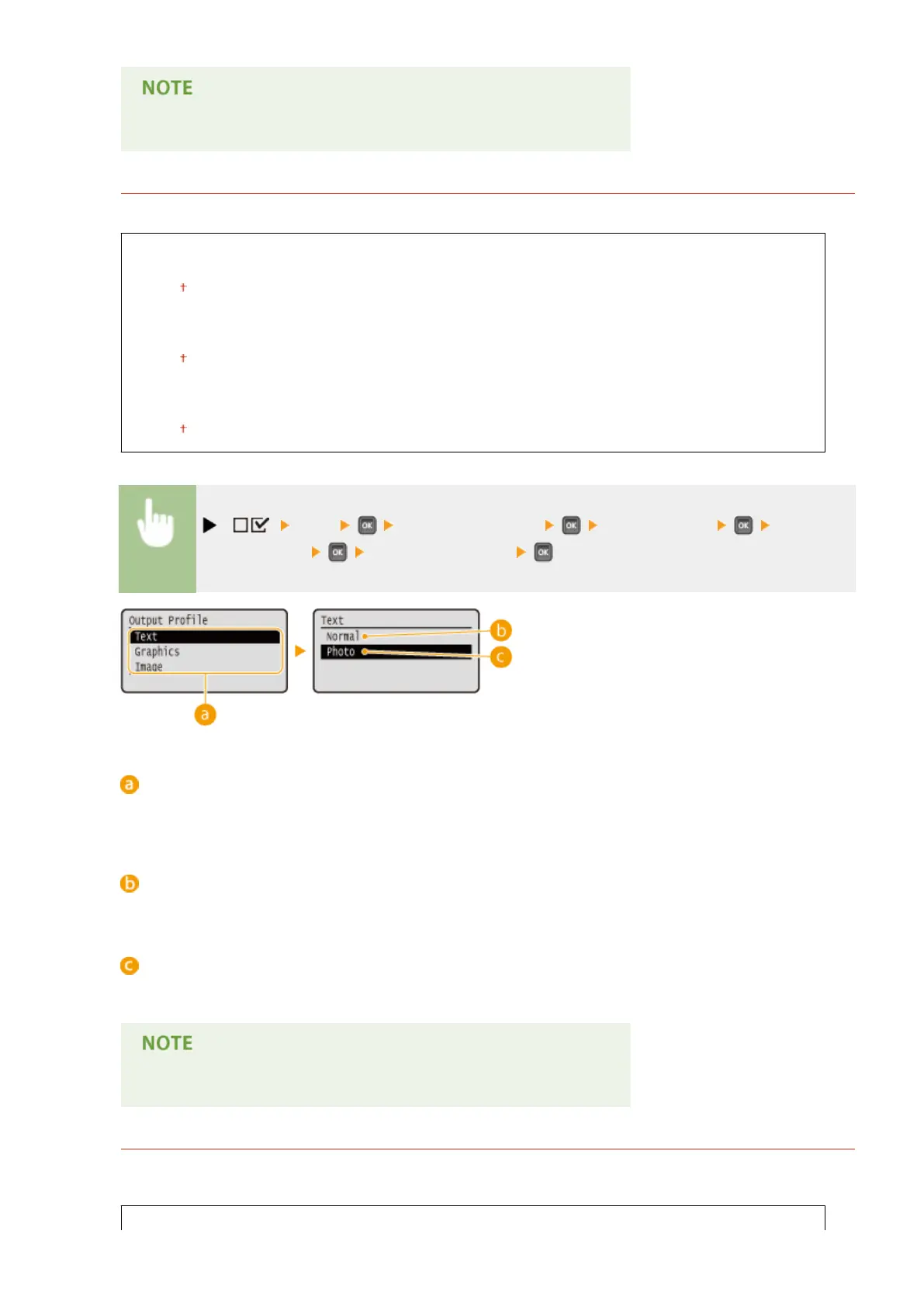
( ) <XPS> <ICC Prole Settings> <Output Prole> Select the
image data type <Normal> or <Photo>
Image data type
Select the image data type for which the settings are changed. Select <Text> for characters, <Graphics> for
lines and gures, or <Image> for images such as photos.
<Normal>
Color matching is performed so that data is printed in colors close to the colors displayed on the monitor.
<Photo>
Color matching is performed so that the print result is similar to photography.
● This item is available when <Matching Mode> is set to <ICC Prole>.
Matching Method
Specify which element to be given priority over others in color matching by <RGB Source Prole>. You can set
this item for each of the types of image contained in one document.
Text
Setting Menu List
458



 To Next Page