Show Toner Gauge
Select whether to display the toner gauge in the lower right of the display.
Off
On
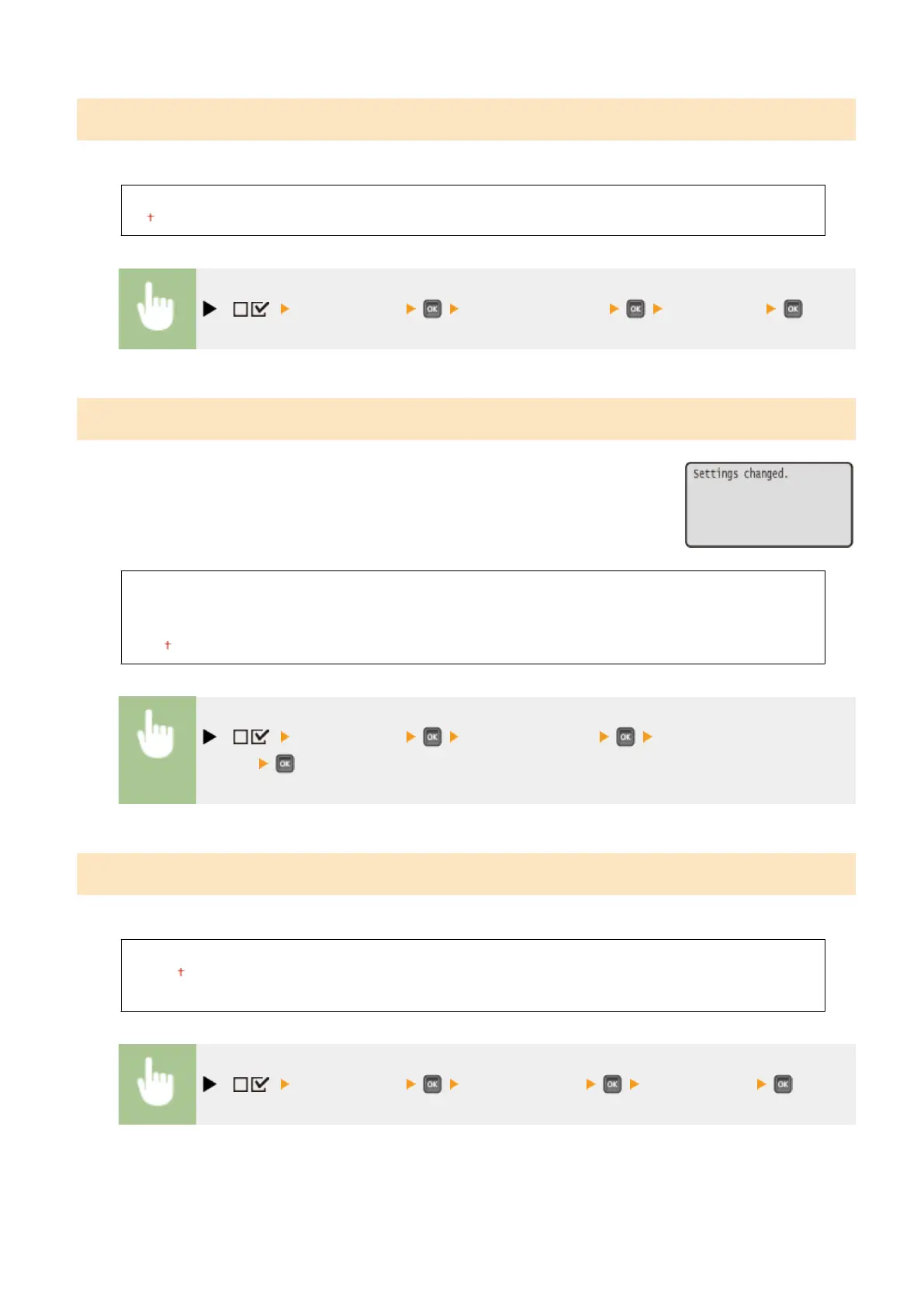
( ) <Control Menu> <Show Toner Gauge> <Off> or <On>
Set. Comp. Notify
Specify how long a message that appears when a setting is changed is displayed in
seconds. If you select <Off>, the message will no longer be displayed.
Off
1 sec.
2 sec.
3 sec.
( ) <Control Menu> <Set. Comp. Notify> Select the number of
seconds
Scrolling Speed
Adjust the speed for scrolling characters from the right to the left on the display by selecting from three levels.
Slow
Normal
Fast
( ) <Control Menu> <Scrolling Speed> Select the speed
Setting Menu List
376



 To Next Page