5
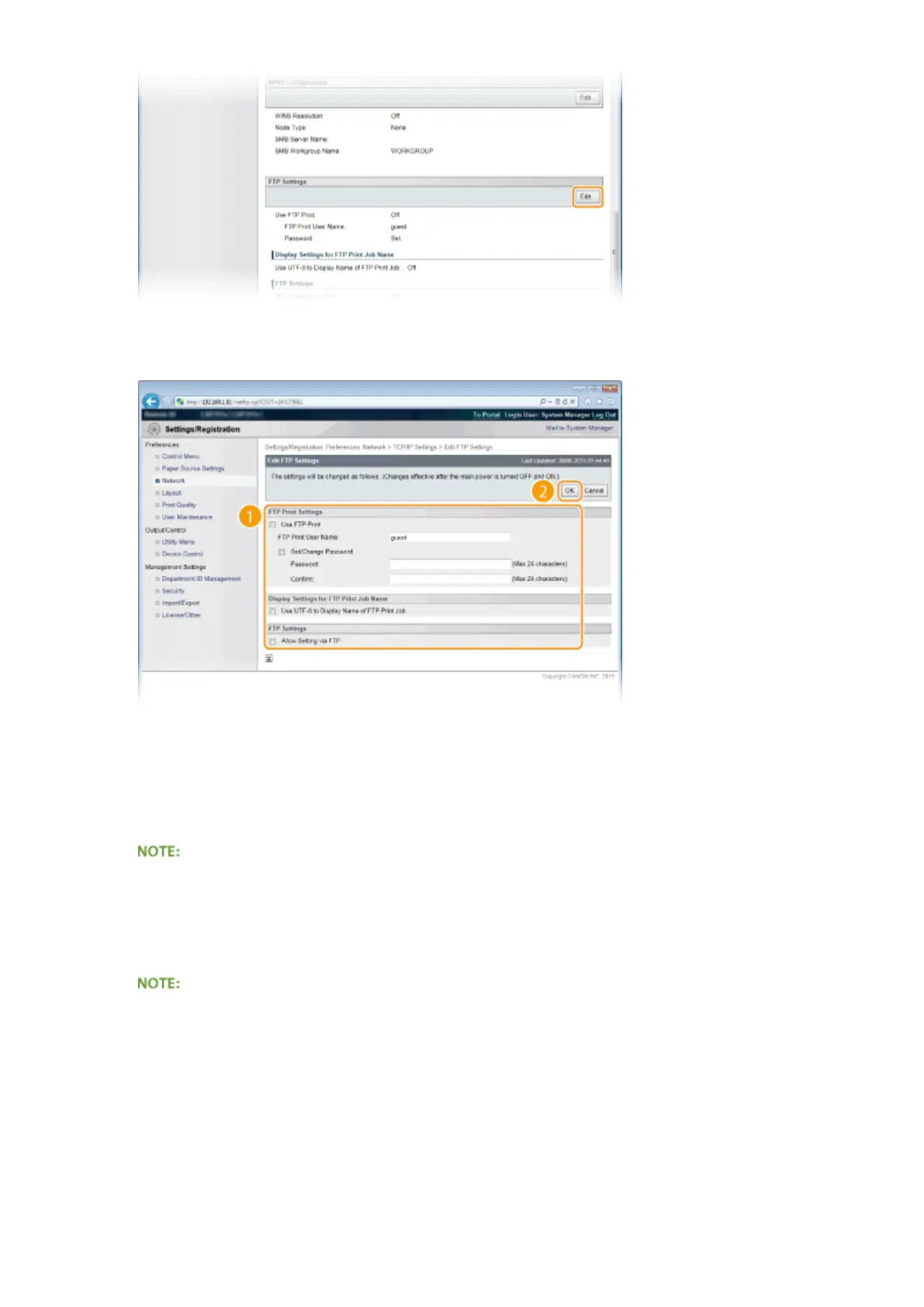
Specify the required settings and click [OK].
[Use FTP Print]
To perform printing via FTP client, select the check box. Otherwise, clear the check box.
[FTP Print User Name]
Enter up to 24 alphanumeric characters for the user name used to log on to the FTP server when performing
FTP Print.
● You cannot set "root."
[Set/Change Password]
Select the check box to set the FTP Print password, and enter up to 24 alphanumeric characters for the
password in the [Password] text box. For conrmation, enter the same password in the [Conrm] text box.
● If you click [OK] with the check box selected and the [Password] and [Conrm] text boxes left blank, the
currently set password is deleted.
[Use UTF-8 to Display Name of FTP Print Job]
Select the check box if you are using UTF-8 character code for the name of the le to be printed.
[Allow Setting via FTP]
Select the check box to allow setting changes of the machine via FTP client. When not allowing setting
changes, clear the check box.
6
Perform a hard reset.
Appendix
649



 To Next Page