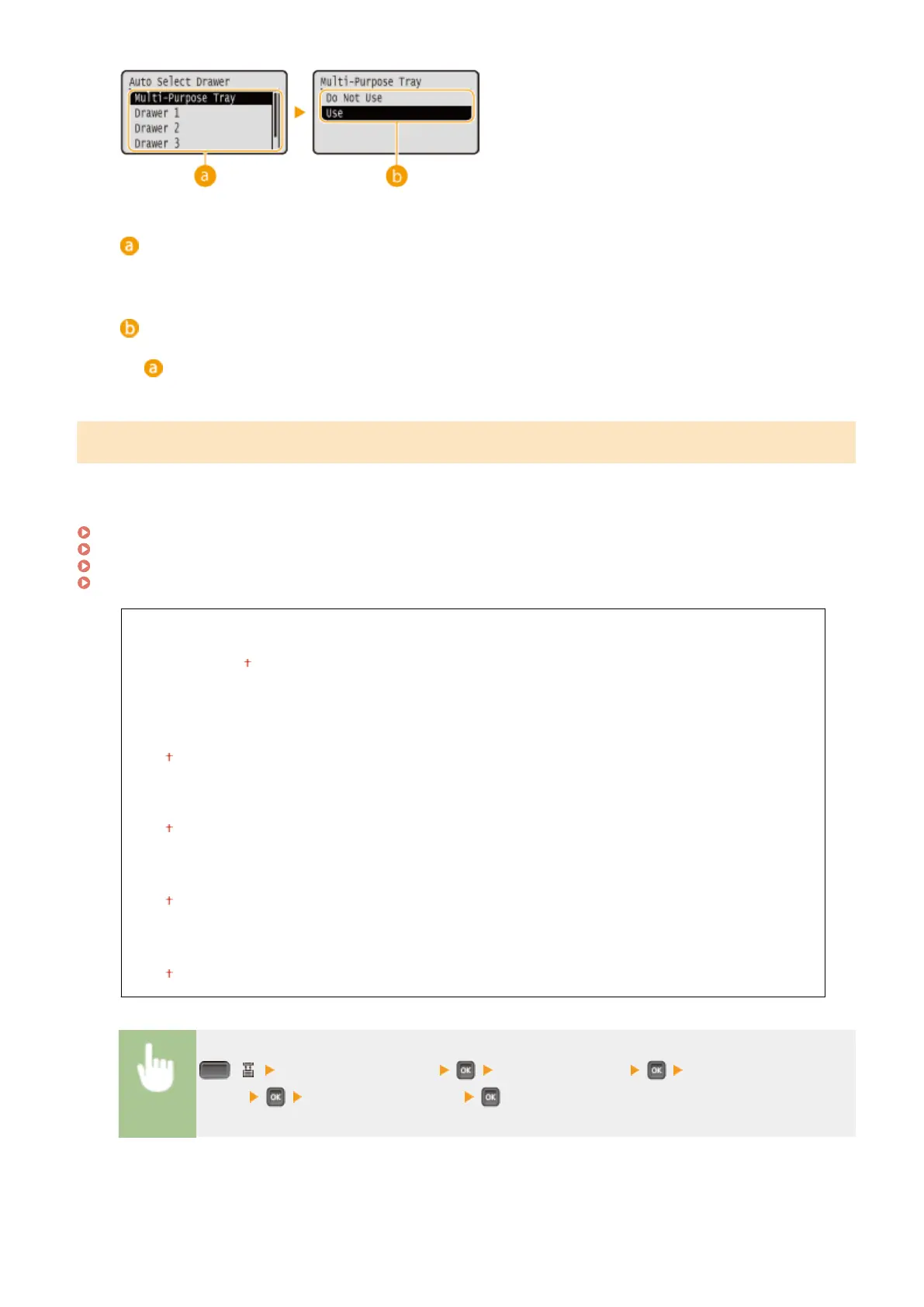
Paper source selection
Select the paper source to which you want to apply the Auto Select Drawer function.
Switching of the settings
Select <On> to enable automatic drawer selection for the paper source you selected on the previous screen
(
).
Auto Detect Ppr Type
Specify whether to automatically detect the paper type when plain paper or heavy paper is loaded. To use this
function, set the paper type for the paper source to <Mixed Types>. Also, set [Paper Type] in the printer driver to
[Printer Default].
Paper(P. 620)
MP Tray Paper Type(P. 506)
Drawer N Paper Type (N=1, 2, 3, 4)(P. 506)
Basic Printing Operations(P. 73)
Multi-Purpose Tray
Do Not Use
First Sheet Only
Each Sheet
Drawer 1
Do Not Use
Use
Drawer 2 *
Do Not Use
Use
Drawer 3
*
Do Not Use
Use
Drawer 4
*
Do Not Use
Use
( ) <Auto Detect Ppr Type> Check the message Select the paper
source Select the setting value
Setting Menu List
504



 To Next Page