Supported e-mail character sets
● us-ascii ● iso-8859-1 ● iso-8859-15
(If any character set is not specied, "us-ascii" is applied.)
Printable Formats of Attached Image Files
The E-Mail Print function supports the following types of image les.
● JPEG le
● TIFF le
● Some les are unavailable depending on the le structure.
● You can print up to three attached les for each e-mail. (Excessive attached les are not printed.)
● If the SD card is installed, the printable le size is 100 MB or less per le.
Conguring E-Mail Print Settings
This section describes how to specify the settings for receiving and printing e-mails on this machine. Use a computer
to specify the settings for receiving e-mails and the operation panel of the machine to specify the settings for printing
e-mails.
From a Computer
1
Start the Remote UI and log on in Management Mode. Starting Remote UI(P. 336)
2
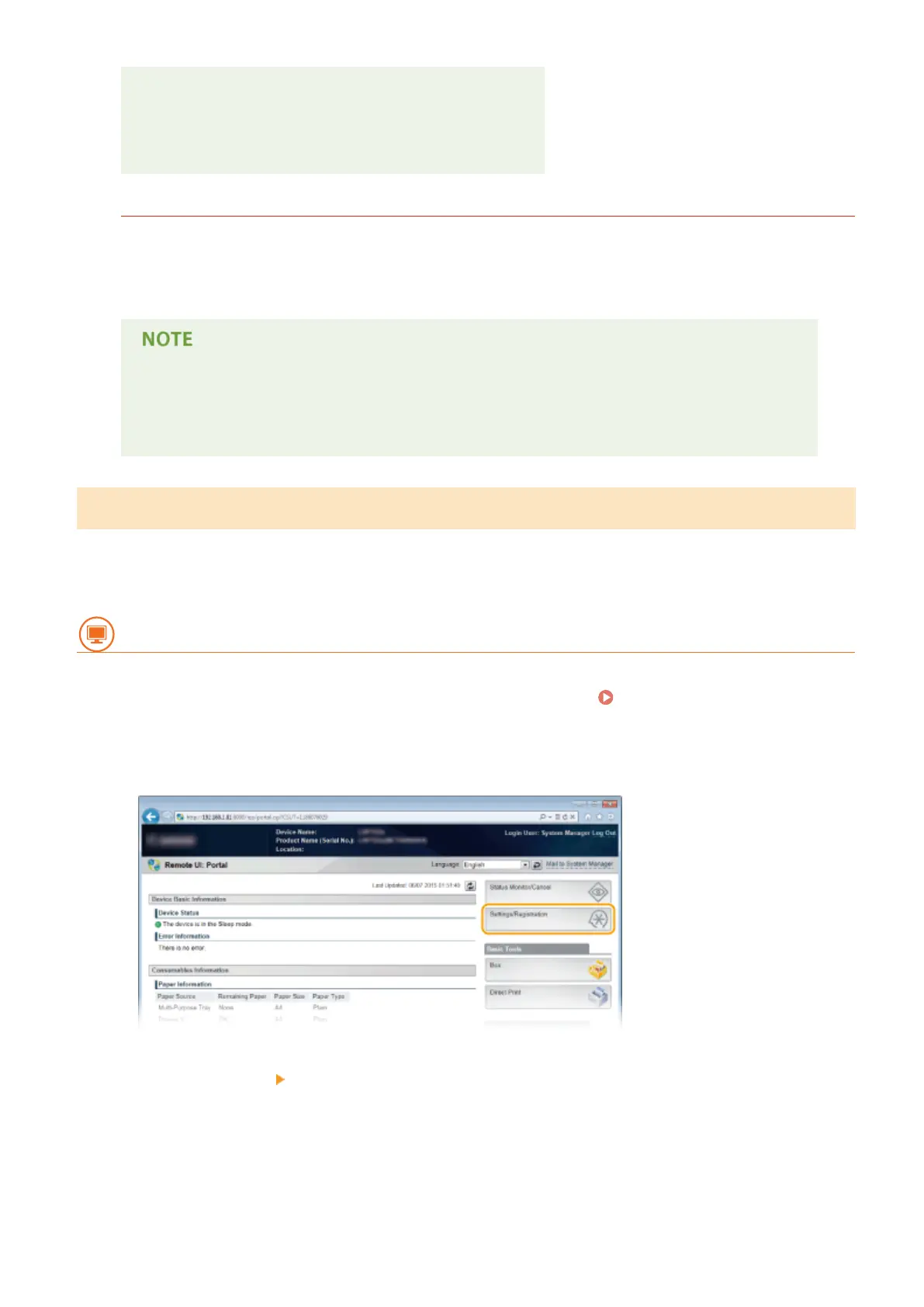
Click [Settings/Registration].
3
Click [Network] [E-Mail Print Settings].
Printing a Document
161



 To Next Page