4
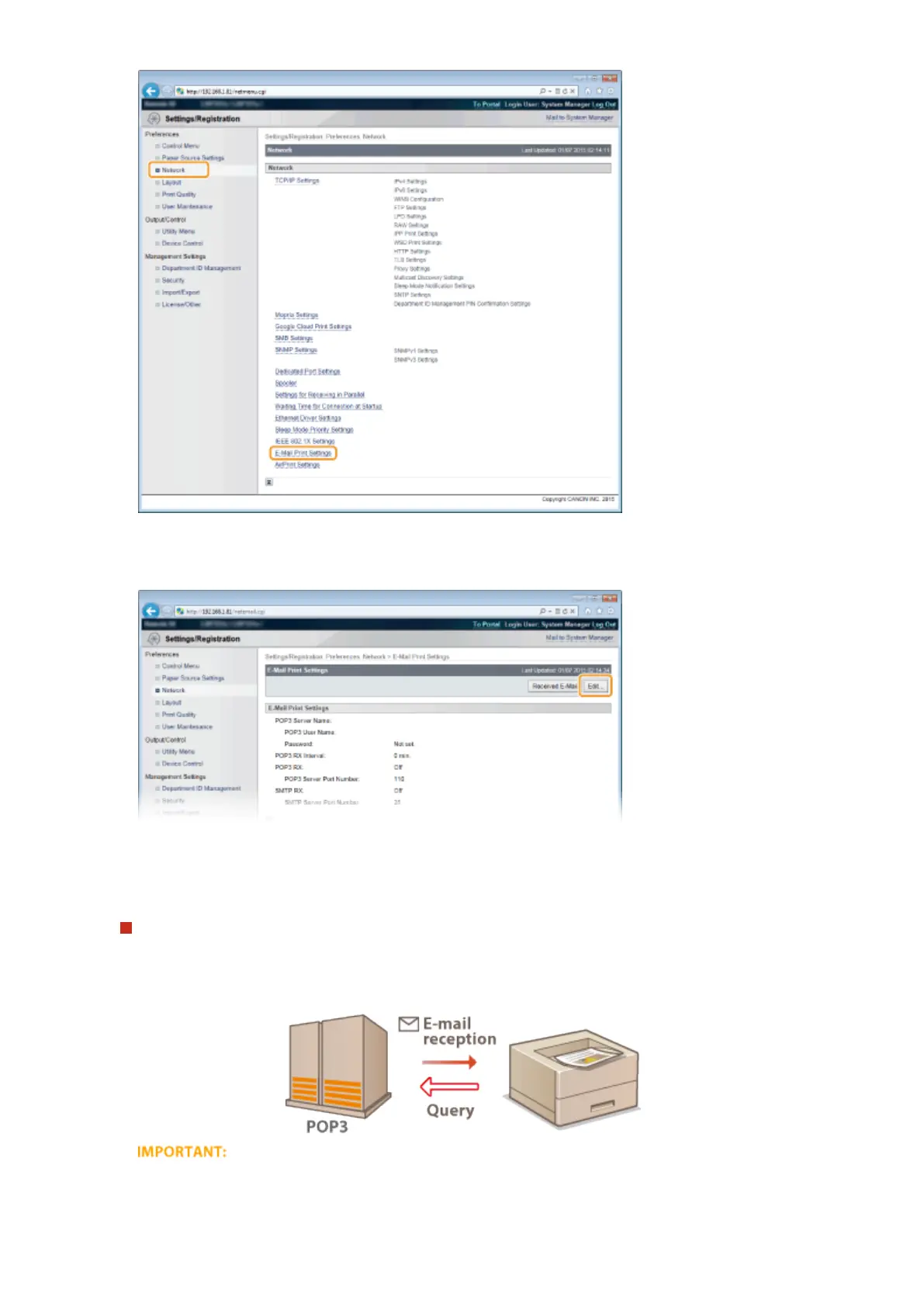
Click [Edit].
5
Specify the settings for E-Mail Print.
When performing E-Mail Print from POP3 mail server
When the e-mail receiving starts, all e-mails stored in the mailbox of the mail server are printed. If you send e-
mails that you want to print to the machine in advance, you can automatically print the e-mails at regular time
intervals or print all stored e-mails in an arbitrary timing.
● We recommend using the mail address exclusively for E-Mail Print because all e-mails received into the
machine are deleted from the mail server.
Printing a Document
162



 To Next Page