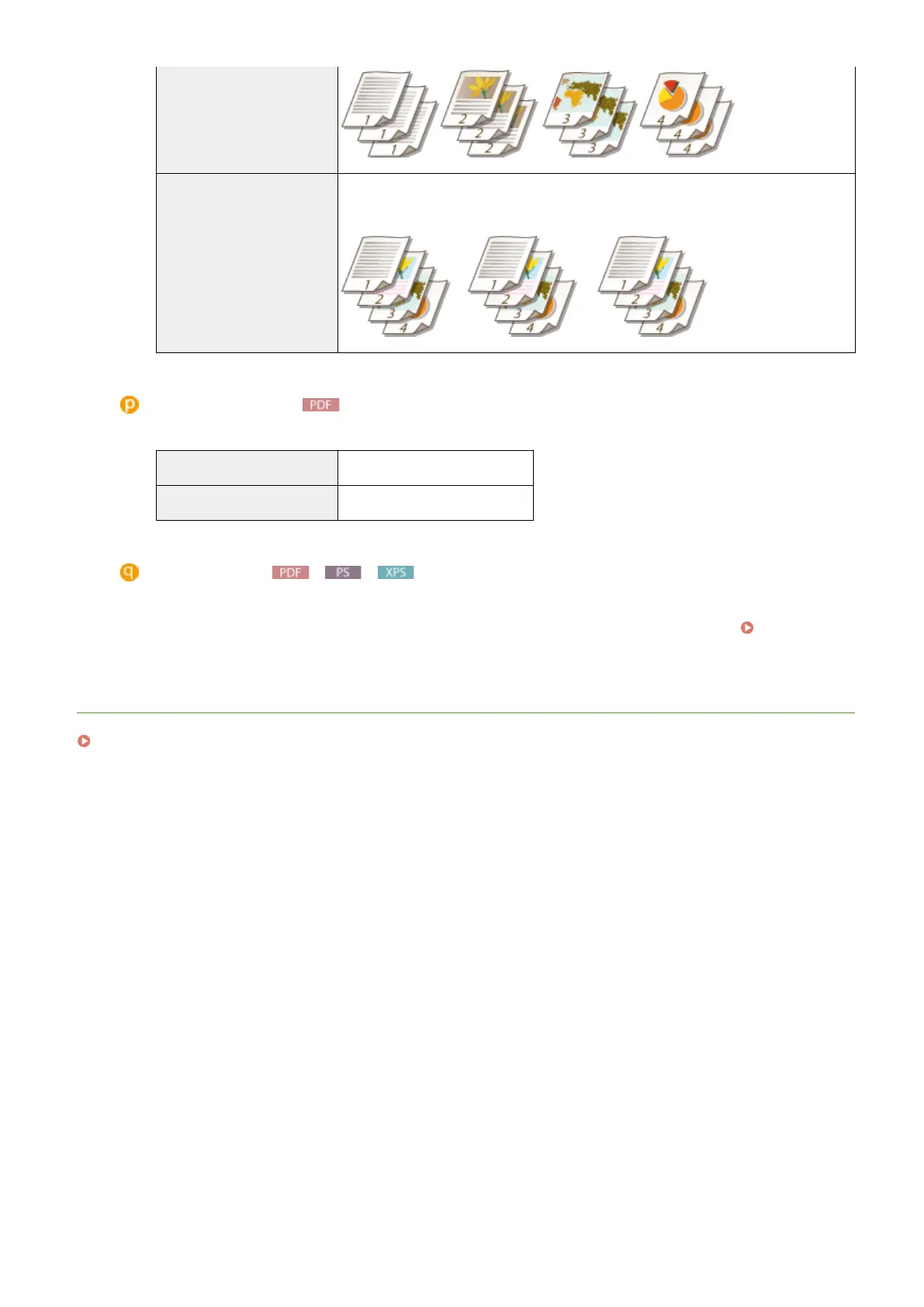
[Collate] The printouts are grouped into complete sets in sequential page order. For example, if
you are printing three copies of a four-page document, the printouts will be arranged
in the following page order: 1, 2, 3, 4, 1, 2, 3, 4, 1, 2, 3, 4.
[Comment Print]
Select whether to print comments.
[Auto]
Prints comments in the PDF le.
[Off] Prints no comments.
[Store in Box]
You can store a document in the SD card installed on the machine without making printouts. Select the check
box to store the document in a box specied in [Box Number (00-99)]. You can print the documents in the
box from the operation panel as many times as you want. For how to print a document, see Printing a
Document Stored in the Machine(P. 138) . This item is displayed when the SD card is installed.
LINKS
Printing without Opening a File (Direct Print)(P. 145)
Printing a Document
159



 To Next Page