6
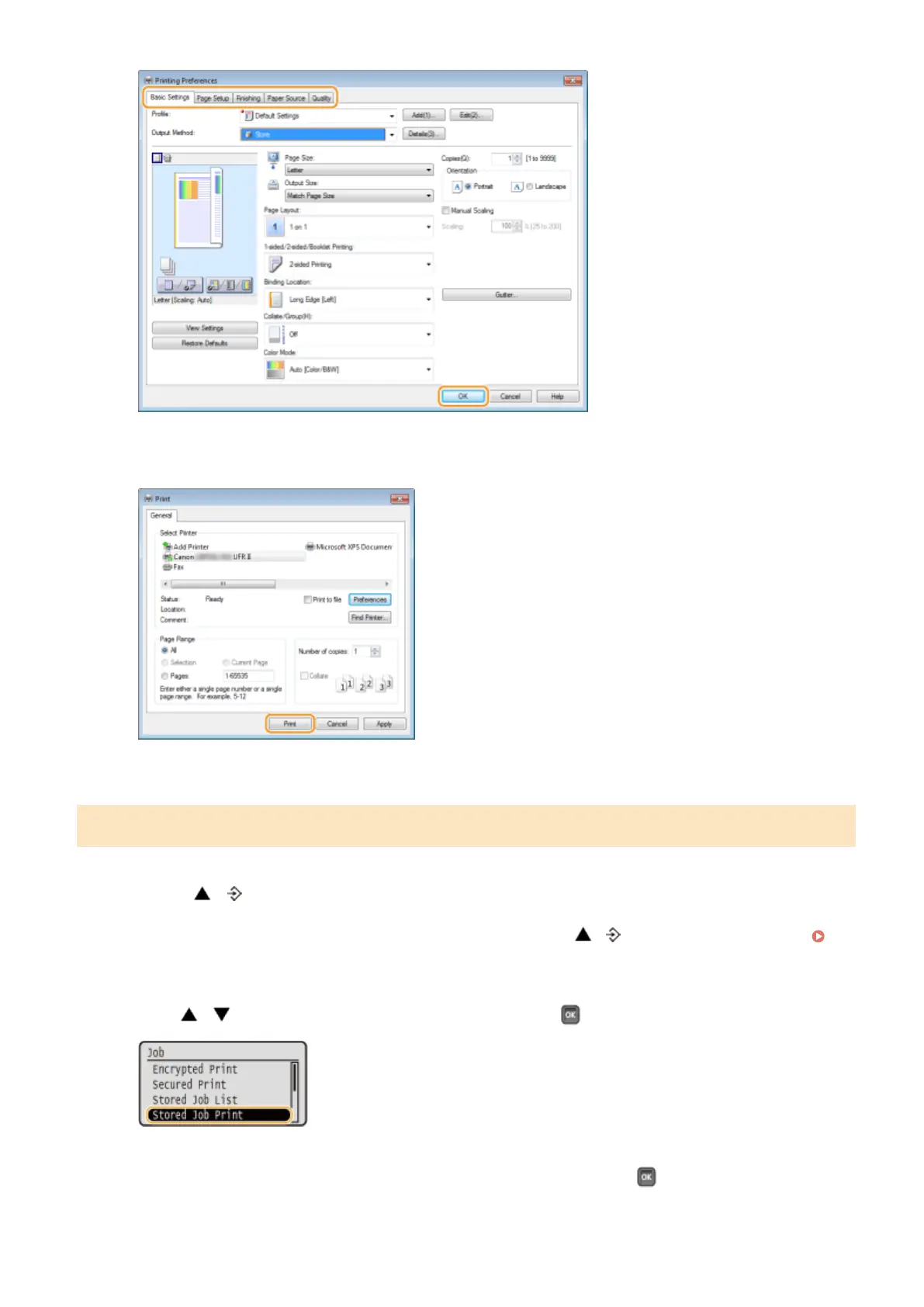
Click [Print] or [OK].
➠
The document is sent to the machine and stored in the specied box.
Printing a Document Stored in the Machine
1
Press ( ).
● When the machine is oine, it does not operate even if you press ( ). Set the machine to Online.
Online key(P. 25)
2
Use / to select <Stored Job Print>, and press .
3
Select the box number of the document to print, and press .
Printing a Document
138



 To Next Page