5
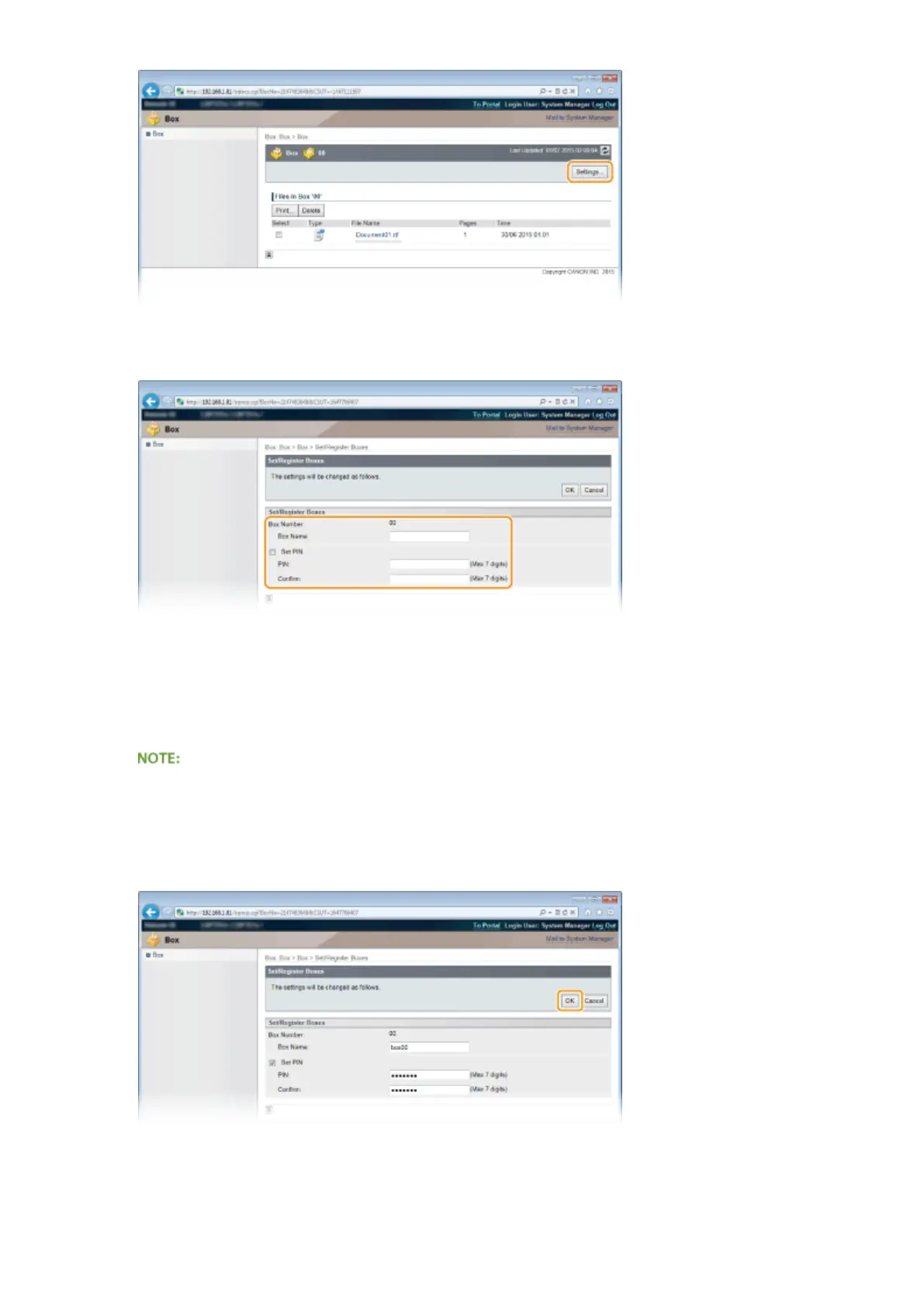
Set a name and PIN.
[Box Name]
To specify the box name, you can enter up to 96 characters depending on the character type.
[Set PIN]
To set a PIN, select the [Set PIN] check box and enter a number of up to seven digits for the PIN in the [PIN]
text box. For conrmation, enter the same number in the [Conrm] text box.
● You cannot use "0" as the rst digit of the PIN. A number with "0" removed from the rst digit will be set as
the PIN.
6
Click [OK].
Printing a Document
144



 To Next Page