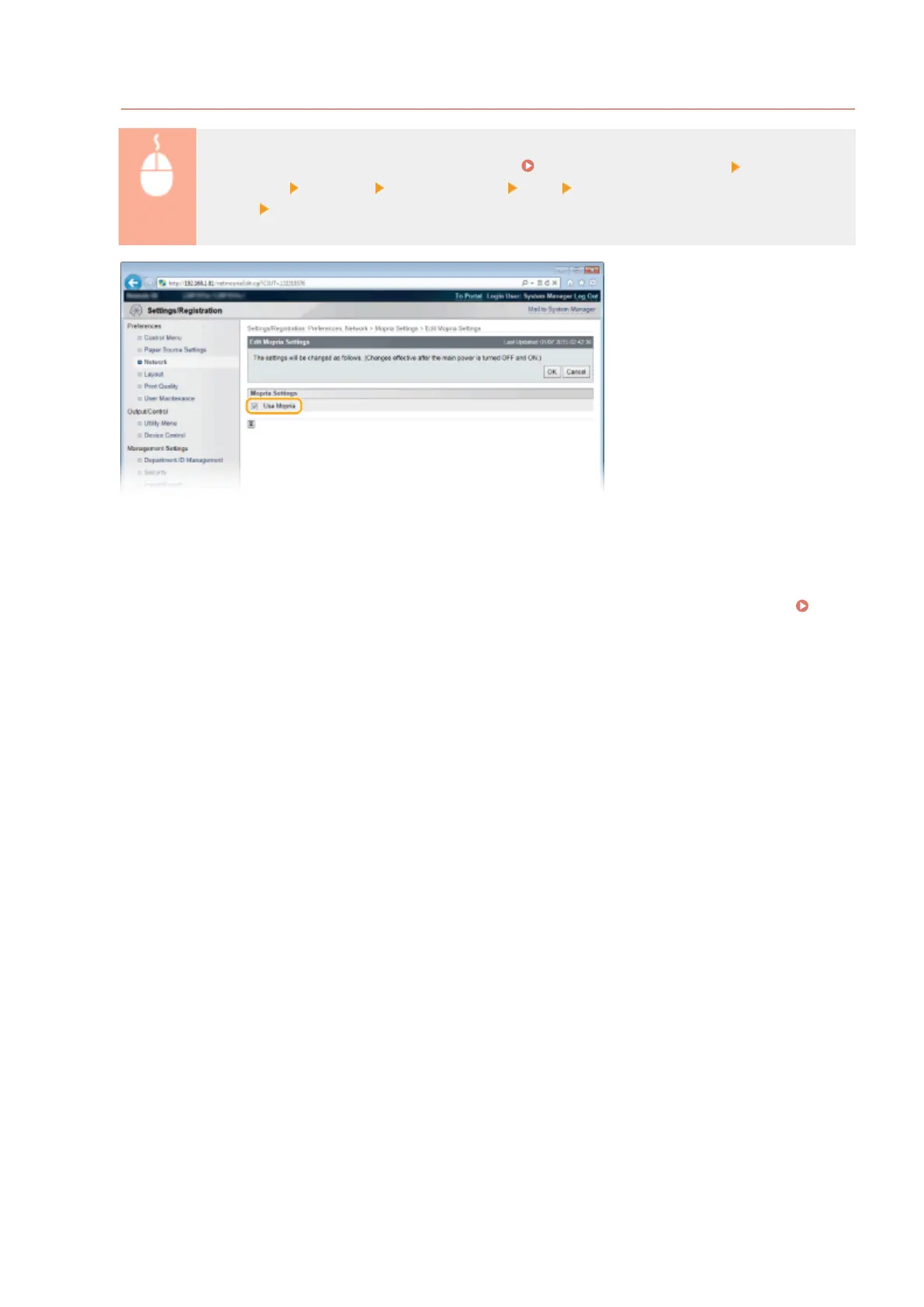
Viewing Mopria™ Settings
Log on to the Remote UI in Management Mode ( Starting Remote UI(P. 336) ) [Settings/
Registration] [Network] [Mopria Settings] [Edit] Check that the [Use Mopria] check box is
selected [OK]
◼
Printing from Windows Phone (Windows 10 Mobile and Later)
You can perform printing from a Windows Phone without downloading a dedicated application or installing a driver.
Make sure that the <WSD Print>, <WSD Browsing>, and <Multicast Discovery> settings in <WSD> are enabled.
WSD(P. 384)
Can Be Used Conveniently with a Mobile Device
171



 To Next Page