2
Use / to select <Network>, and press .
● When a message appears, press .
3
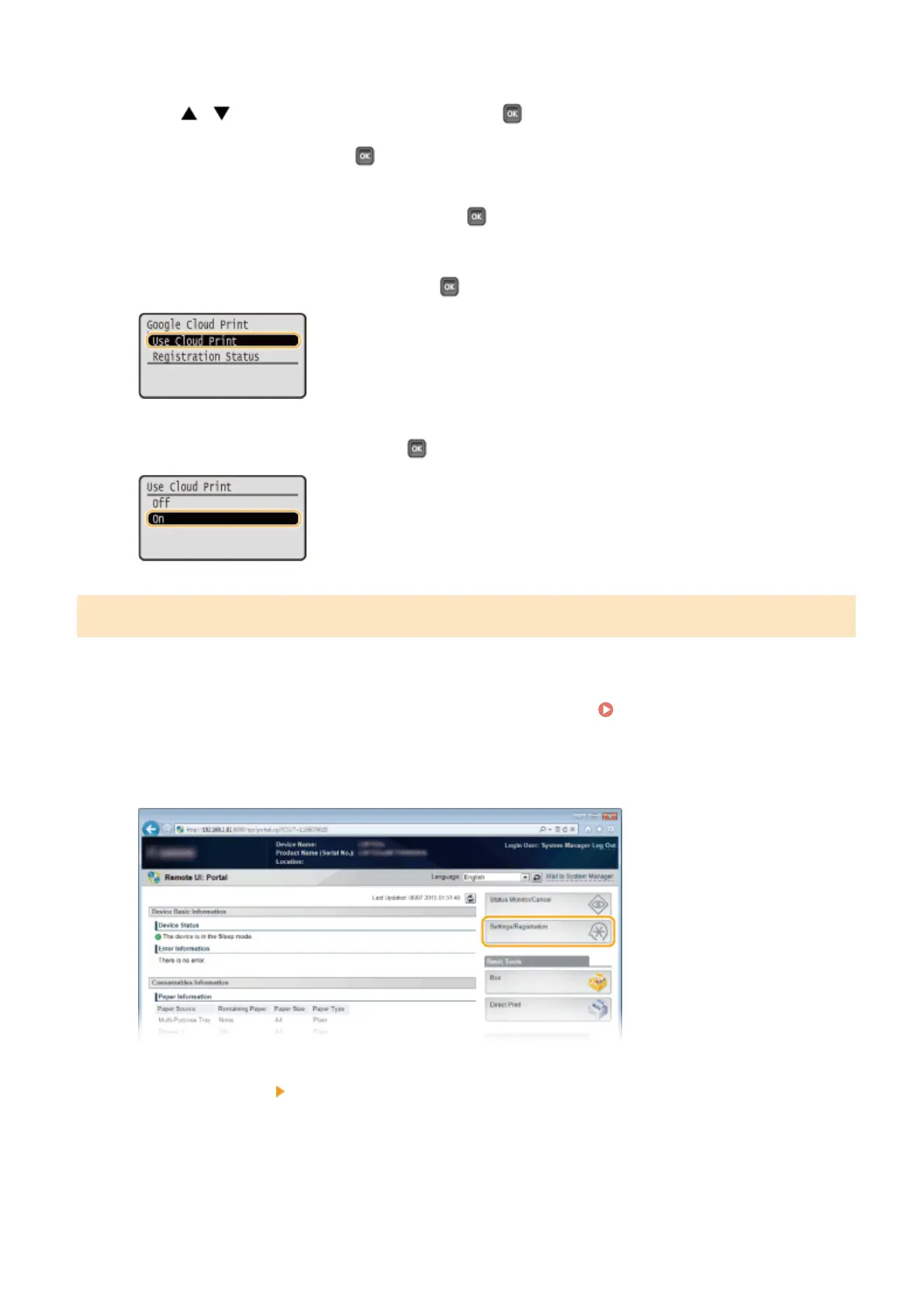
Select <Google Cloud Print>, and press .
4
Select <Use Cloud Print>, and press .
5
Select <Off> or <On>, and press .
Registering the Machine with Google Cloud Print
Registering the machine with Google Cloud Print allows you to print from anywhere.
1
Start the Remote UI and log on in Management Mode. Starting Remote UI(P. 336)
2
Click [Settings/Registration].
3
Click [Network] [Google Cloud Print Settings].
Can Be Used Conveniently with a Mobile Device
180



 To Next Page