5
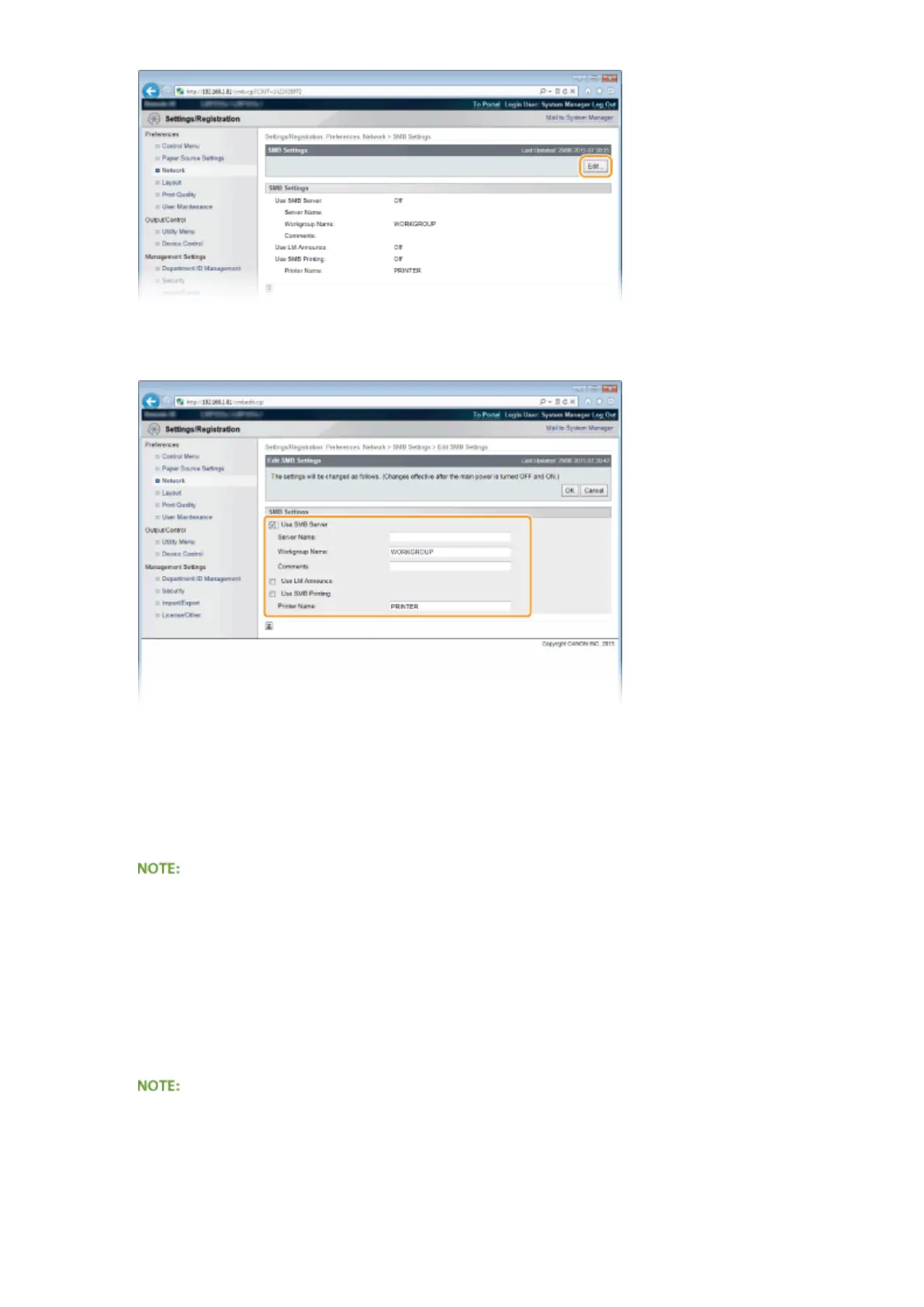
Select the [Use SMB Server] check box and specify the required settings.
[Use SMB Server]
If you select the check box, the computer is indicated as an SMB server on the SMB network.
[Server Name]
To specify the server name that is to be displayed on the SMB network, you can enter up to 16 characters
depending on the character type. The name must be different from the names of any other computers and
printers on the network.
● You cannot use spaces.
● A server name set in [SMB Server Name] under [WINS Conguration] is automatically used for [Server
Name], if any. A change to the server name in [Server Name] is also applied to [SMB Server Name] under
[WINS Conguration].
[Workgroup Name]
To specify the name of the work group to which the machine belongs, you can enter up to 16 characters
depending on the character type. If there is no workgroup in your network environment, create a workgroup
on Windows and enter the name of the workgroup.
● You cannot use spaces.
● A workgroup name set in [SMB Workgroup Name] under [WINS Conguration] is automatically used for
[Workgroup Name], if any. A change to the server name in [Workgroup Name] is also applied to [SMB
Workgroup Name] under [WINS Conguration].
[Comments]
Network
246



 To Next Page