3
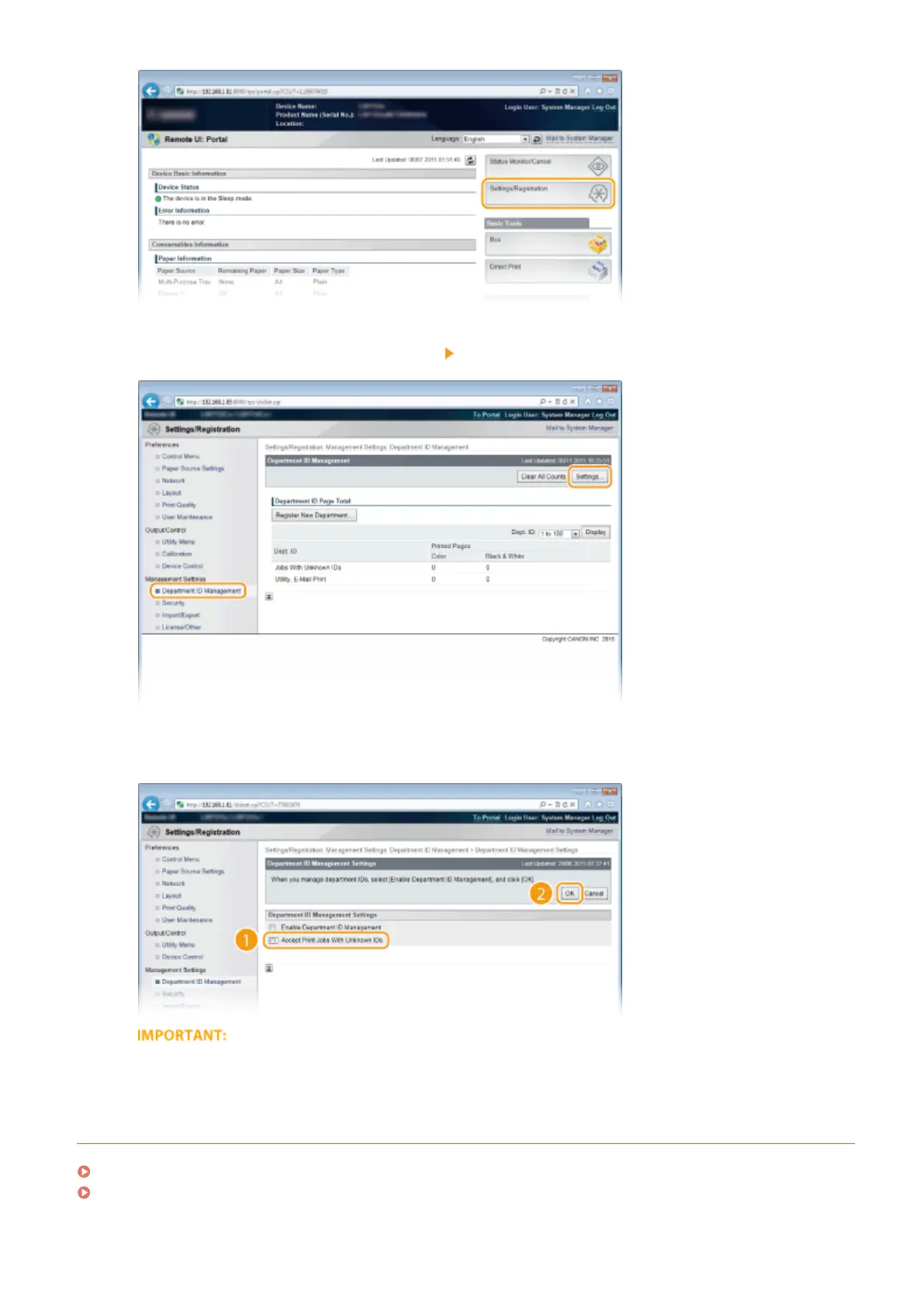
Click [Department ID Management] [Settings].
4
Clear the [Accept Print Jobs With Unknown IDs] check box and click [OK].
● If you clear the check box, users cannot print by a method that is not supported by Department ID
Management or perform Direct Print from the Remote UI that the users log on in Management Mode.
LINKS
Setting Access Privileges(P. 255)
Setting the System Manager Password(P. 256)
Security
265



 To Next Page