6
Perform a hard reset. Performing a Hard Reset(P. 498)
➠ The settings are enabled after the hard reset is performed.
Restricting the USB Direct Print Function
You can disable printing data from a USB memory device. This makes it impossible to print data stored in the USB
memory.
1
Start the Remote UI and log on in Management Mode. Starting Remote UI(P. 336)
2
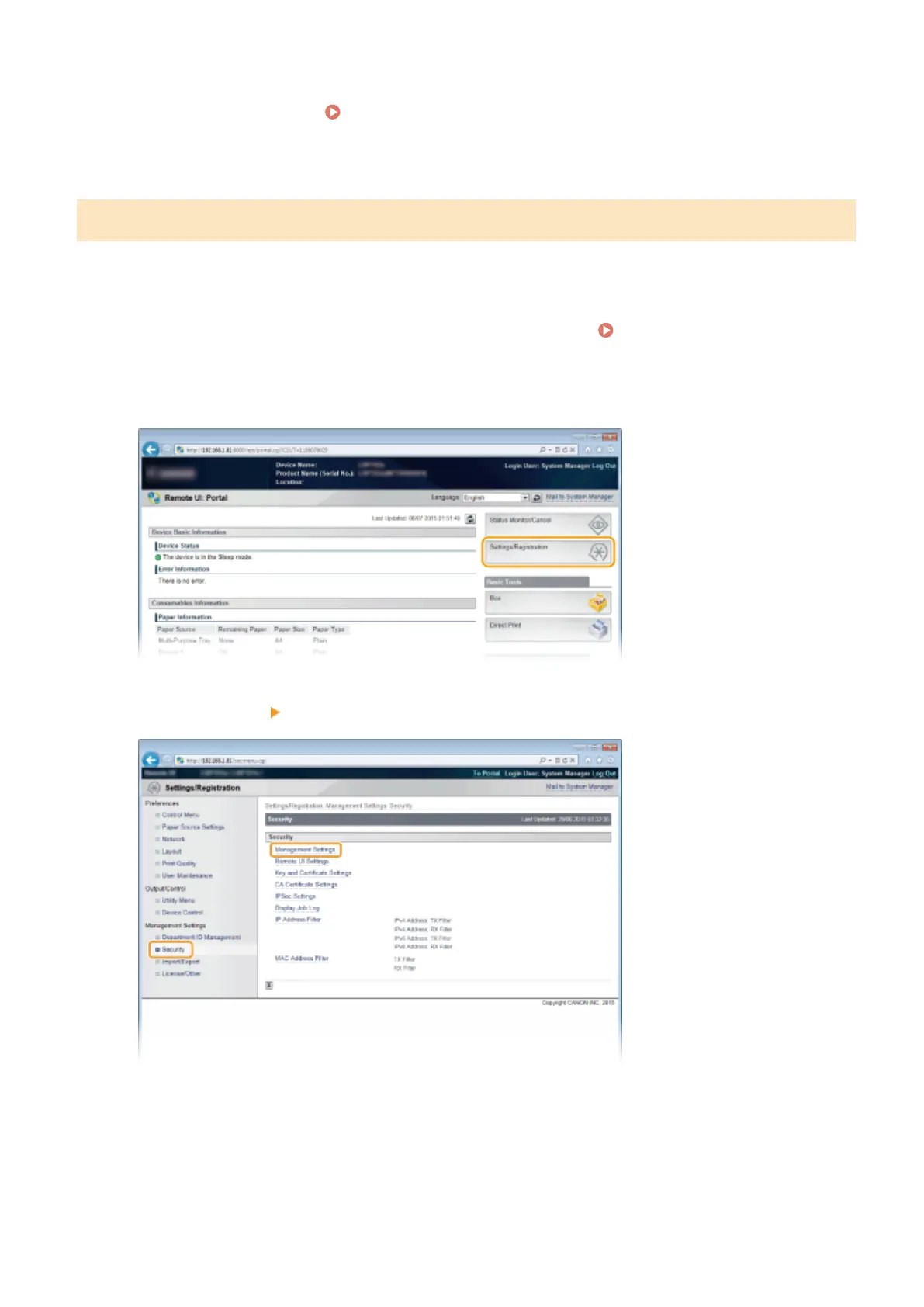
Click [Settings/Registration].
3
Click [Security] [Management Settings].
4
Click [Edit].
Security
286



 To Next Page