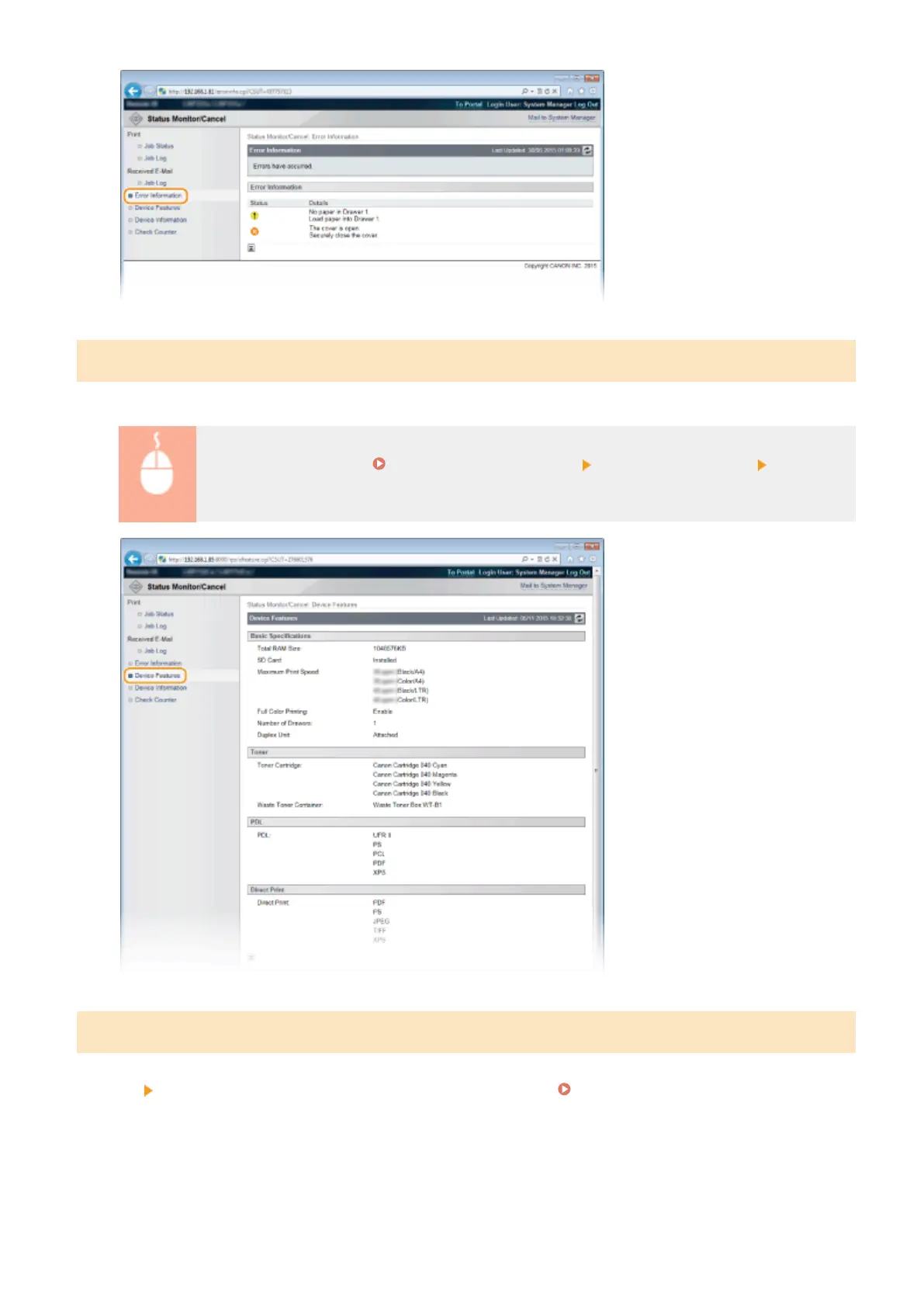
Checking Device Specications
You can view the information including the maximum print speed and features of the machine.
Log on to the Remote UI ( Starting Remote UI(P. 336) ) [Status Monitor/Cancel] [Device
Features]
Checking System Manager Information
Information about the machine and the system manager is displayed. This information is what has been set in
[Security]
[Management Settings] on the [Settings/Registration] page ( Setting the System Manager
Password(P. 256) ).
Using Remote UI
349



 To Next Page