Using /
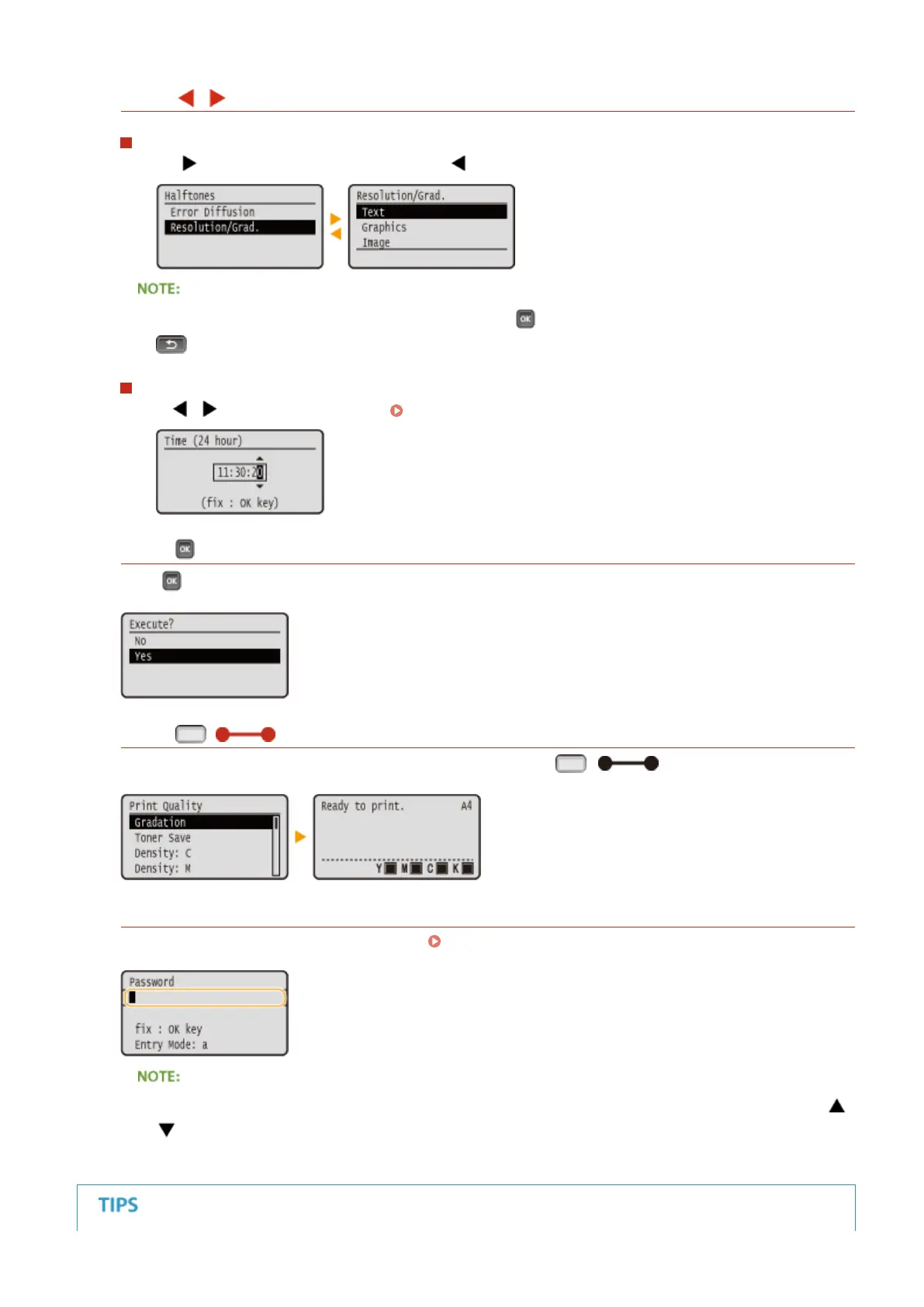
Proceeding to the Next Screen/Returning to the Previous Screen
Press
to proceed to the next screen. Press to return to the previous screen.
● You can also proceed to the next screen by pressing , and return to the previous screen by pressing
.
Moving the Cursor
Use / to enter text and values. Entering Text(P. 32)
Using
Press to apply a setting.
Using ( )
To return to the main screen after exiting the setting menu, press ( ).
Using the Numeric Keys
Use the numeric keys to enter text and values. Entering Text(P. 32)
● Depending on the screen, you cannot use the numeric keys to enter values. In that case, enter with /
.
Basic Operations
30



 To Next Page