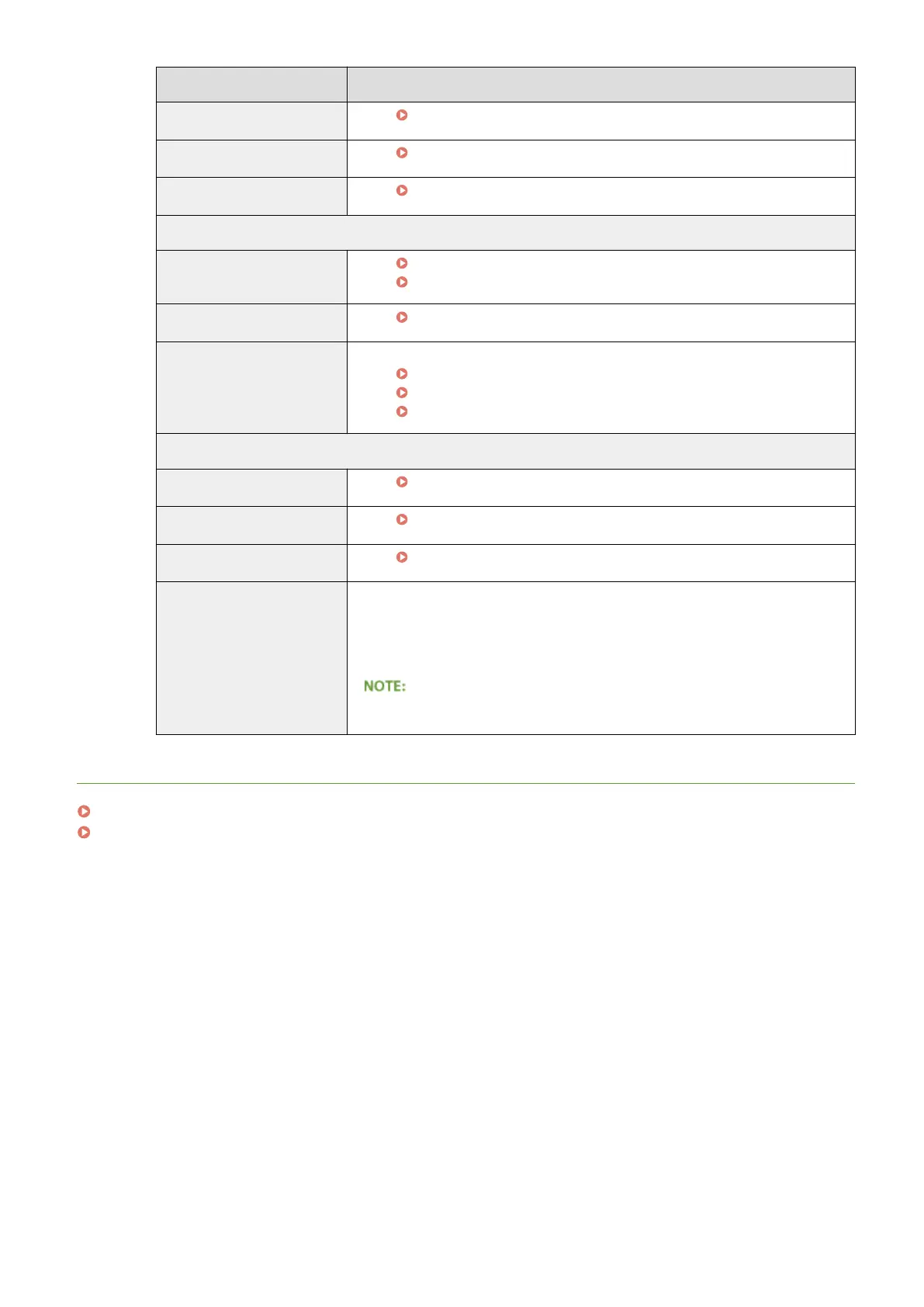
Menu items Referents
Layout
Layout(P. 398)
Print Quality
Print Quality(P. 402)
User Maintenance
User Maintenance(P. 420)
Output/Control
Utility Menu
Printing Reports and Lists(P. 586)
Job Menu(P. 496)
Calibration
Correcting Color Mismatch and Hues(P. 579)
Device Control
You can control the status of the machine.
Online key(P. 25)
Soft Reset(P. 498)
Entering Sleep Mode(P. 63)
Management Settings
Department ID Management
Setting the Department ID Management(P. 259)
Security
Security(P. 251)
Import/Export
Saving/Loading Registered Data(P. 356)
License/Other
● You can change messages shown on the message board and the link to the
support page that are displayed on the Portal Page (main page).
● You can register or update software ( Function Guide for Software
Registration and Update ).
● You may not be able to use this function in some countries or regions.
LINKS
Remote UI Screens(P. 339)
Setting Menu List(P. 362)
Using Remote UI
355



 To Next Page