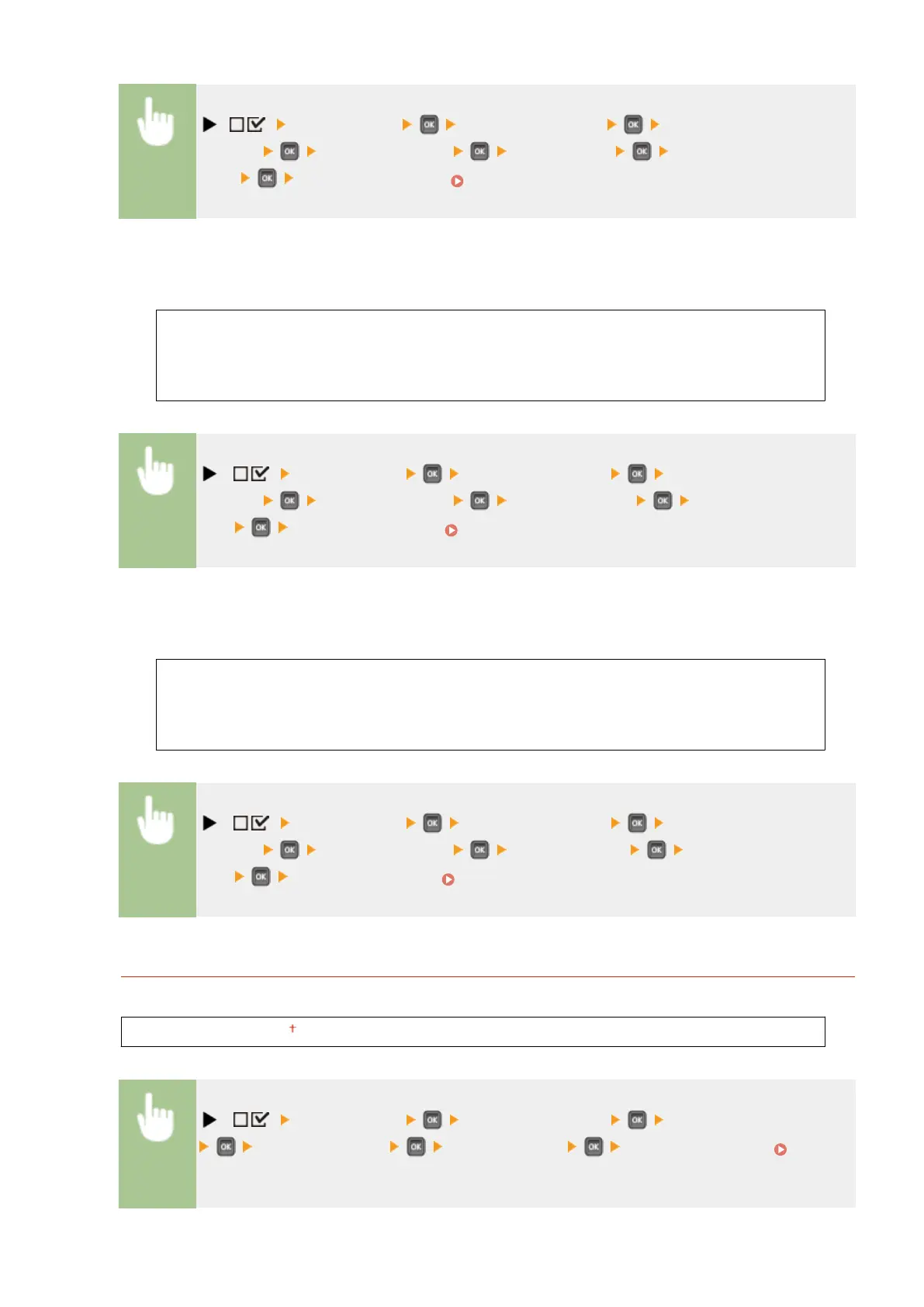
( ) <Control Menu> <Date/Time Settings> <Daylight
Savings> Check the message <DST Settings> <Off> or
<On> Perform a hard Reset ( Performing a Hard Reset(P. 498) )
Start Date/Time
Species the start date and time of daylight saving time.
Month
Week
Day
Time (24 hour)
( ) <Control Menu> <Date/Time Settings> <Daylight
Savings> Check the message <Start Date/Time> Set the date and
time Perform a hard Reset ( Performing a Hard Reset(P. 498) )
End Date/Time
Species the end date and time of daylight saving time.
Month
Week
Day
Time (24 hour)
( ) <Control Menu> <Date/Time Settings> <Daylight
Savings> Check the message <End Date/Time> Set the date and
time Perform a hard reset ( Performing a Hard Reset(P. 498) )
Time Zone
Species the time zone according to the region where the machine is being used.
GMT-12:00 to GMT 00:00 to GMT+12:00
( ) <Control Menu> <Date/Time Settings> <Time Zone>
Check the message Set the time zone Perform a hard reset (
Performing a Hard Reset(P. 498) )
Setting Menu List
371



 To Next Page