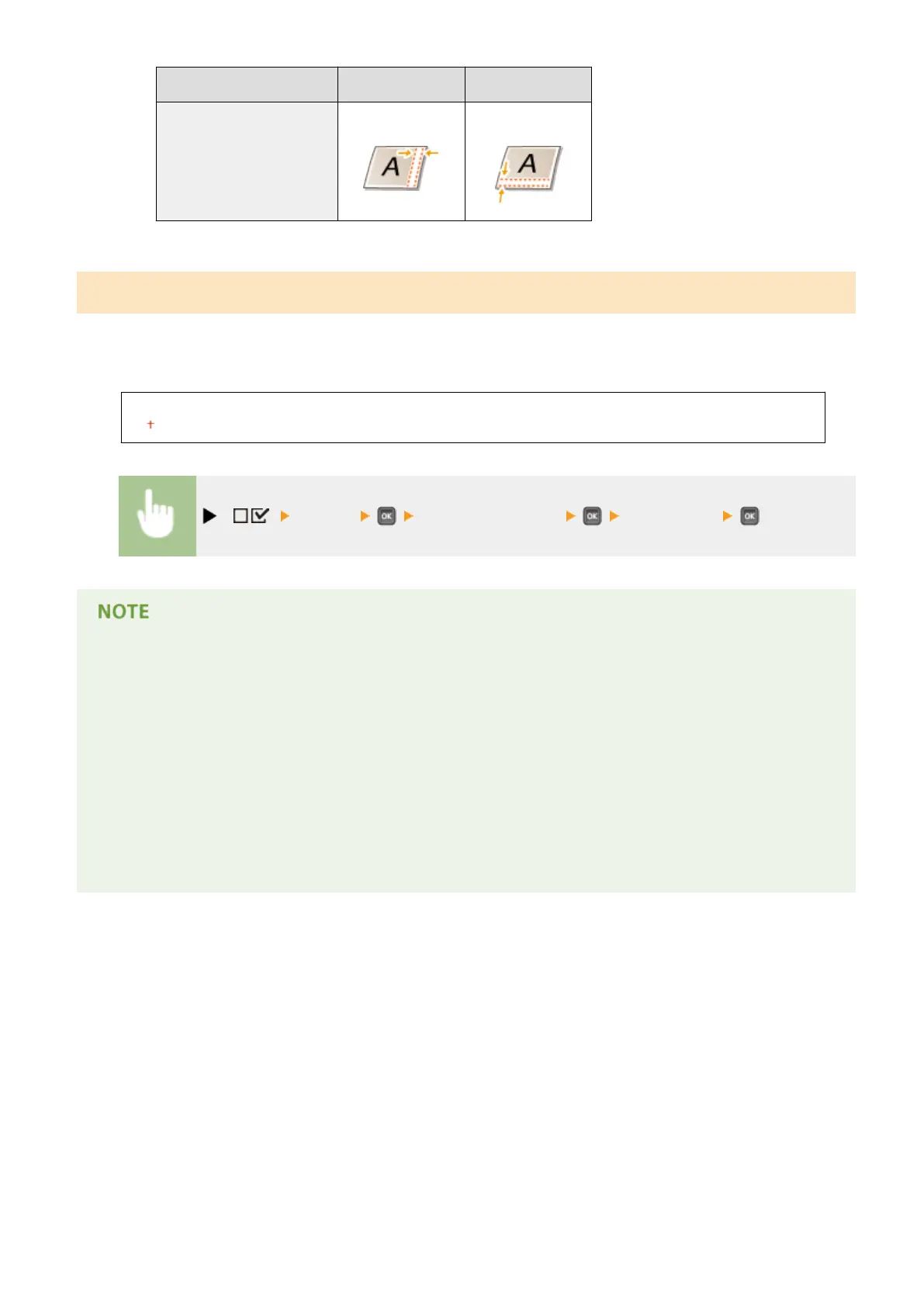
Setting Value Long edge binding Short edge binding
"-" value Right end of paper
(for bottom binding)
Upper end of paper
(for right binding)
Alternative Method
When you perform 2-sided printing of a document that consists of an odd number of pages, you can select whether to
process the last page in 1-sided printing mode. If you select <On>, the printing will be nished faster than the regular
2-sided printing.
Off
On
( ) <Layout> <Alternative Method> <Off> or <On>
When the printing of a document consisting of an even number of pages
nishes in 1-
sided printing mode
In the following cases, the last page is processed in 1-sided printing mode even if the document consists of an
even number of pages.
● The last page is blank.
● The last page cannot be printed for a reason such as the paper size is not available for 2-sided printing.
When paper with preprinted logo is used
● If the last page is processed in 1-sided printing mode with <Alternative Method> to <On>, the orientation or
print side of the last page may not match those of other pages. In this case, set <Alternative Method> to
<Off>.
Setting Menu List
401



 To Next Page