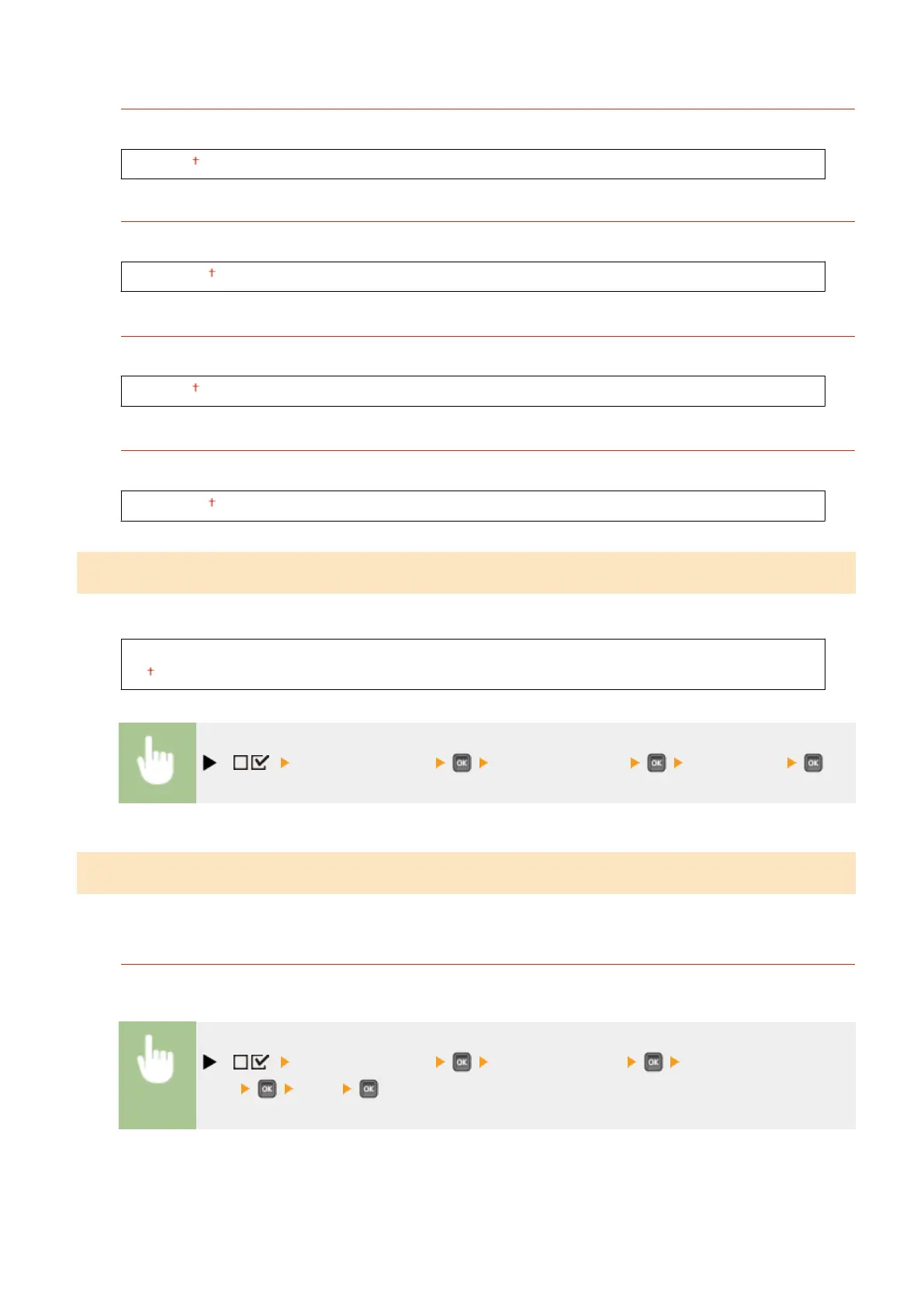
Offset Y (MP Tray)
You can adjust the vertical print position for printing on paper from the multi-purpose tray.
-5.0 to 0.0 to +5.0 (mm)
Offset X (MP Tray)
You can adjust the horizontal print position for printing on paper from the multi-purpose tray.
-2.25 to 0.00 to +2.25 (mm)
Offset Y (Drawer 1 to 4)
*
You can adjust the vertical print position for printing on paper fed from a paper drawer.
-5.0 to 0.0 to +5.0 (mm)
Offset X (Drawer 1 to 4)
*
You can adjust the horizontal print position for printing on paper fed from a paper drawer.
-2.25 to 0.00 to +2.25 (mm)
Recovery Printing
Select whether to print again the page of which printing was interrupted by a paper jam or an error.
Off
On
( ) <User Maintenance> <Recovery Printing> <Off> or <On>
Initialize Counter
Select whether to initialize the count of printed pages on the xing unit.
Fixing Unit
Initialize the count of pages using the same xing unit.
( ) <User Maintenance> <Initialize Counter> <Fixing
Unit> <Yes>
Setting Menu List
421



 To Next Page