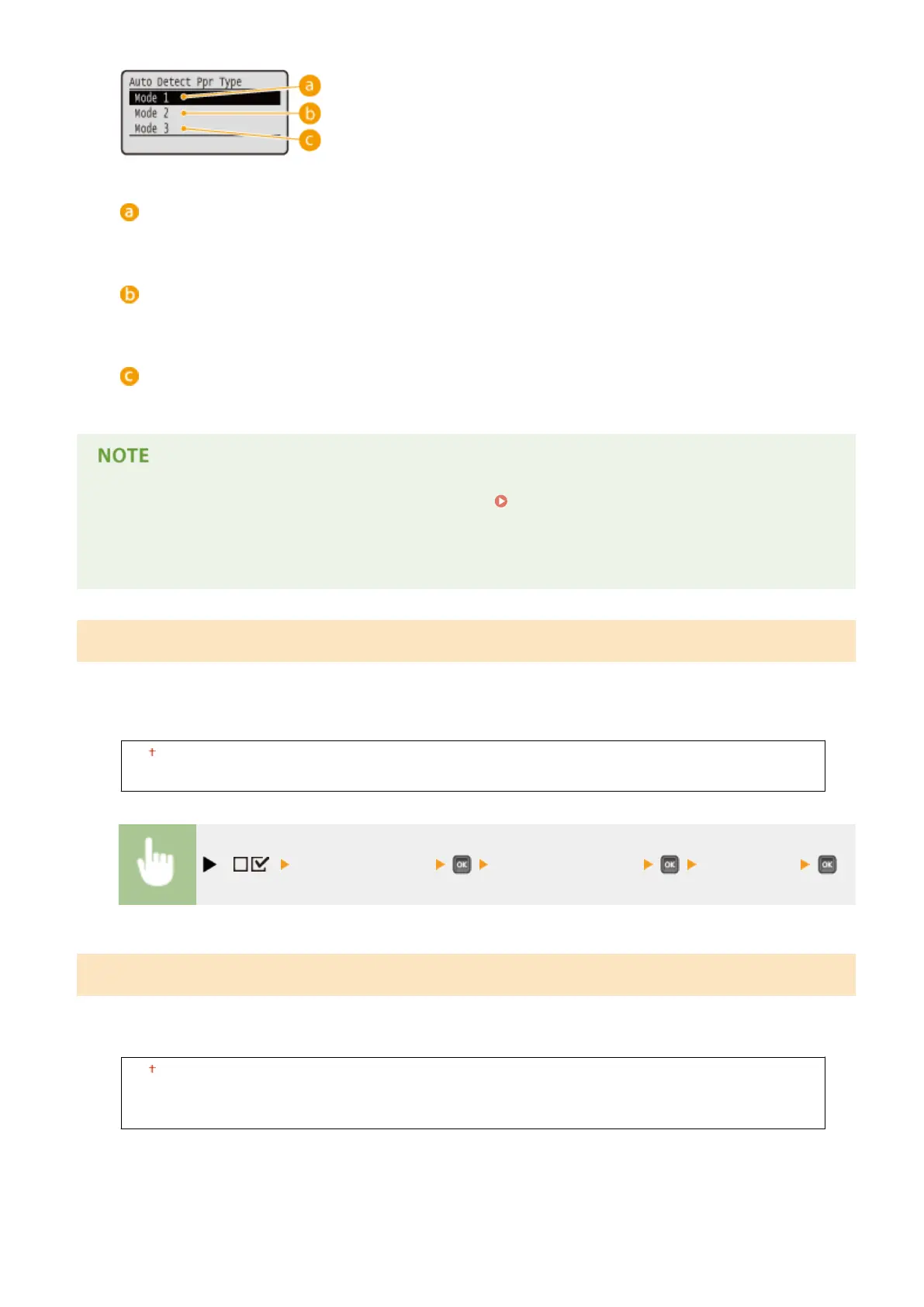
<Mode 1>
Specify this setting if you use <Plain L> or <Plain L2> of A4 size most frequently.
<Mode 2>
Specify this setting if you use <Plain> of A4 size most frequently.
<Mode 3>
Specify this setting if you use <Plain> of Letter size most frequently.
● This item is enabled when <Auto Detect Ppr Type> in the Select Feeder Menu(P. 500) is set to other than
<Do Not Use>.
● If you change the factory default setting to any other setting, automatic paper type detection may be
incorrect.
Short Edge Fd. Prty.
When printing on paper of a size that allows for loading both in portrait and landscape orientations, set this item to
<On> if you want the paper in landscape orientation to be fed preferentially. This setting applies only when <Paper
Source> to <Auto>.
Off
On
( ) <User Maintenance> <Short Edge Fd. Prty.> <Off> or <On>
Special Image Mode
Set this item if the central area of characters or lines of dark density cannot be printed. The improvement effect is
stronger with <Level 2> than with <Level 1>.
Off
Level 1
Level 2
Setting Menu List
423



 To Next Page