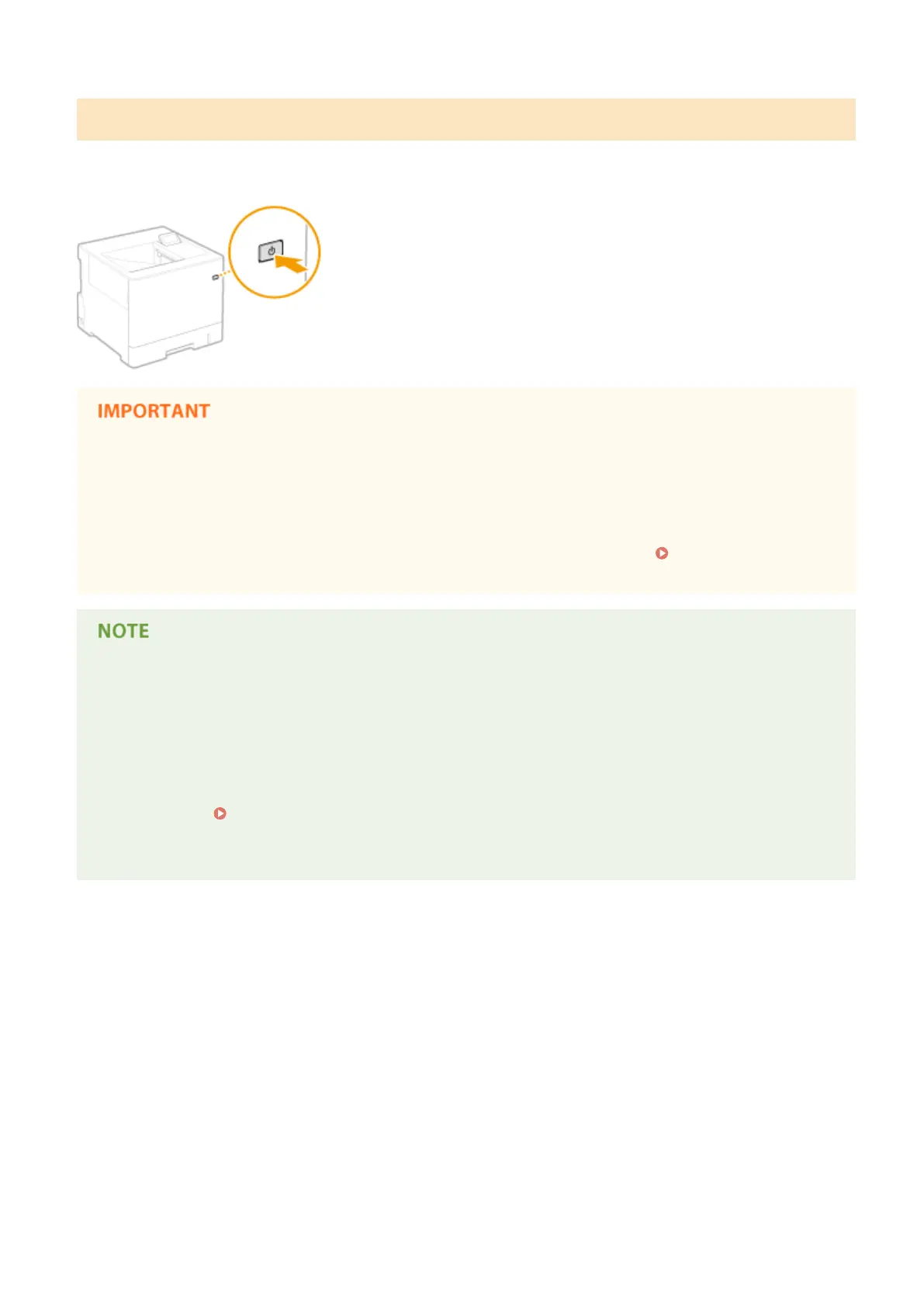
Turning OFF the Power (Performing a Quick Turn-OFF)
If you press the power switch to turn OFF the power when the quick start function is enabled, a quick start of the
machine is performed when the machine is turned ON next time (quick turn-OFF).
Do not unplug the power plug from the AC power outlet after performing a quick turn-
OFF
● Do not unplug the power plug from the AC power outlet after turning OFF the power by performing a quick
turn-OFF. Doing so may damage the internal components of the machine. Before you unplug the power plug
when relocating the machine, turn ON the power, and then perform a shutdown. Turning OFF the Power
(Performing a Shutdown)(P. 34)
● When the machine is performing a job or is in an error state or after you change any setting using the
operation panel or Remote UI, pressing the power switch does not trigger a quick turn-OFF, but triggers a
shutdown instead.
● If the power is turned OFF by a shutdown operation even when the quick start function is enabled, the
machine starts as usual when it is turned ON next time.
● If you perform the auto shutdown timer function when the quick start function is enabled, a quick turn-OFF
is performed.
Setting Auto Shutdown Time(P. 66)
● If you turn ON the power immediately after performing a quick turn-OFF, it may take some time for the
machine to start up.
Basic Operations
37



 To Next Page