( ) <User Maintenance> <Special Print Mode> <Reduce Waving
(Thin)> <Off> or <On>
● If you select <On>, printouts may be faded.
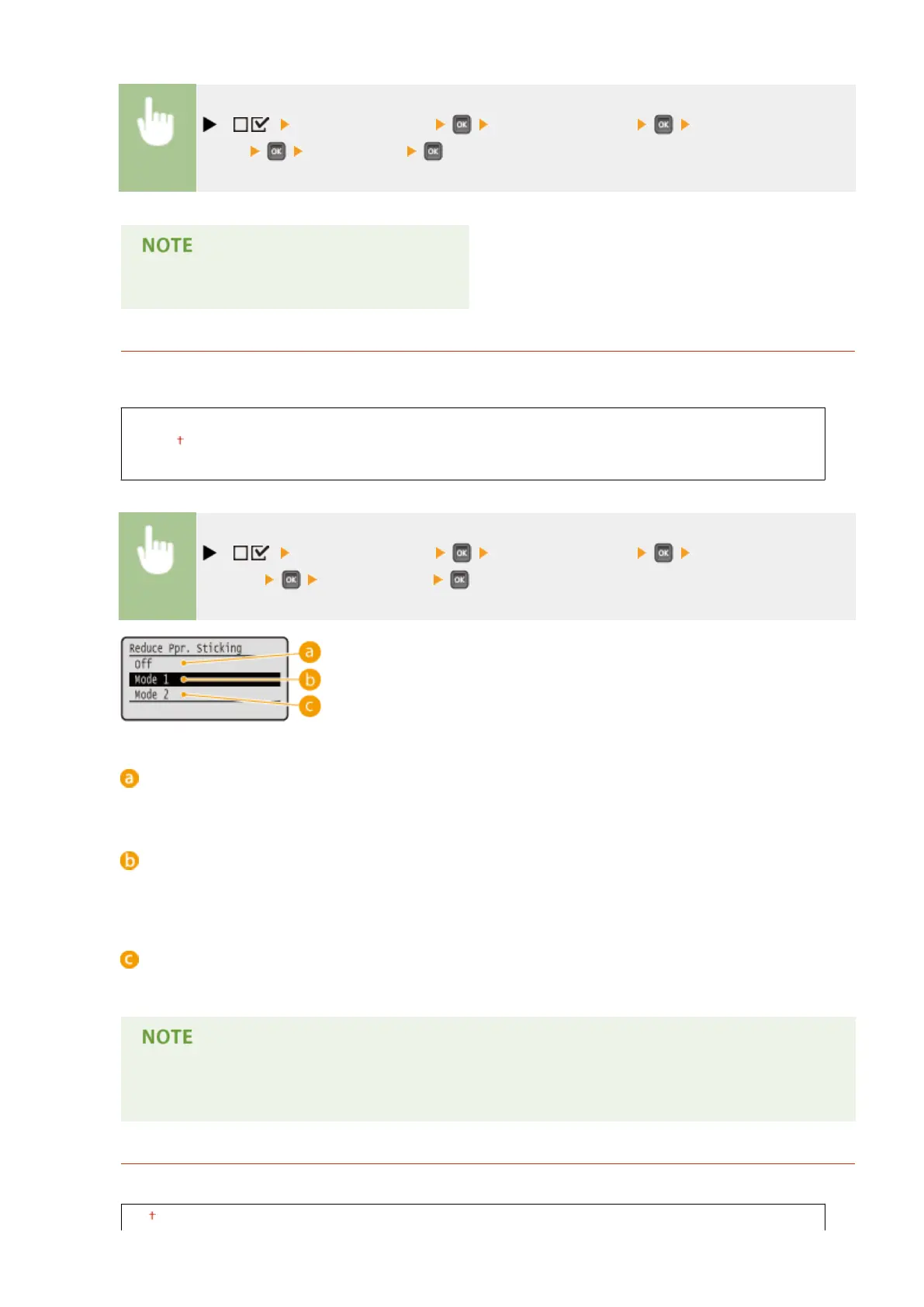
Reduce Ppr. Sticking
In 2-sided printing, printed paper may stick to each other depending on the image density of print data. In this
case, setting this item may solve the problem.
Off
Mode 1
Mode 2
( ) <User Maintenance> <Special Print Mode> <Reduce Ppr.
Sticking> Select the mode
<Off>
No processing is performed to reduce paper sticking.
<Mode 1>
Normally, use this mode because the factory default setting is such that printed paper will not easily stick to
each other.
<Mode 2>
Ensure that printed paper will not stick to each other even when printing high density image data.
● The paper sticking reduction effect is greater but 2-sided printing speed is slower with <Mode 2> than
with <Mode 1>.
Special Env. Mode
If the seal ap of an envelope having absorbed moisture sticks to the body, set this item to <On>.
Off
Setting Menu List
427



 To Next Page