On
( ) <User Maintenance> <Show Job List> <Off> or <On>
● If you press ( ) when <Off> is selected, the current print job in progress is canceled.
Import/Export Set.
You can transfer and save the data registered in the machine and the setting data of the menu options to the USB
memory device attached to the machine. The exported data can be imported. If the machine model is the same, other
machines can import the data exported from this machine and vice versa.
IMPORT
You can import data that was written to a USB memory device from the machine.
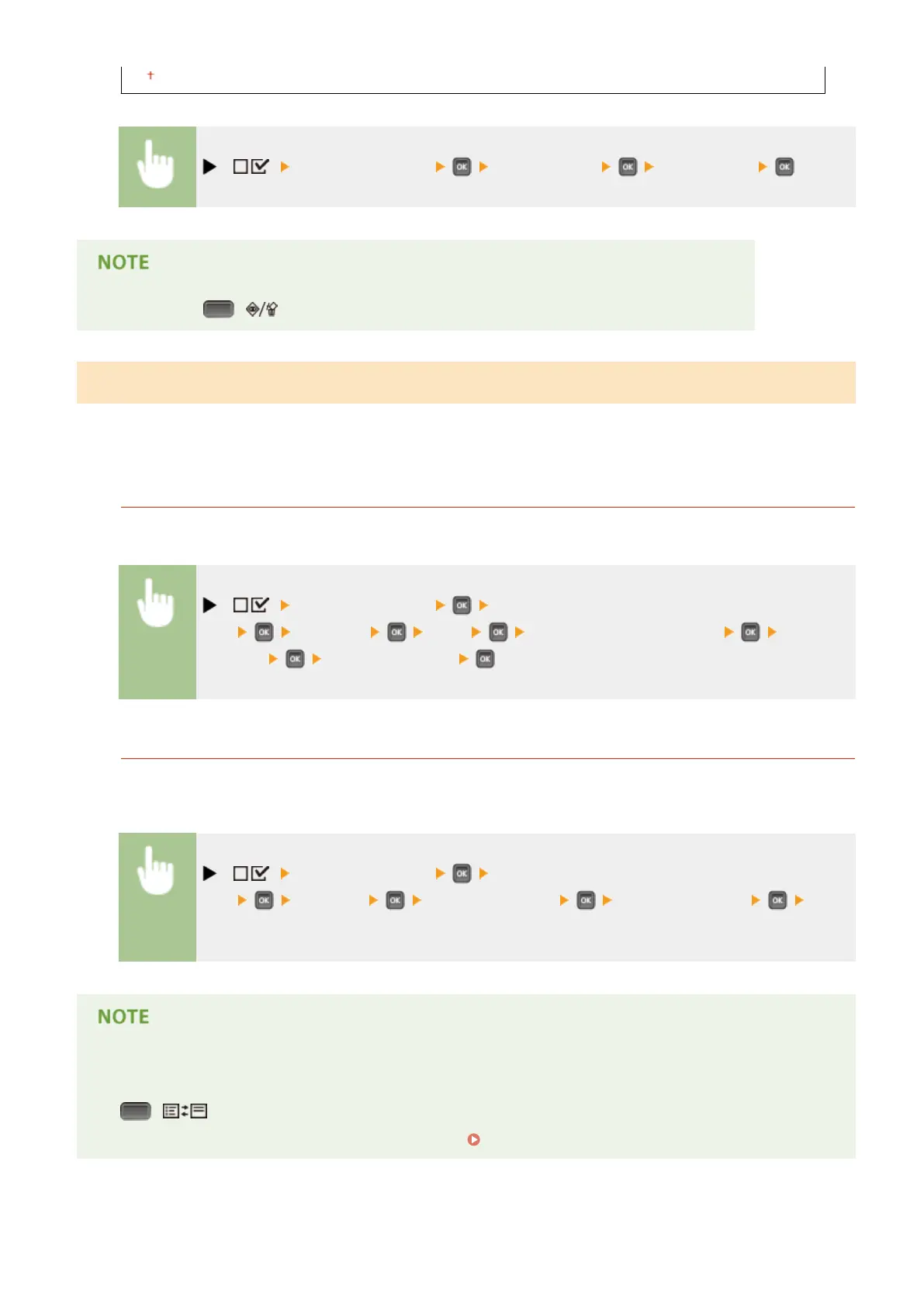
( ) <User Maintenance> <Import/Export
Set.> <IMPORT> <Yes> Select the le to be imported Enter the
password Check the message
EXPORT
You can save the data registered in the machine and the setting data of the menu options to a USB memory
device.
( ) <User Maintenance> <Import/Export
Set.> <EXPORT> Enter the password Password (Conrm) Check
the message
● For these purposes, you can only use the USB port provided on the right side of the machine.
● If the <Ready to print les from USB memory.> screen is displayed when USB memory is connected, press
( ).
● For details about import/export of settings data, see
Saving/Loading Registered Data(P. 356) .
Setting Menu List
433



 To Next Page