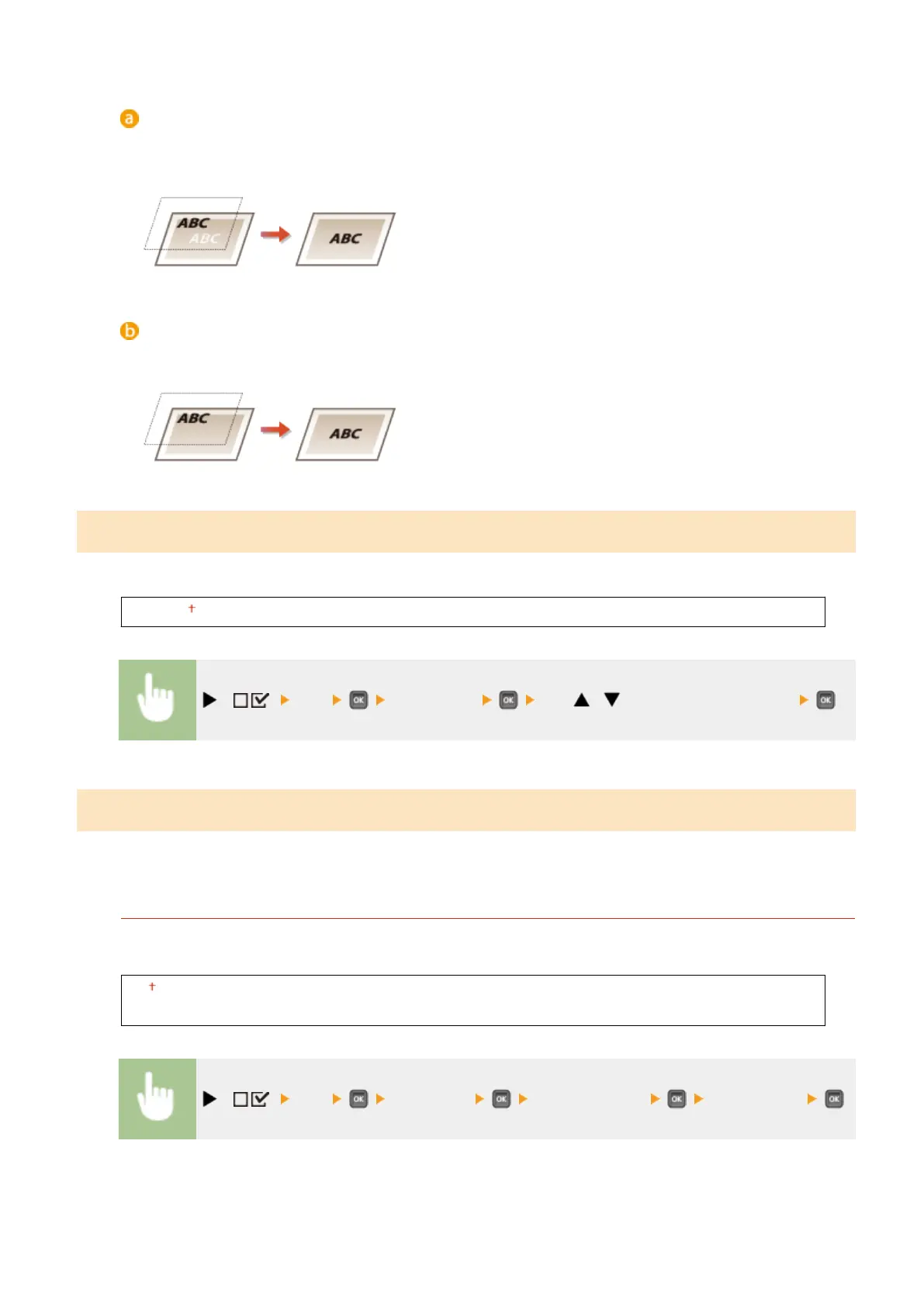
<Off>
First the data is printed after the black text is cut out from the color background or gure, leaving the
corresponding white blank, and then the black text is printed on the white blank. The print may be fainter
than with the <On> setting, and the edges of the text may be rimmed with white.
<On>
First only the color background or gure is printed, and then the black text is printed onto the background or
gure.
Brightness
You can adjust the brightness of the whole image in steps of 5%. The smaller the value, the brighter the image.
85 to 100 to 115 (%)
( ) <PS> <Brightness> Use / to enter the setting value
Halftones
You can select the printing method to reproduce halftones (the intermediate range between the lighter and darker
areas of an image).
Error Diffusion
You can perform ner printing than with <Resolution/Grad.>. This print mode is suitable for sharply printing
edges of ne granularity data such as characters or thin lines.
Off
On
( ) <PS> <Halftones> <Error Diffusion> <Off> or <On>
Setting Menu List
484



 To Next Page