( ) <PS> <Advanced Smoothing> <Text> <Off> or <On>
Grayscale Conversion
*
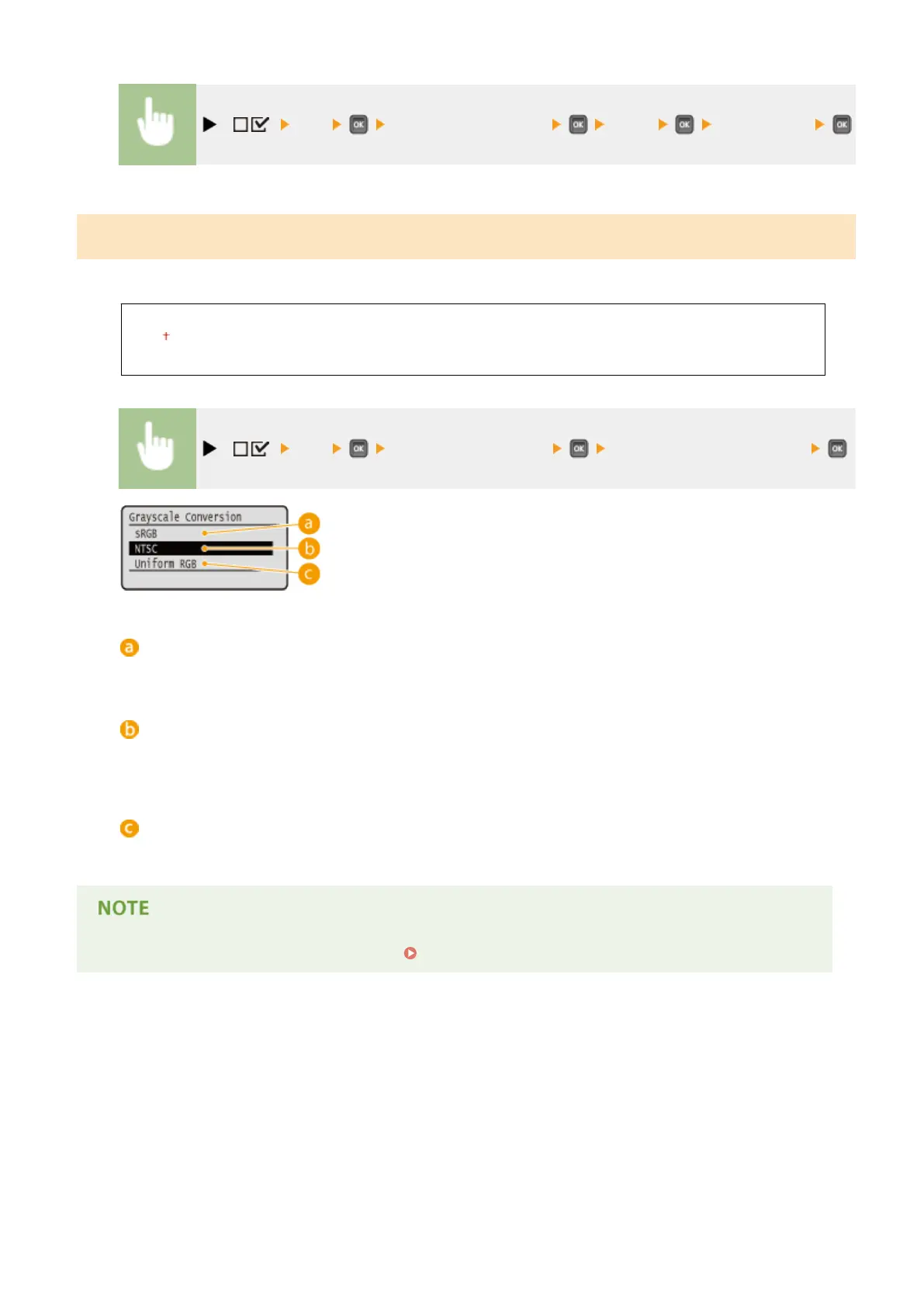
You can select the method to convert color pint data to black-and-white data.
sRGB
NTSC
Uniform RGB
( ) <PS> <Grayscale Conversion> Select the conversion method
<sRGB>
Color data is converted to black-and-white data to generate color-conscious smooth gradation.
<NTSC>
Color data is converted to black-and-white data to generate appearances equivalent to television pictures
(NTSC).
<Uniform RGB>
Color data is converted to black-and-white data to equalize all RGB levels based on the brightness only.
● This item is available when <Color Mode> ( Color Mode(P. 403) ) under <Print Quality> is set to <Black>.
Setting Menu List
487



 To Next Page