Do not forcibly remove the jammed paper from the machine
● Forcibly removing the paper may damage parts. If you are not able to remove the paper, contact your local
authorized Canon dealer or the Canon help line. When a Problem Cannot Be Solved(P. 559)
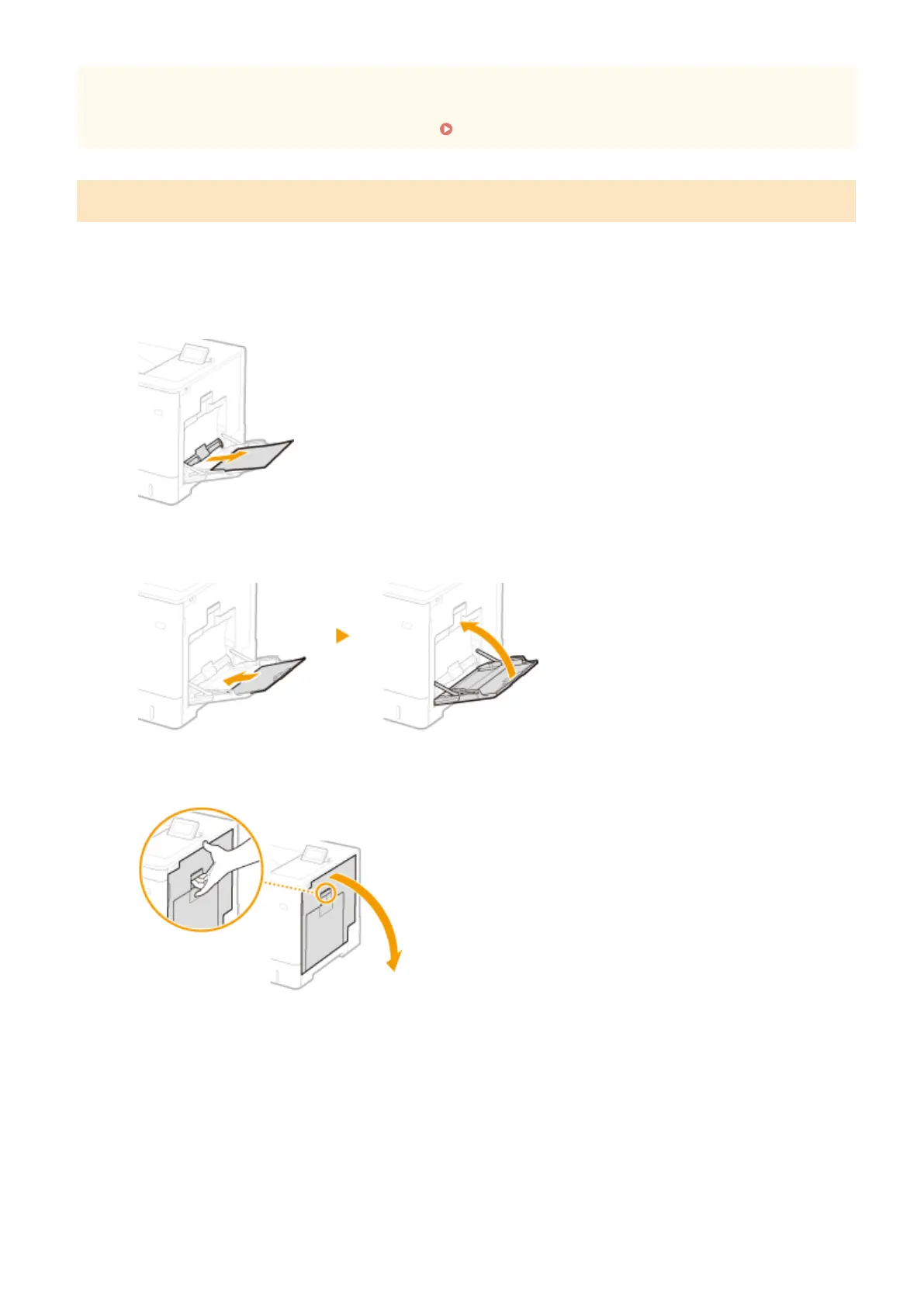
Paper Jams in the Multi-Purpose Tray
If there is paper loaded in the tray, remove it rst. If the jammed paper cannot be removed easily, do not forcibly pull it
out, but follow the procedure for a different paper jam location indicated by the message.
1
Gently pull out the paper.
2
Close the tray.
3
Open the right cover.
4
Gently pull out the paper.
Troubleshooting
512



 To Next Page