4
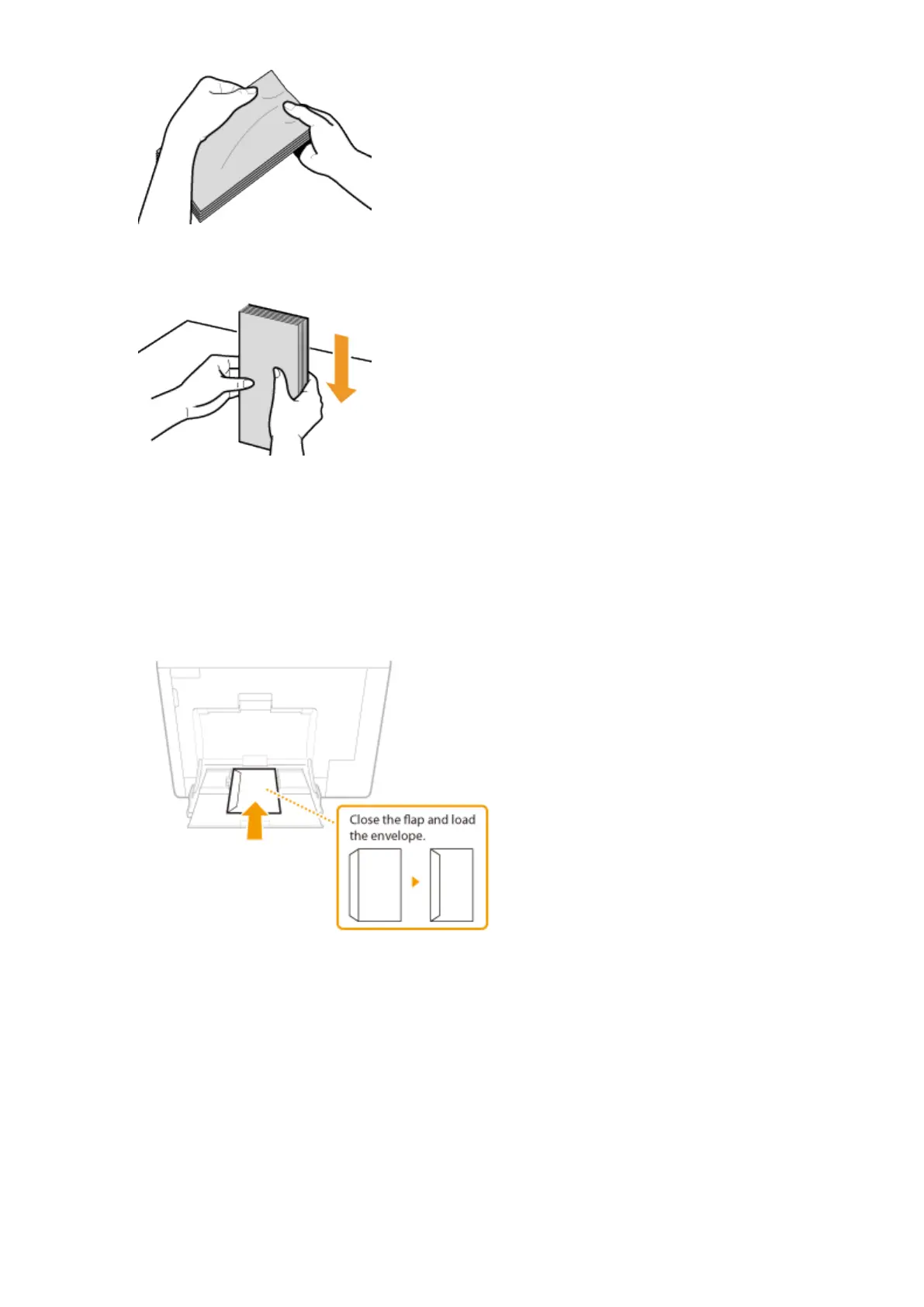
Align the edges of the envelope on a at surface.
◼
Loading Envelopes in the Multi-Purpose Tray
Load the envelopes in portrait orientation (with the short edge toward the machine), with the non-glued side (front
side) face down. You cannot print on the reverse side of envelopes.
Envelopes YOUGATANAGA 3, C5, Monarch, No. 10 (COM10), or DL
Load the envelope so that the edge with the ap is toward the left side as shown in the illustration.
Envelope NAGAGATA 3
Insert the envelope with the ap toward you.
Basic Operations
50



 To Next Page